

UI/UX designer based in Indonesia with graphic design background.
Previous Works
My internship projects and one of my personal projects are included.
01
UI/UX
02
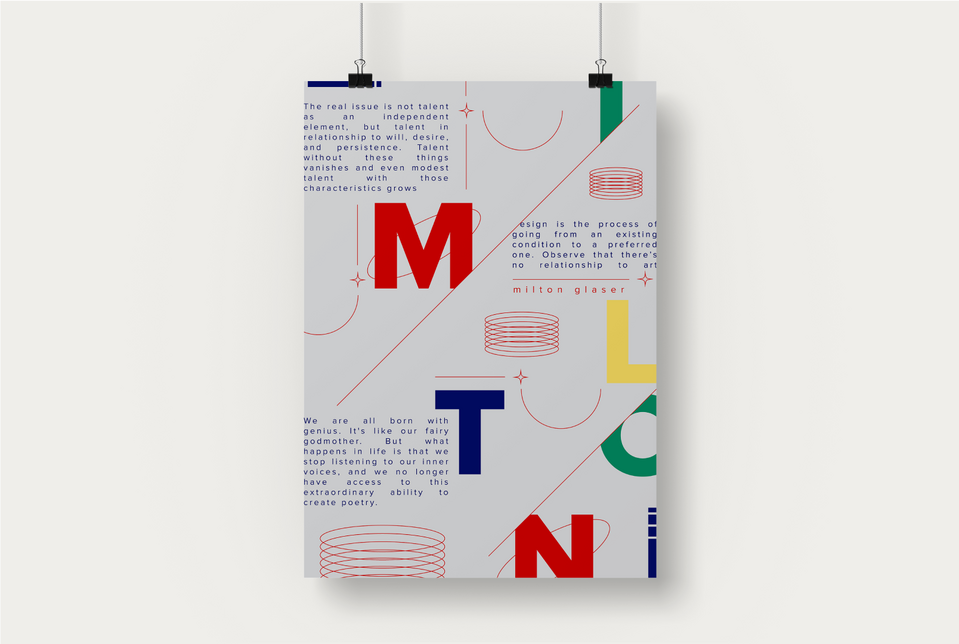
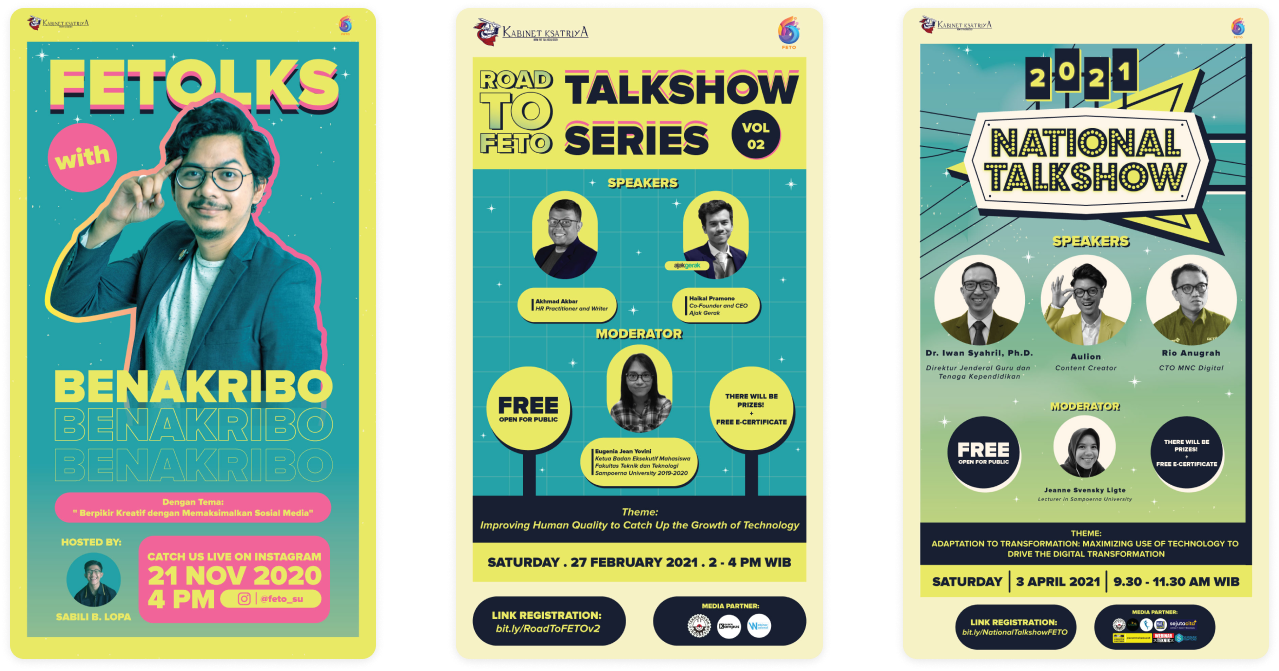
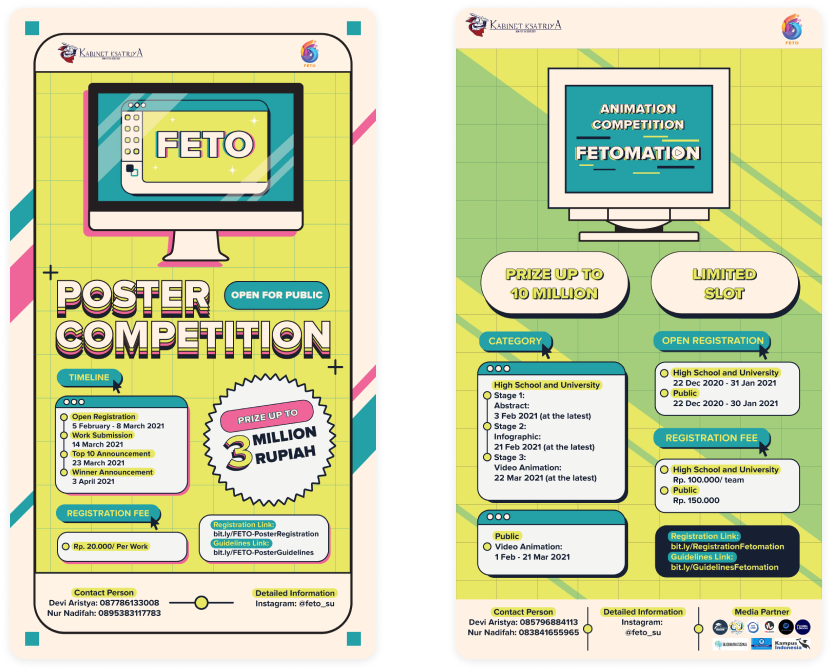
Poster
03
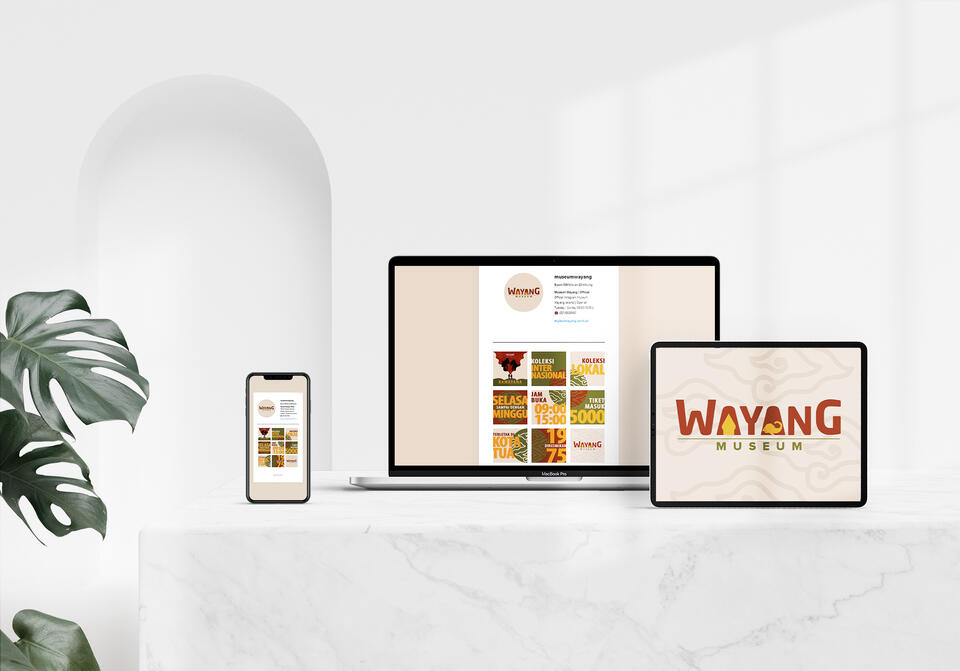
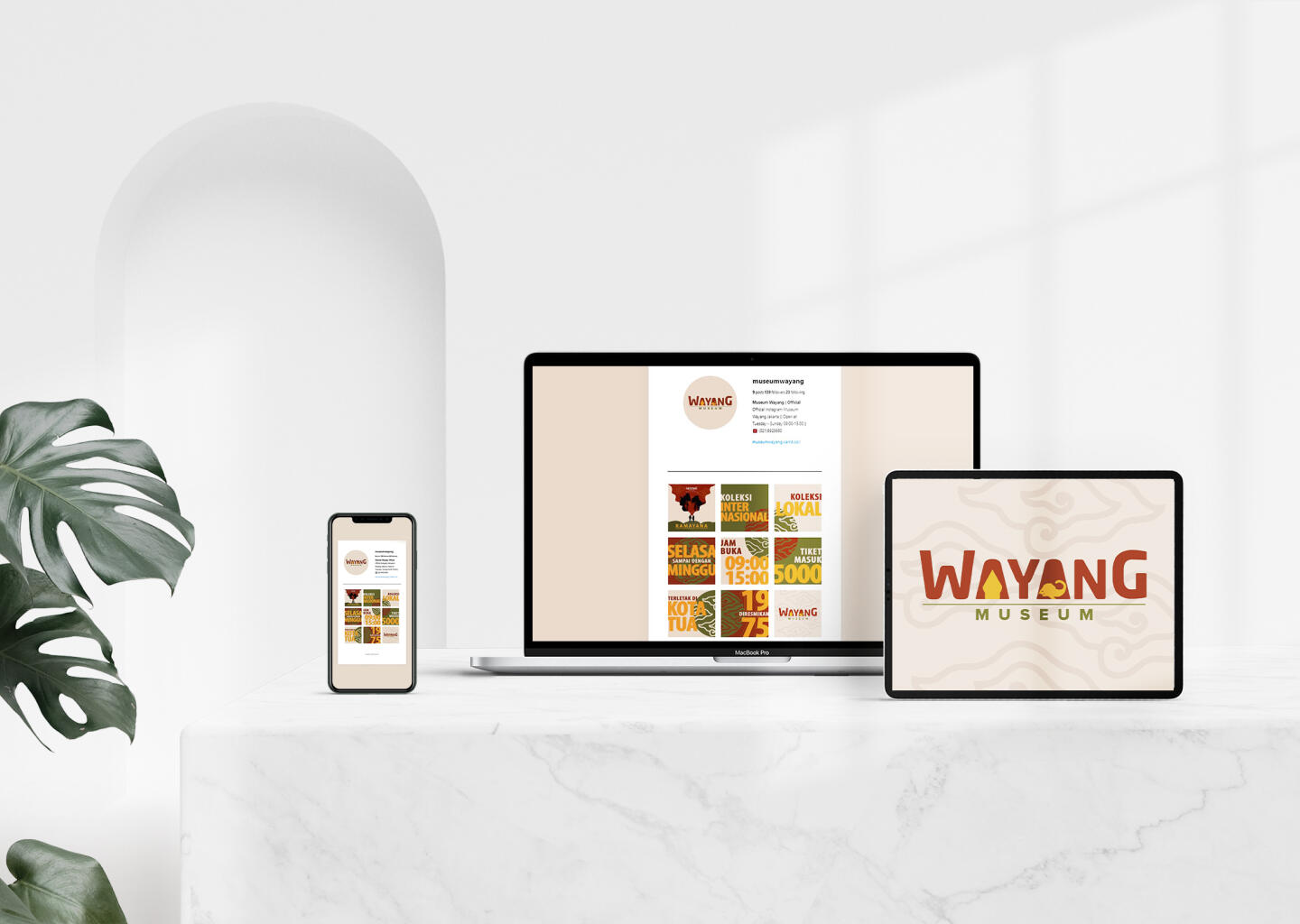
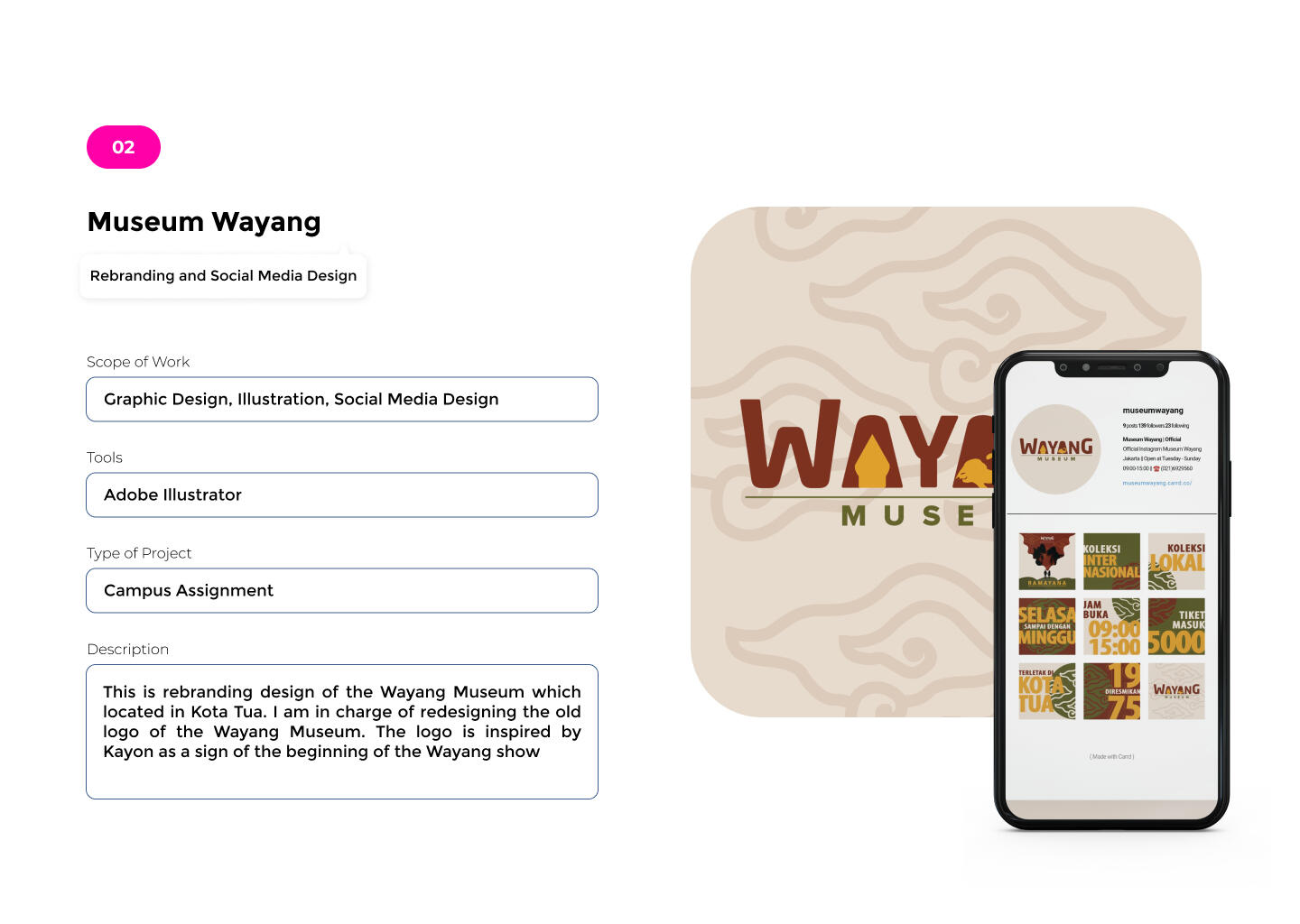
Branding
04
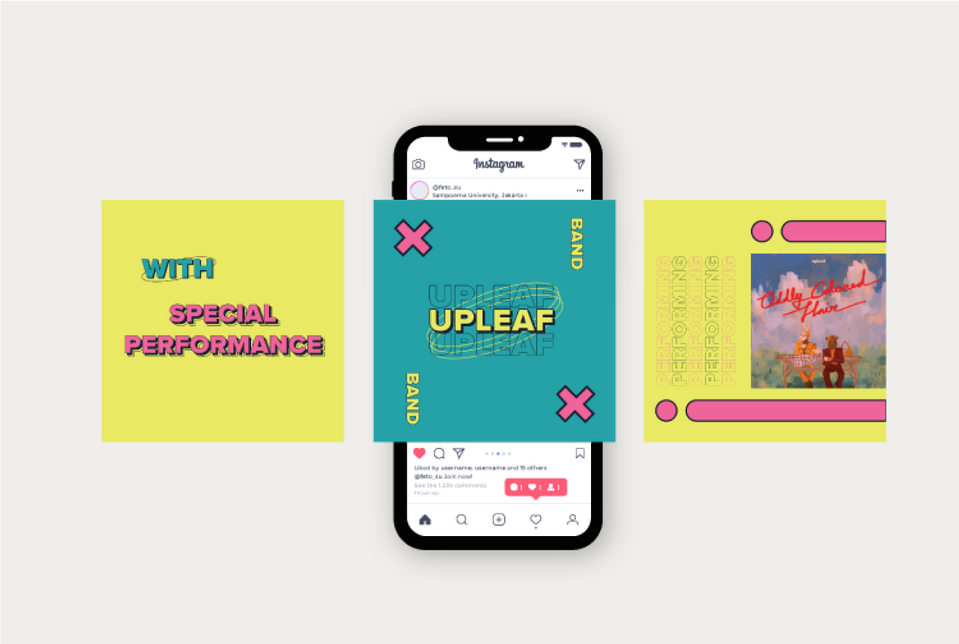
Socmed
05
Photography

06
Videography
07
3D Design

UI/UX Design

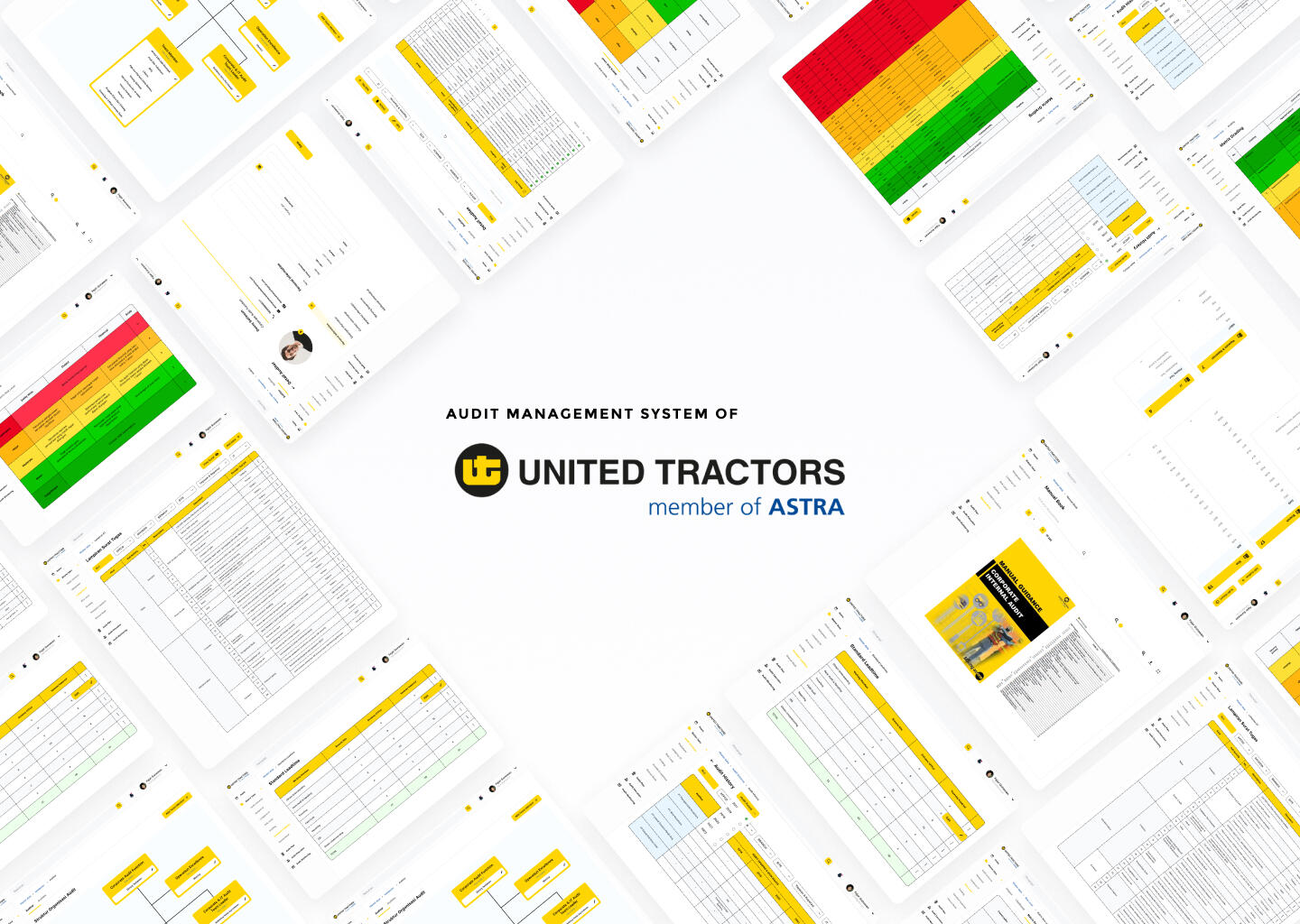
Audit Management System (AMS)
Scope of Work
Duration
Tools
Type of Project
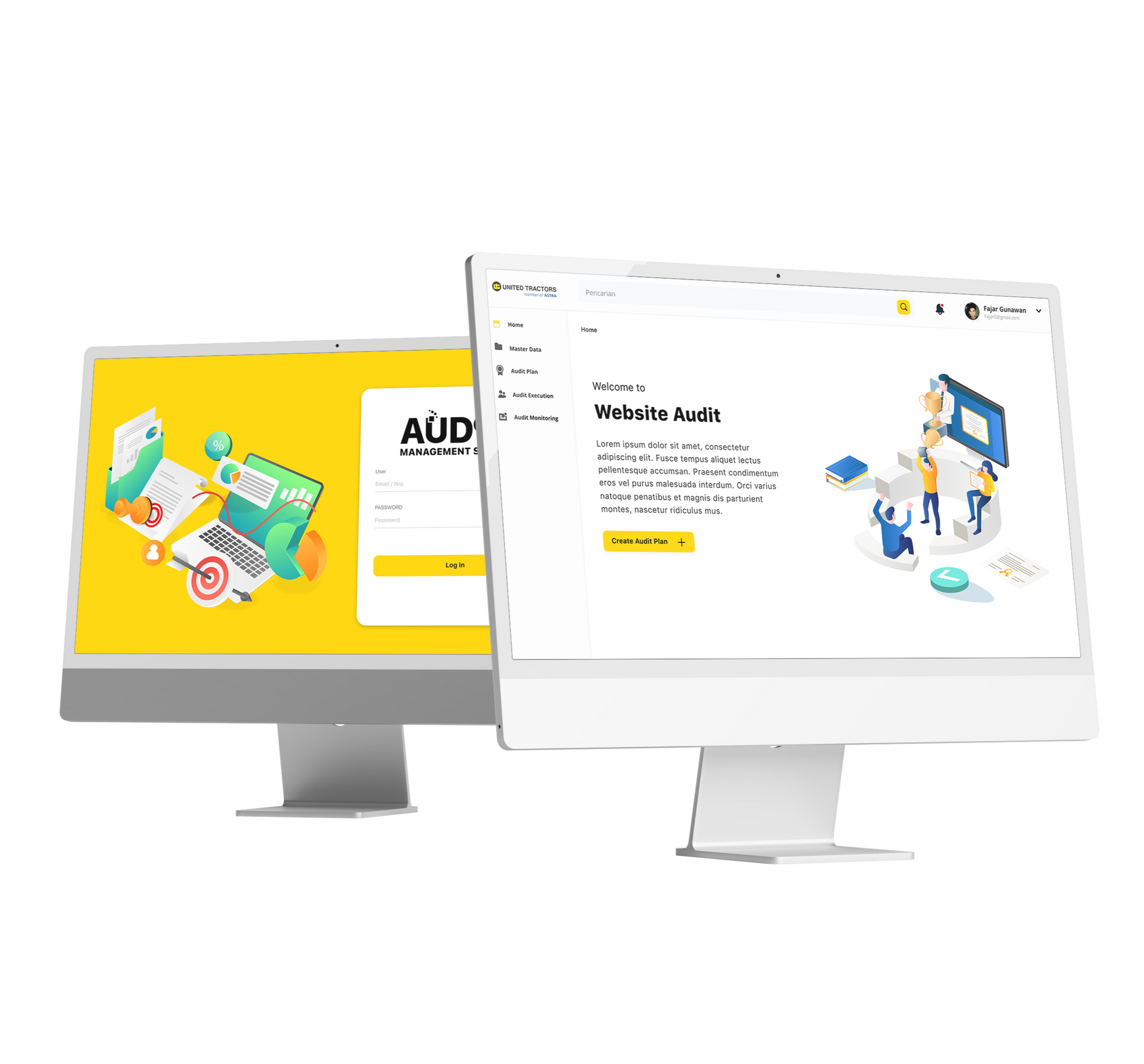
Table of Content
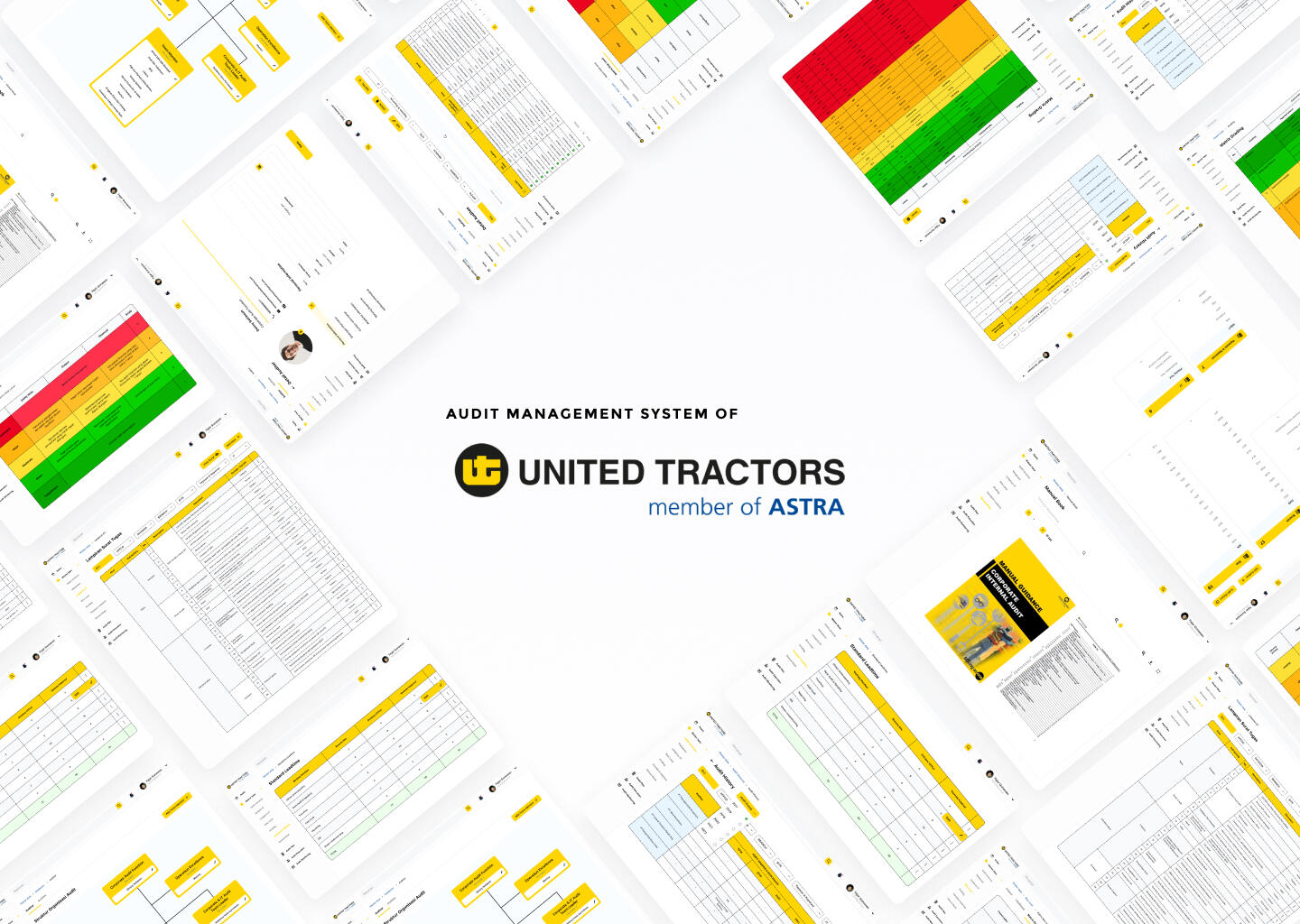
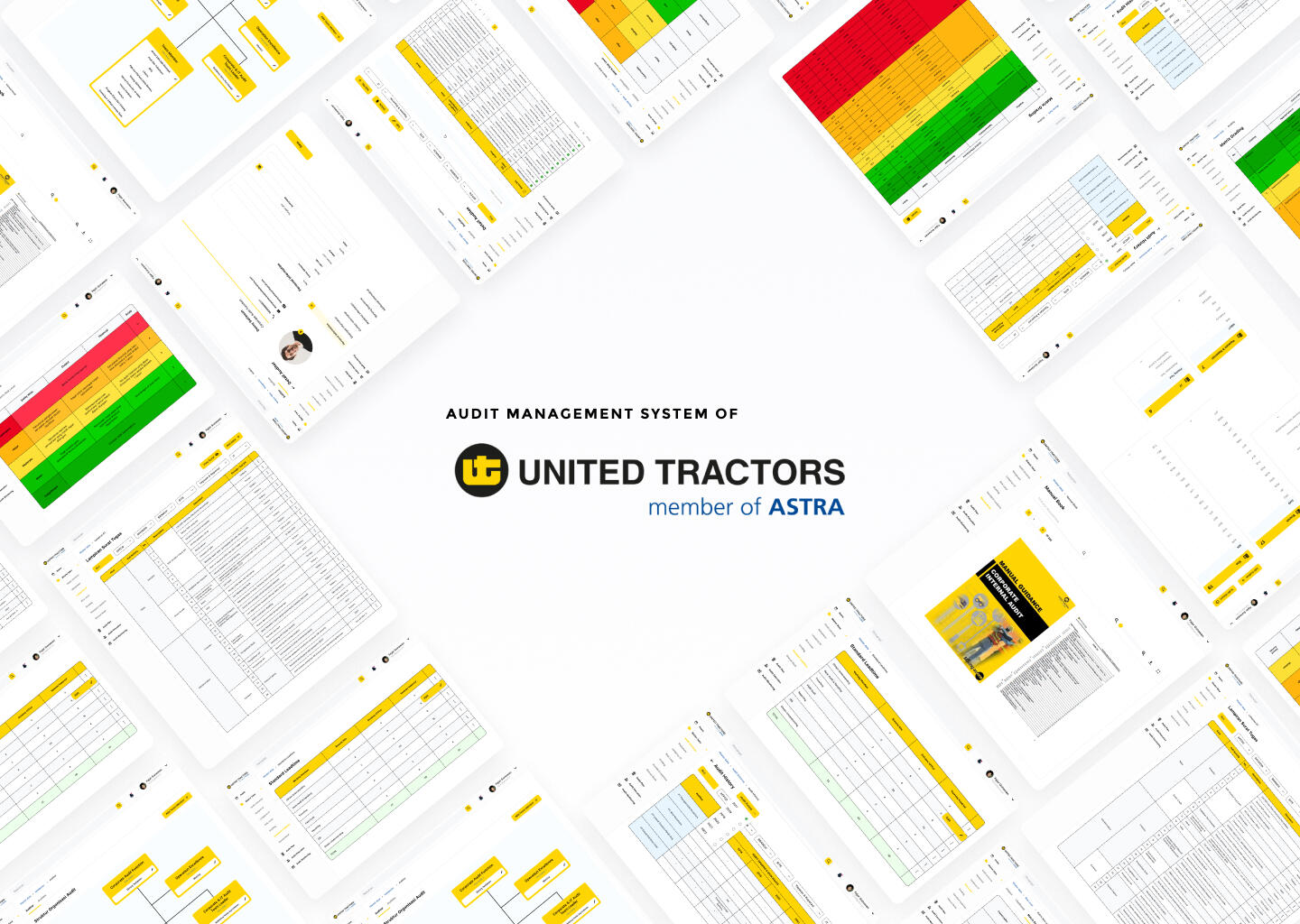
What is AMS?
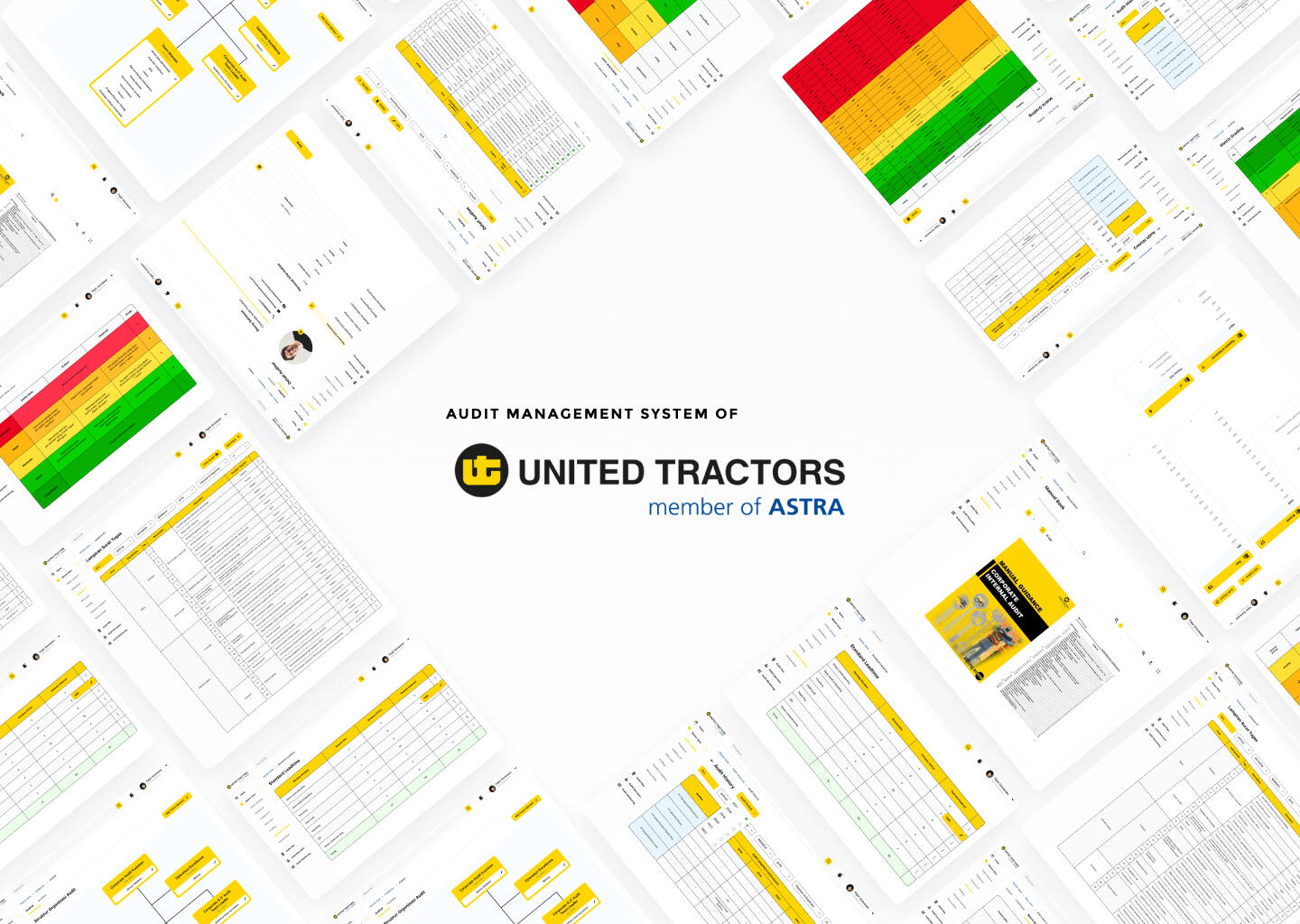
This website dashboard was designed for auditor teams from CAU (Corporate Audit Function) and auditees of PT United Tractors Tbk subsidiaries to track and complete the audit processes.
Some of the audit activities are still performed manually, making the data collection between subsidiaries ineffective.
Designing a dashboard website that unifies the entire audit work process.
Design Process

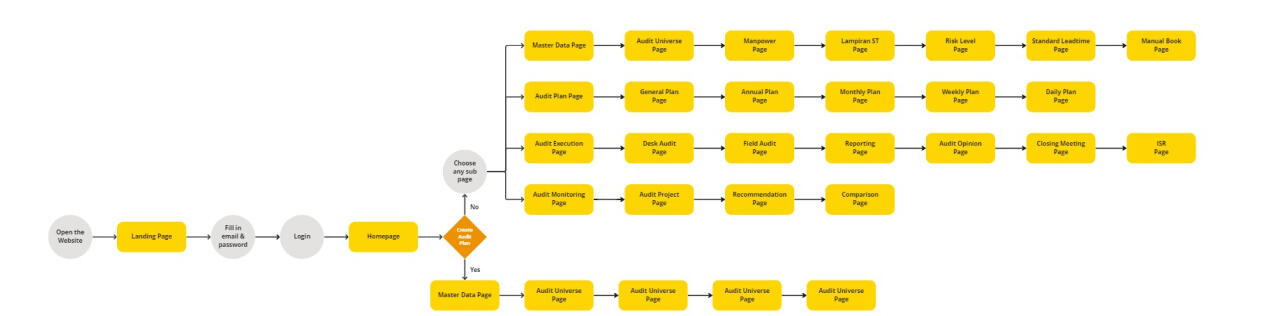
User Flow
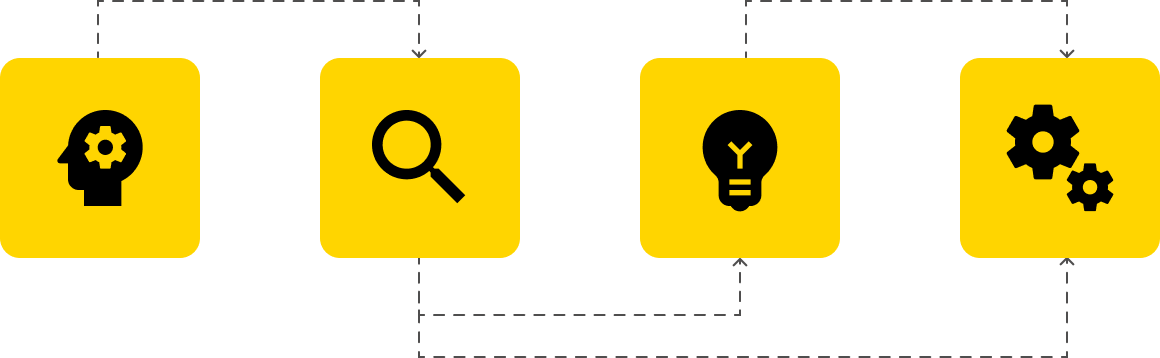
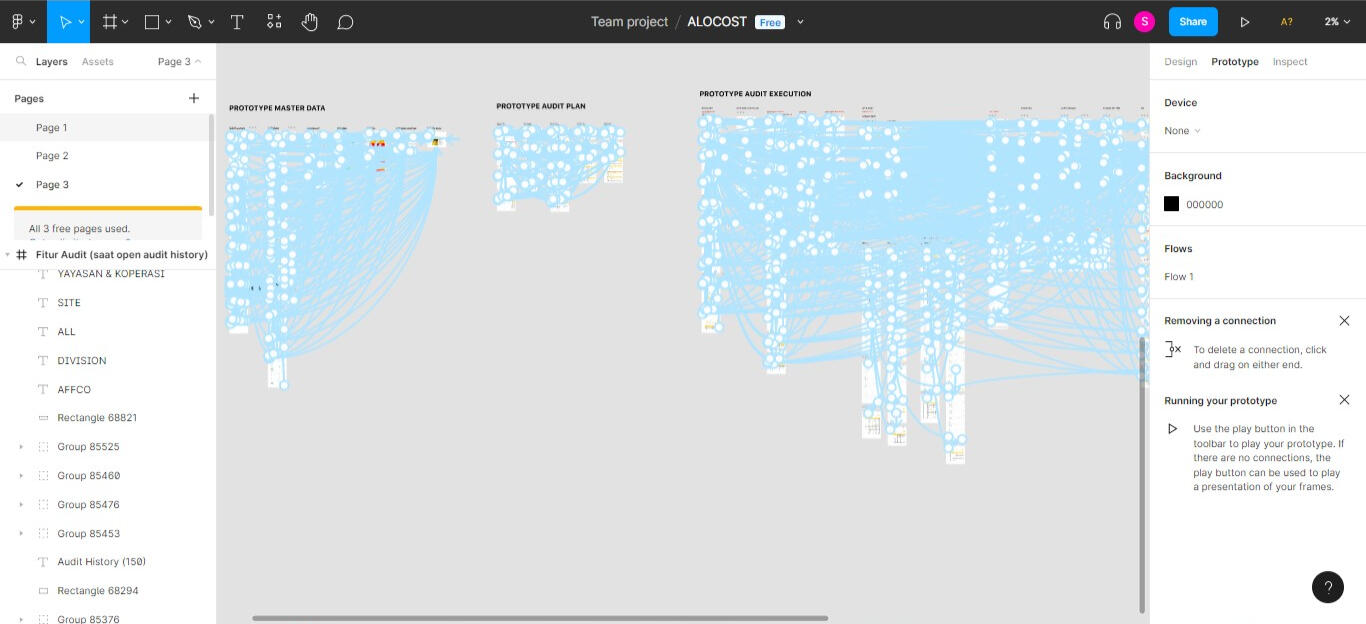
Due to the complexity of this website, I simplified the user flow. There are four main pages, which are the master data, audit plan, audit execution, and audit monitoring pages.
Design System
Colors
Primary

Secondary


Typography

Iconography
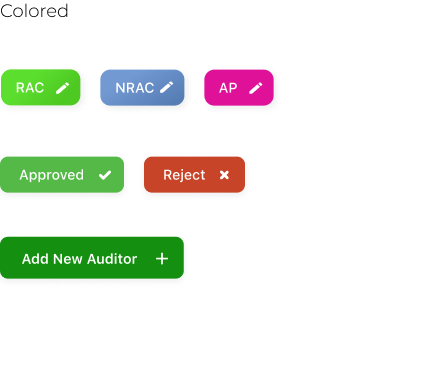
Button
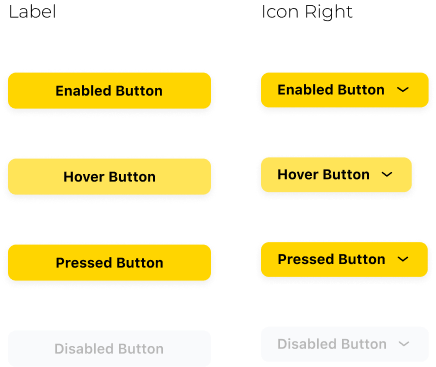
Primary Button
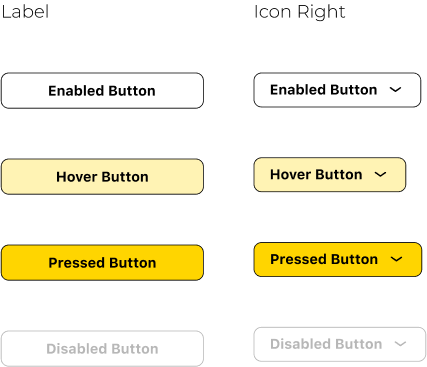
Secondary
Other
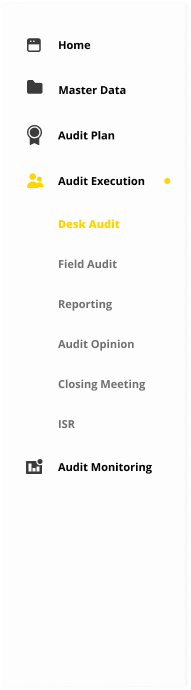
Navigation/ Drawer
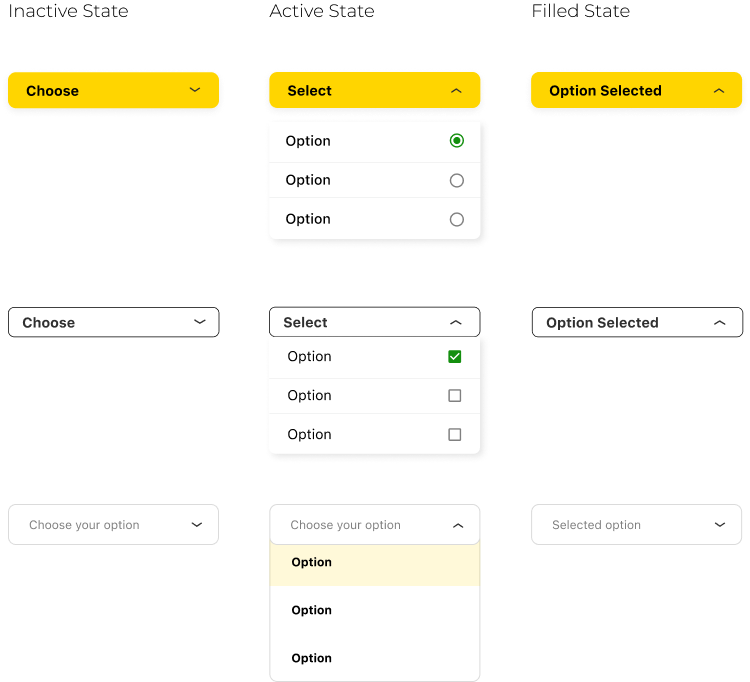
Navigation Dropdown
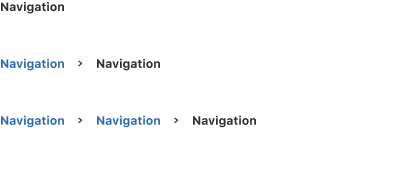
Navigation/ Breadcrumbs
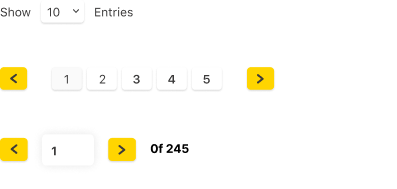
Navigation/ Pagnation
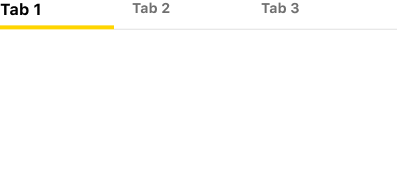
Navigation/ Tabs
Data Entry/ Checkbox

Data Entry/ Radio Button

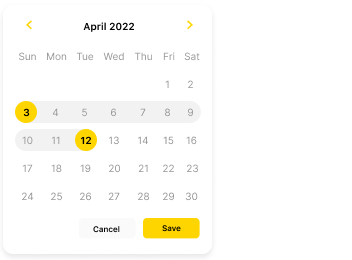
Data Entry/ Date Picker
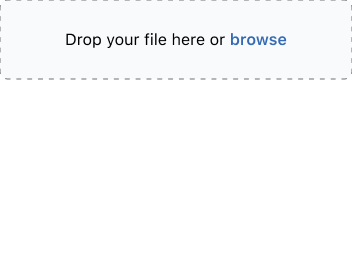
Data Entry/ Upload
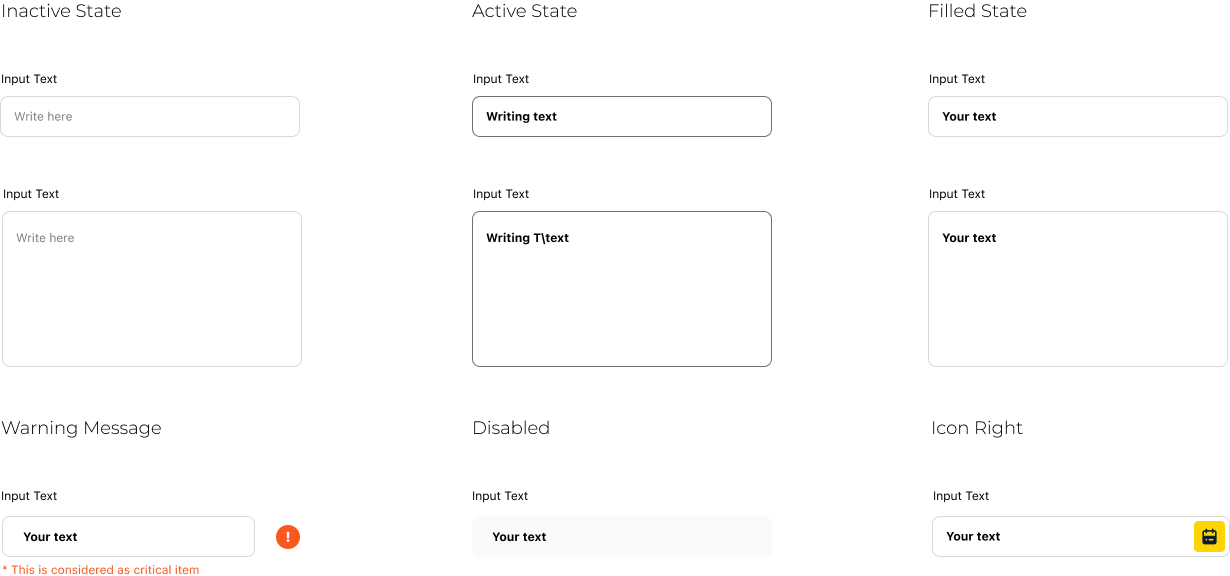
Data Entry/ Input
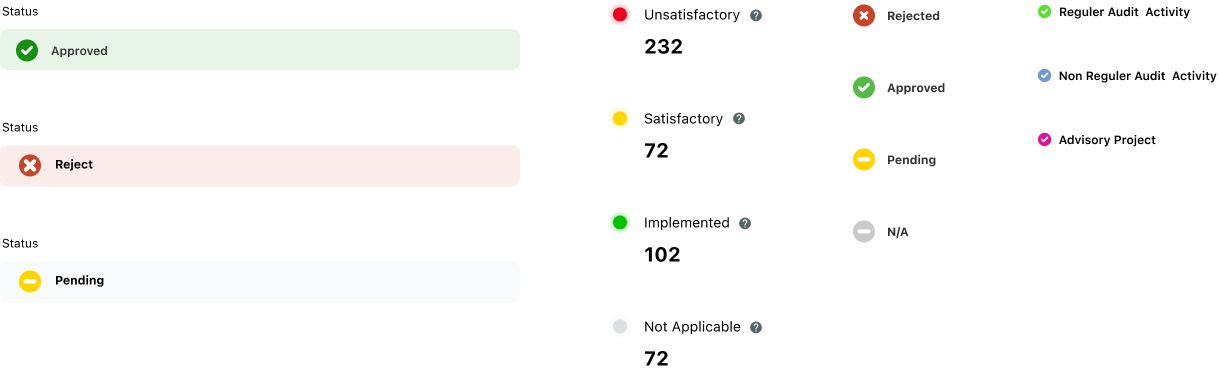
Data Display/ Badge
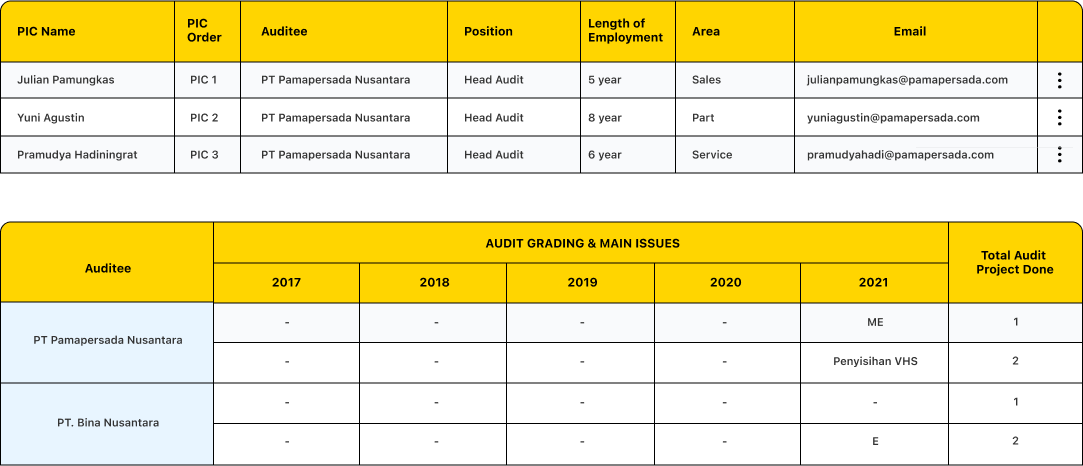
Data Display/ Table
Data Display/ Popover

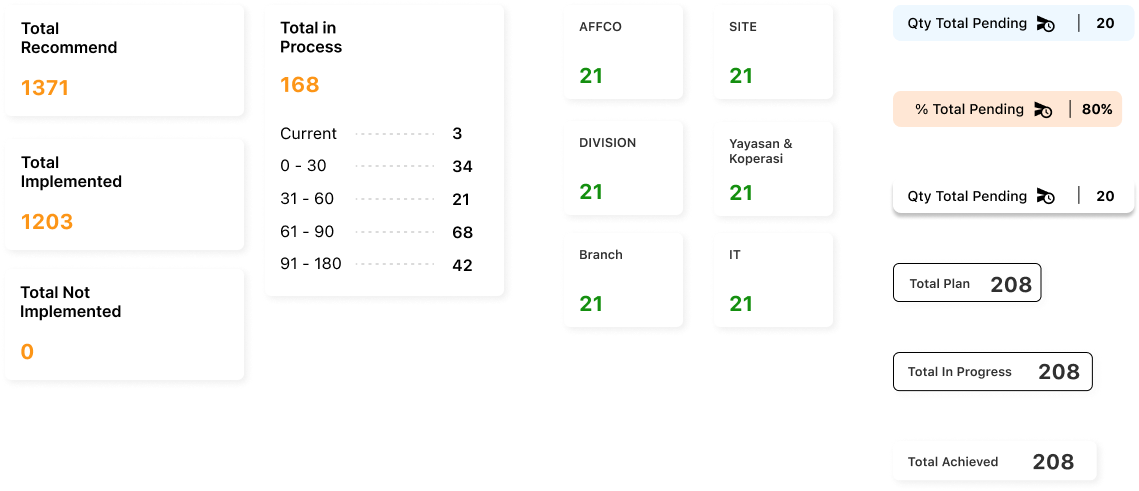
Data Display/ Card
Feedback/ Modal
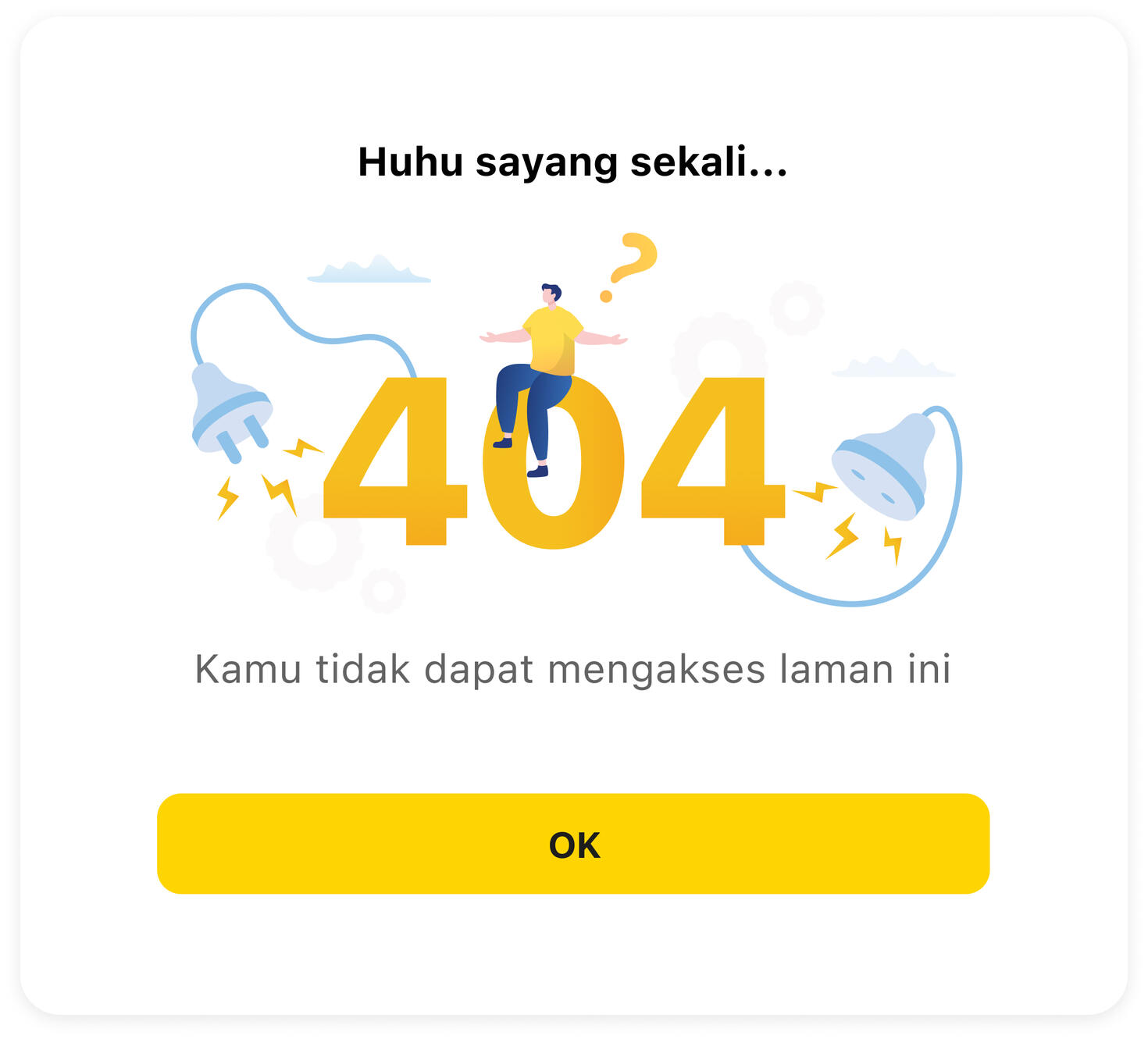
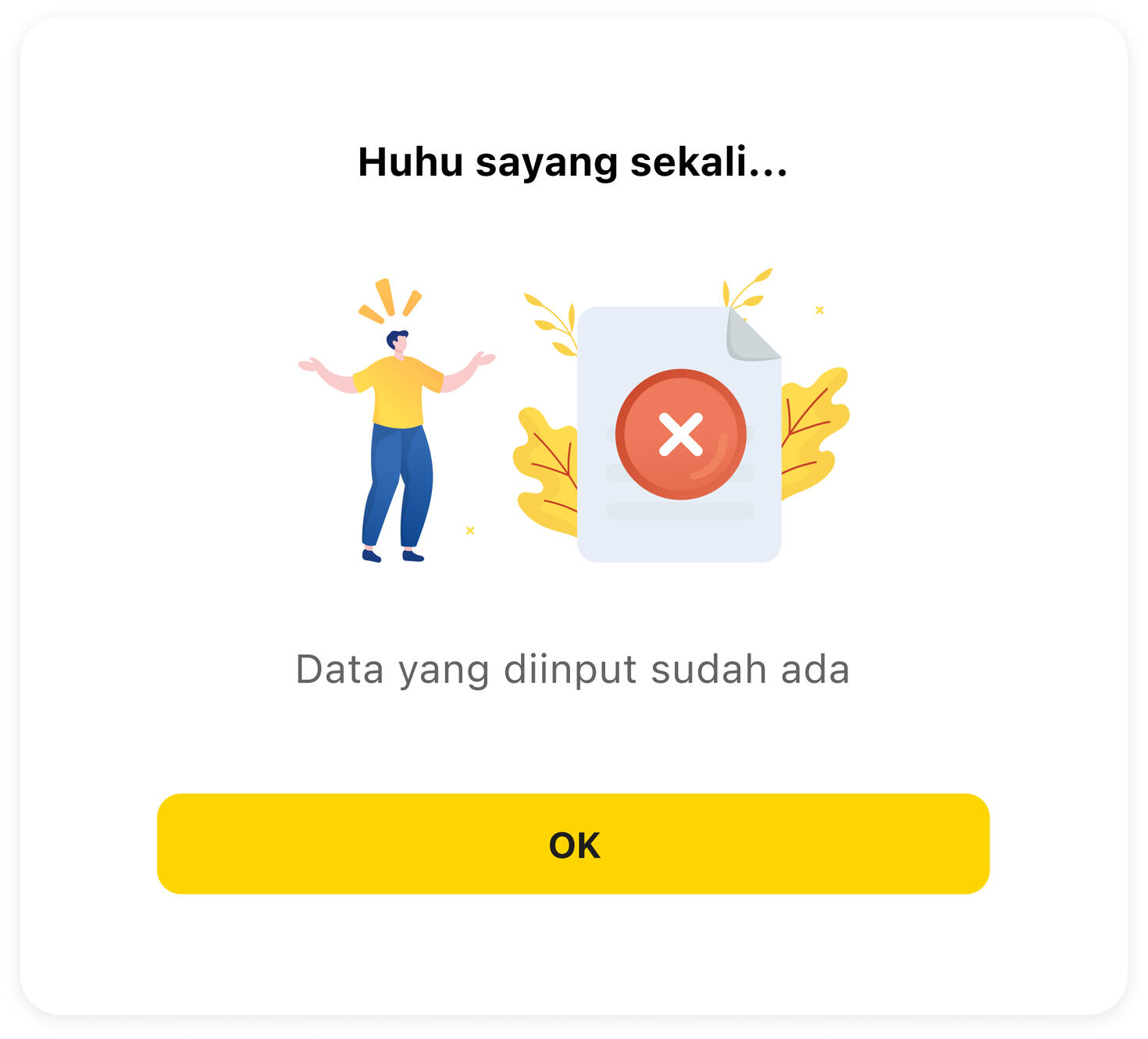
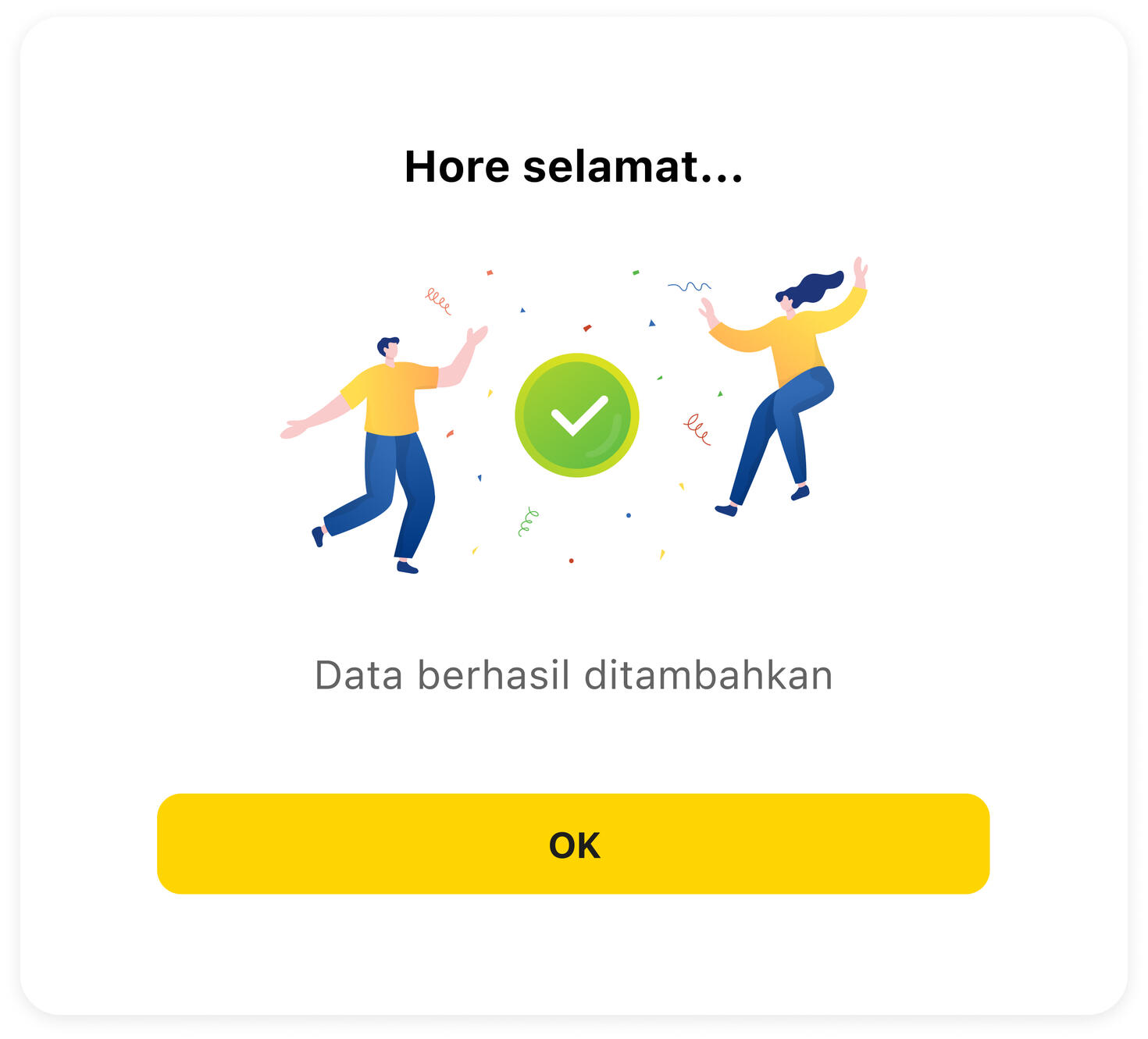
Feedback/ Message
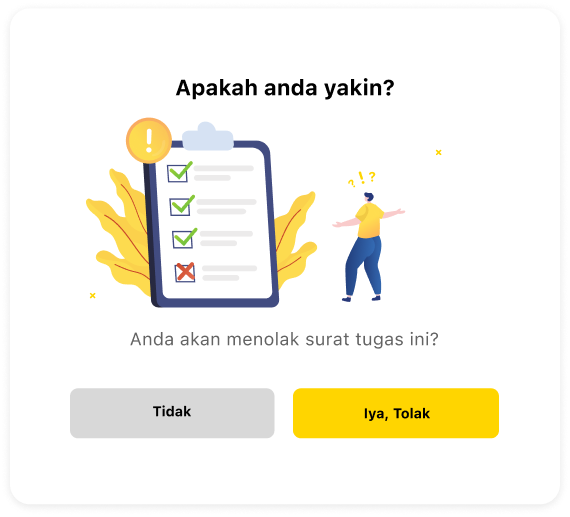
Feedback/ Pop Confirm
Feedback/ Graphs
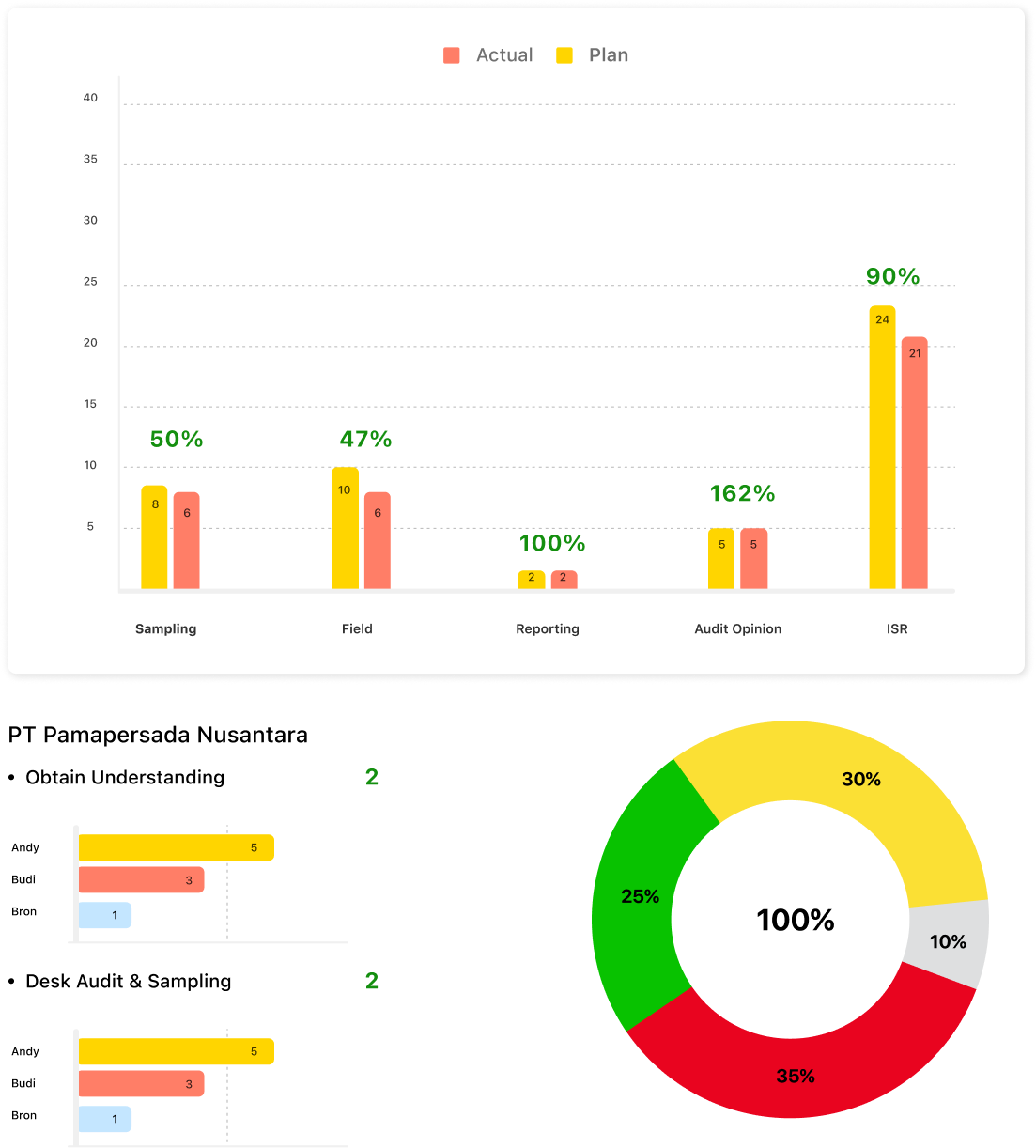
Illustration

Wireframes
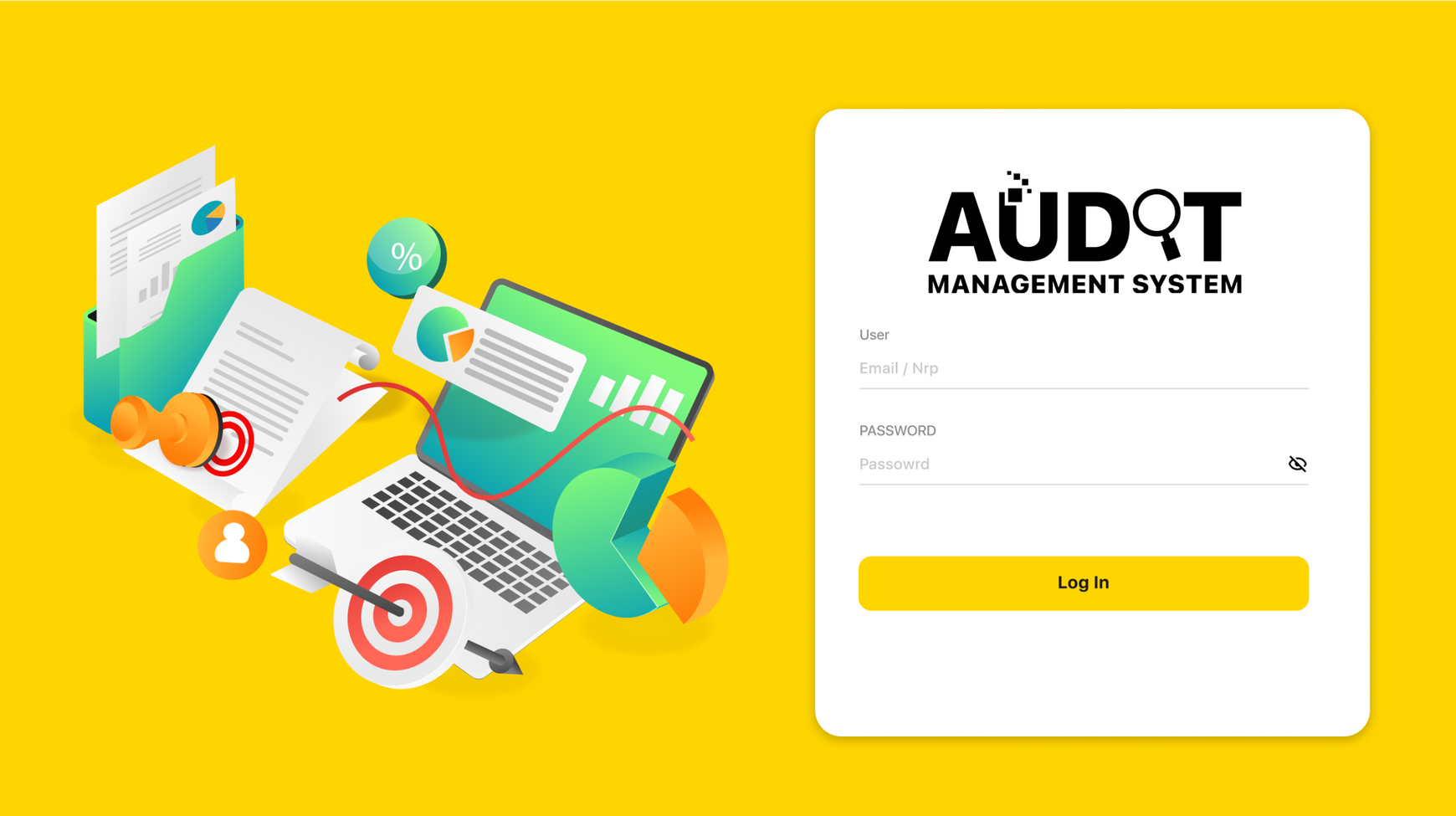
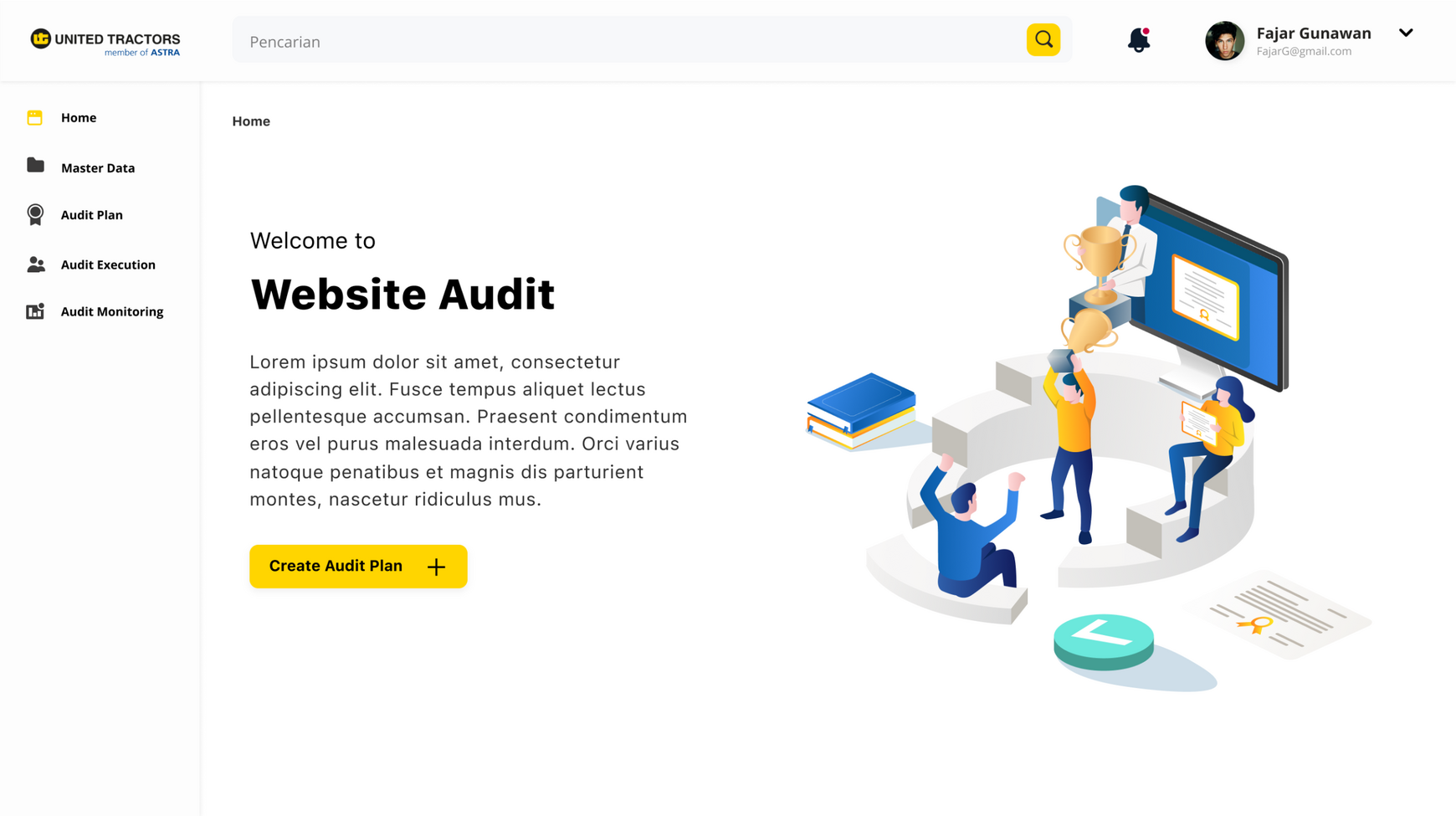
Login and Home Page
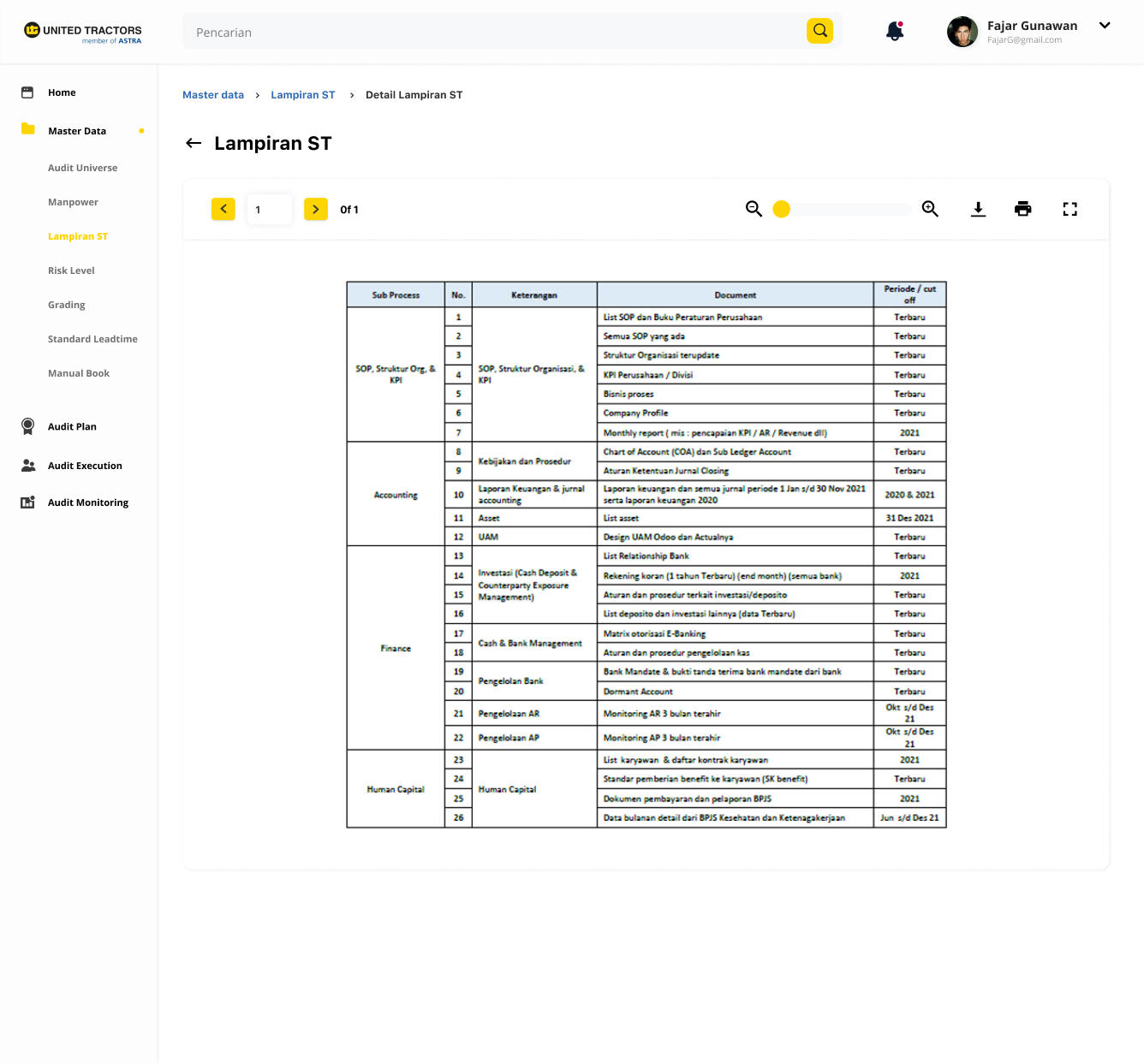
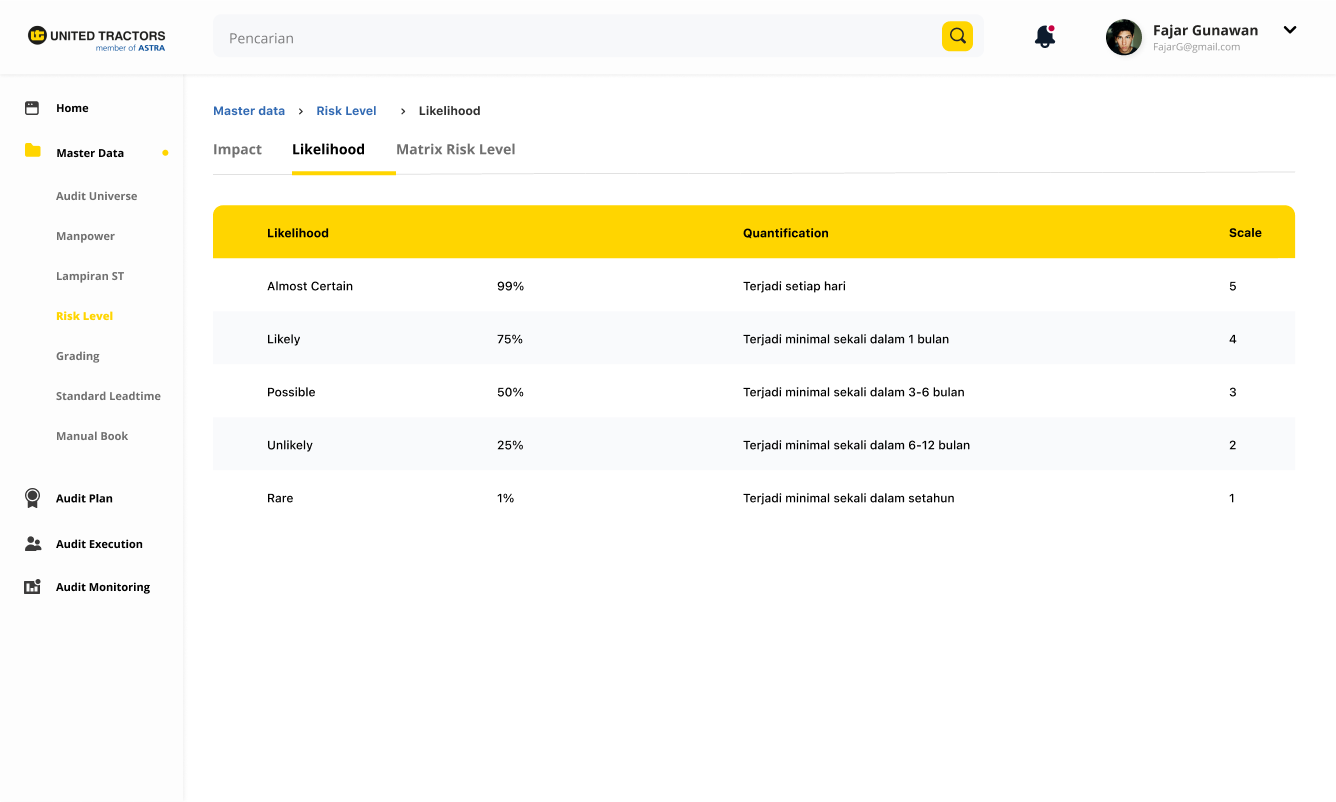
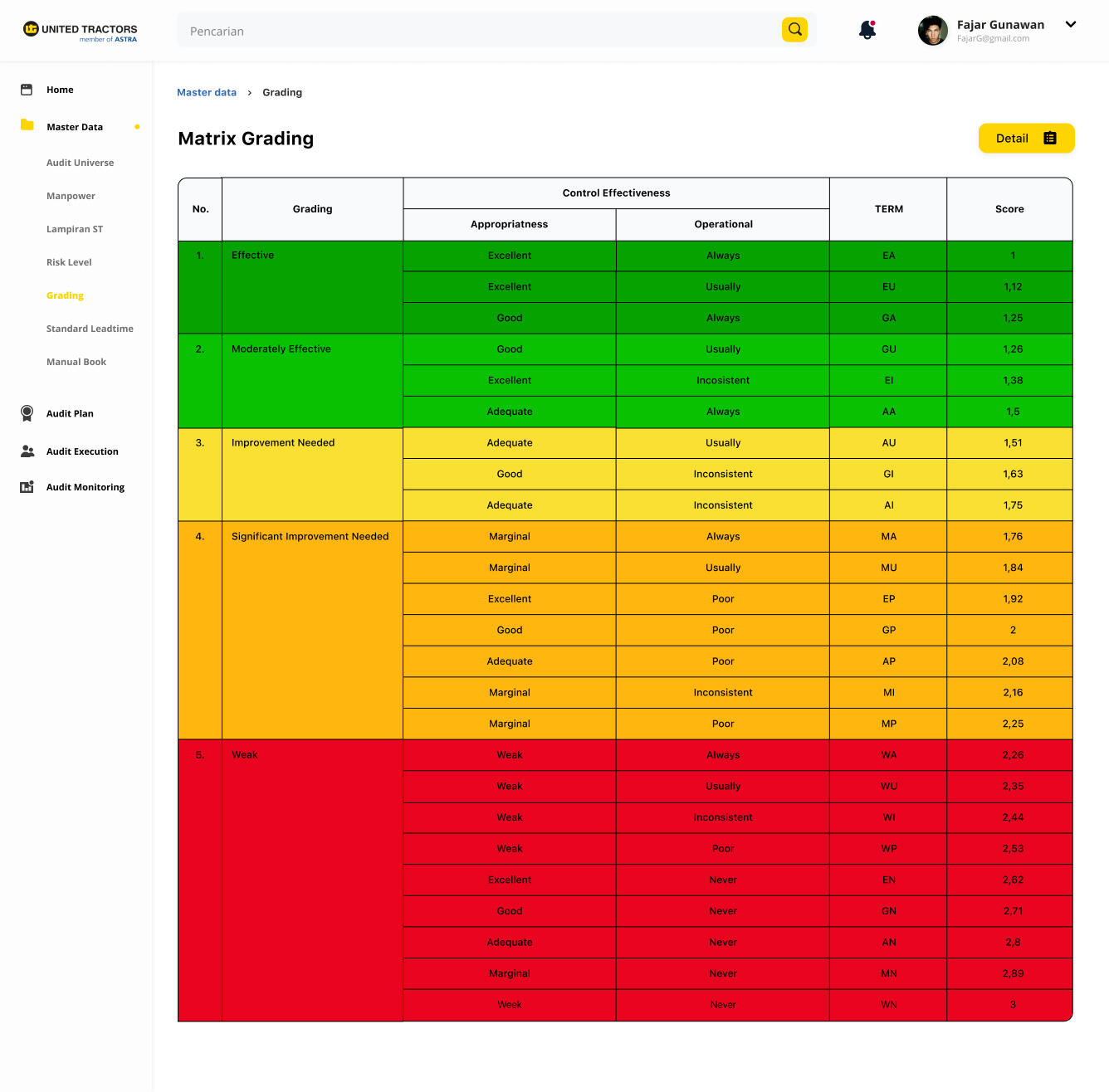
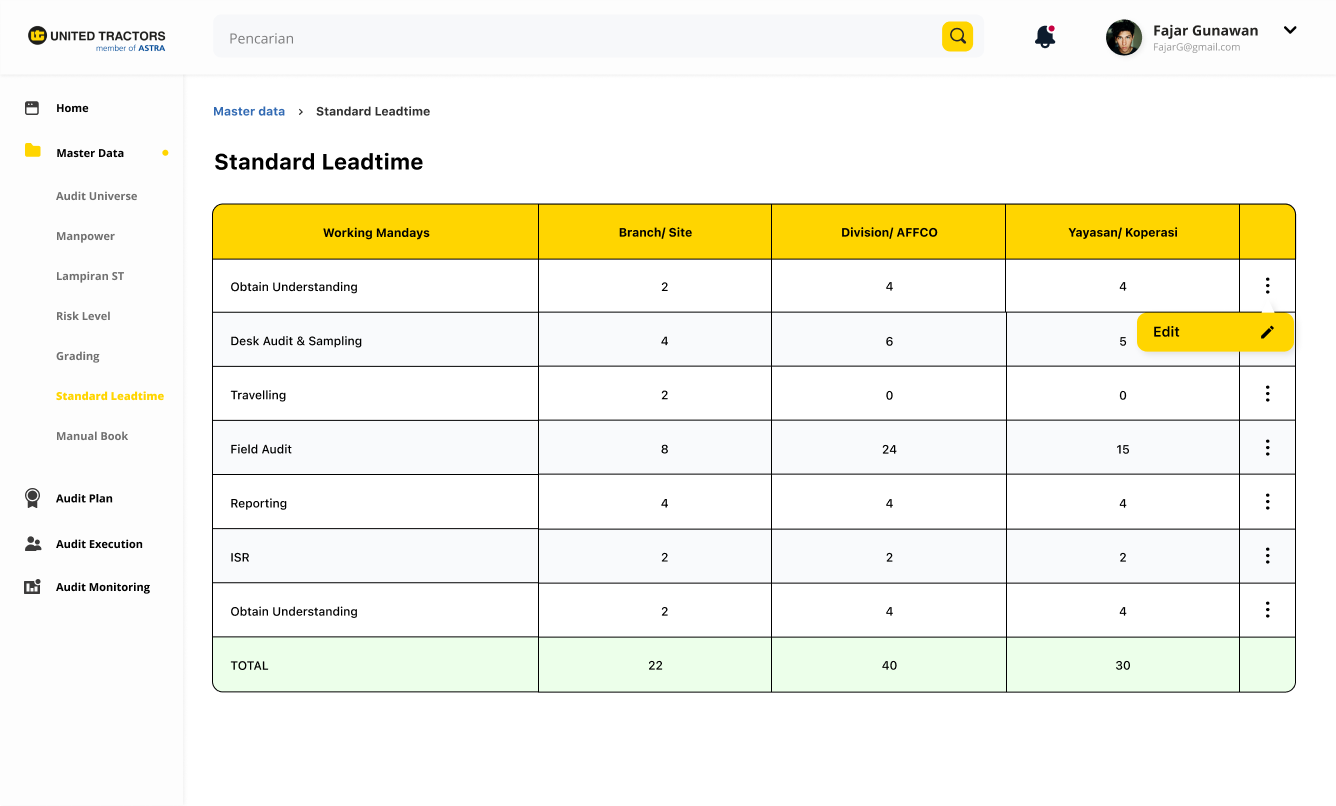
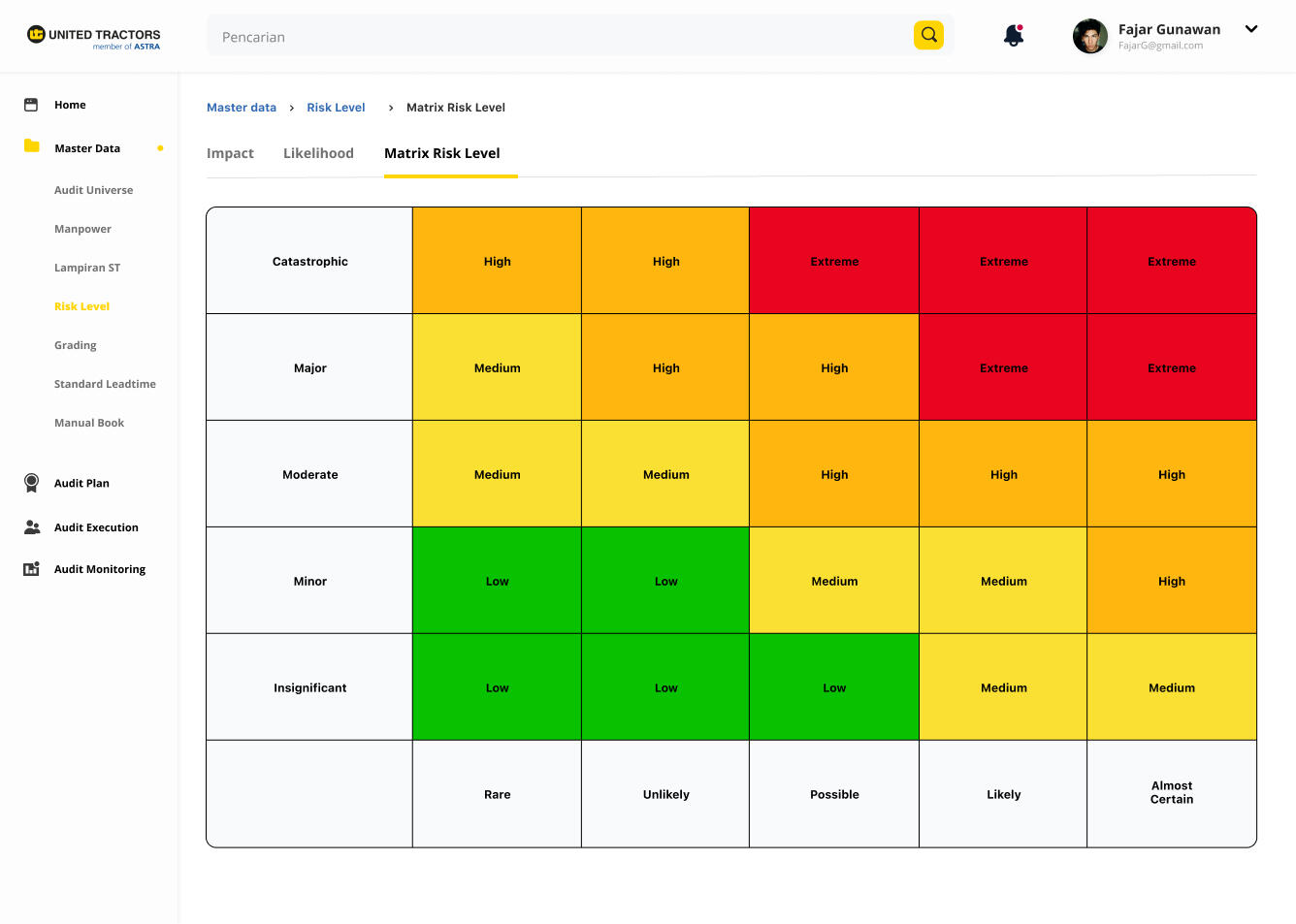
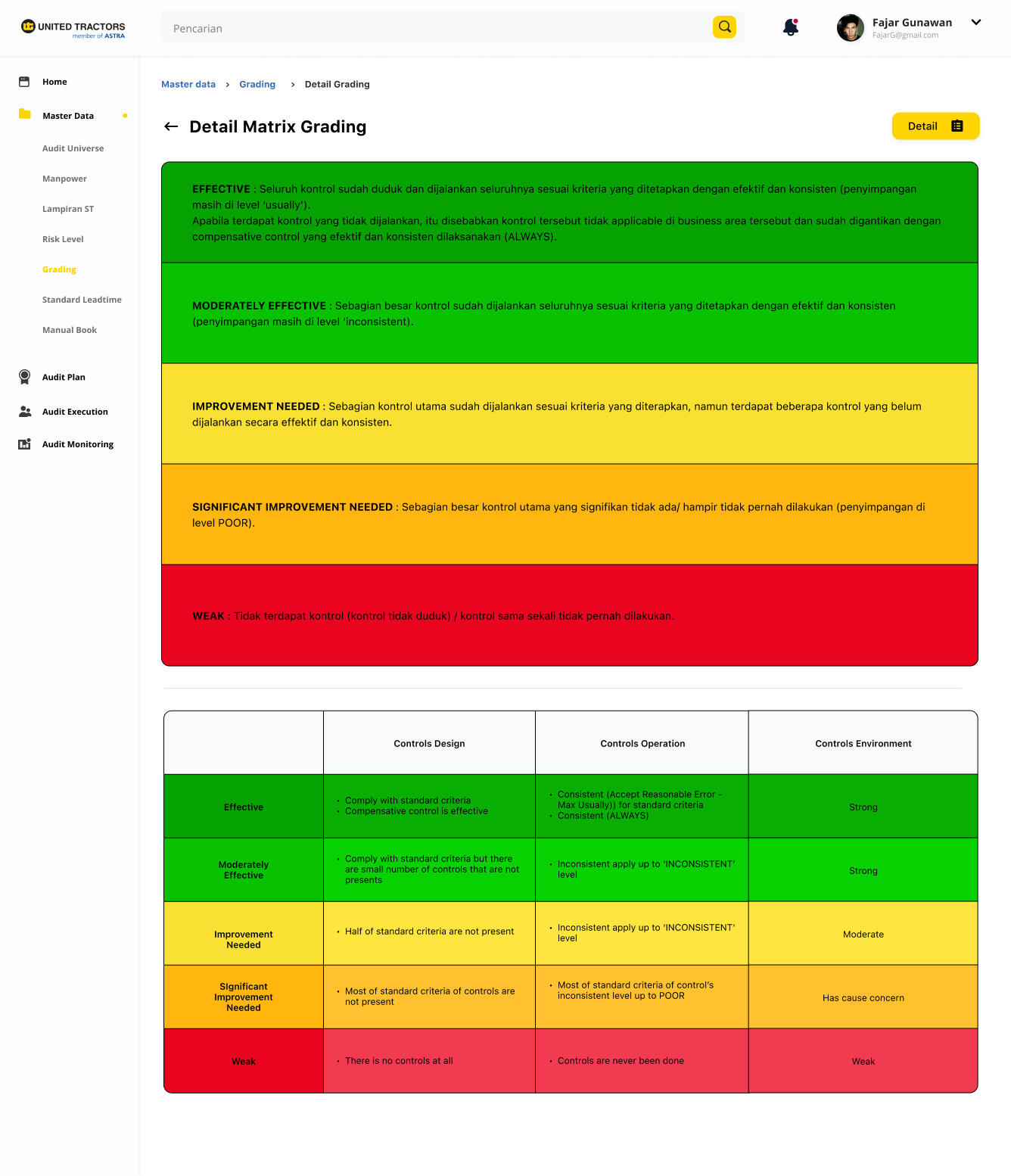
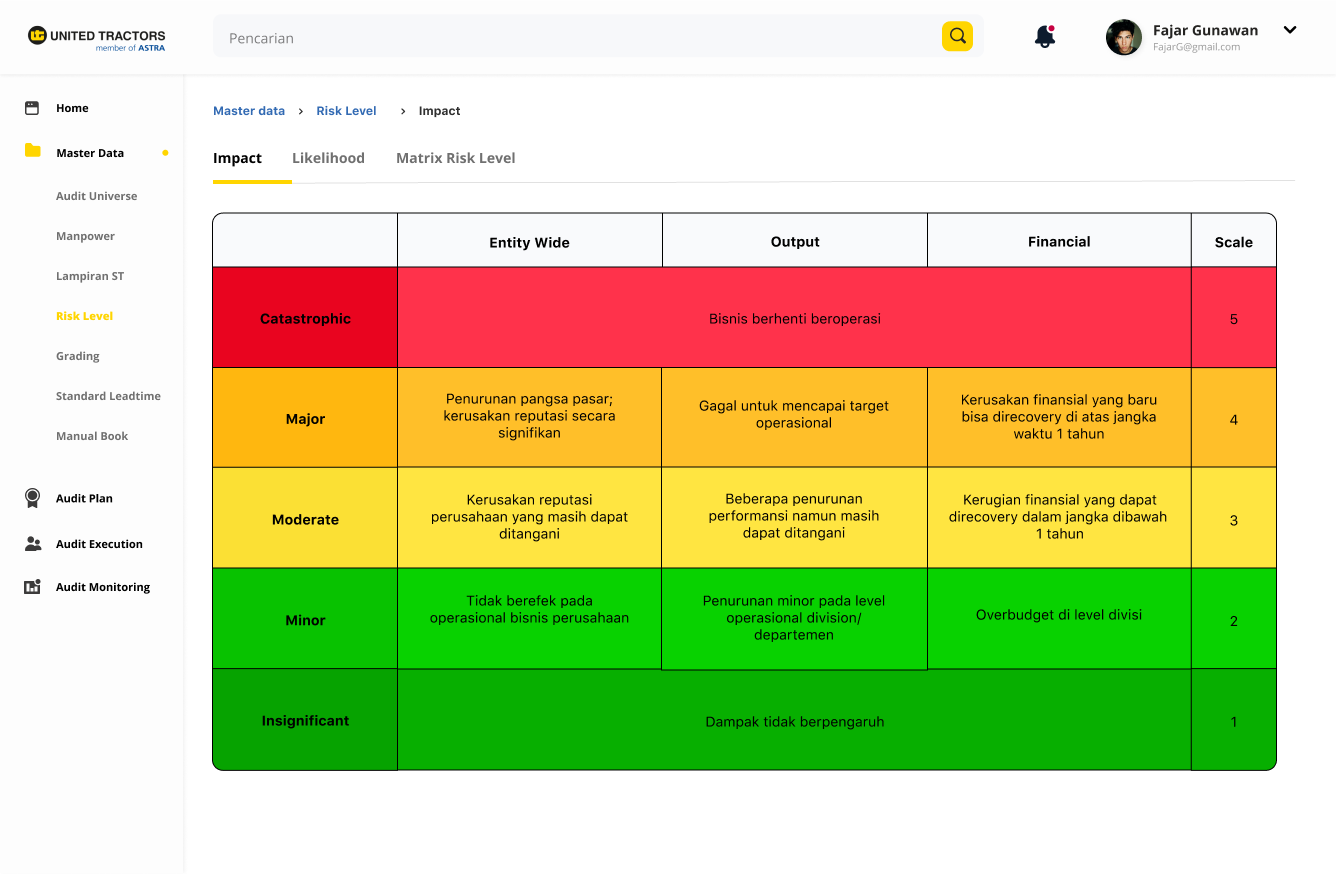
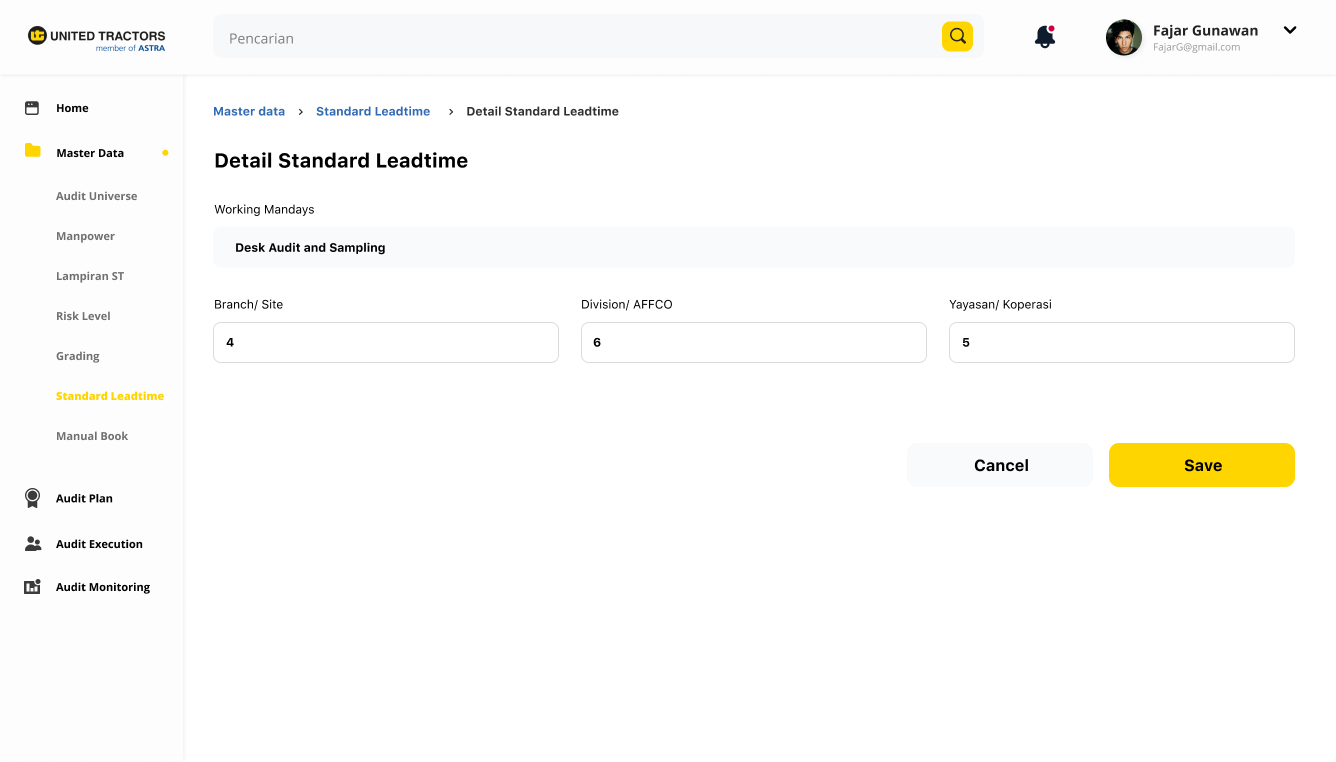
Master Data
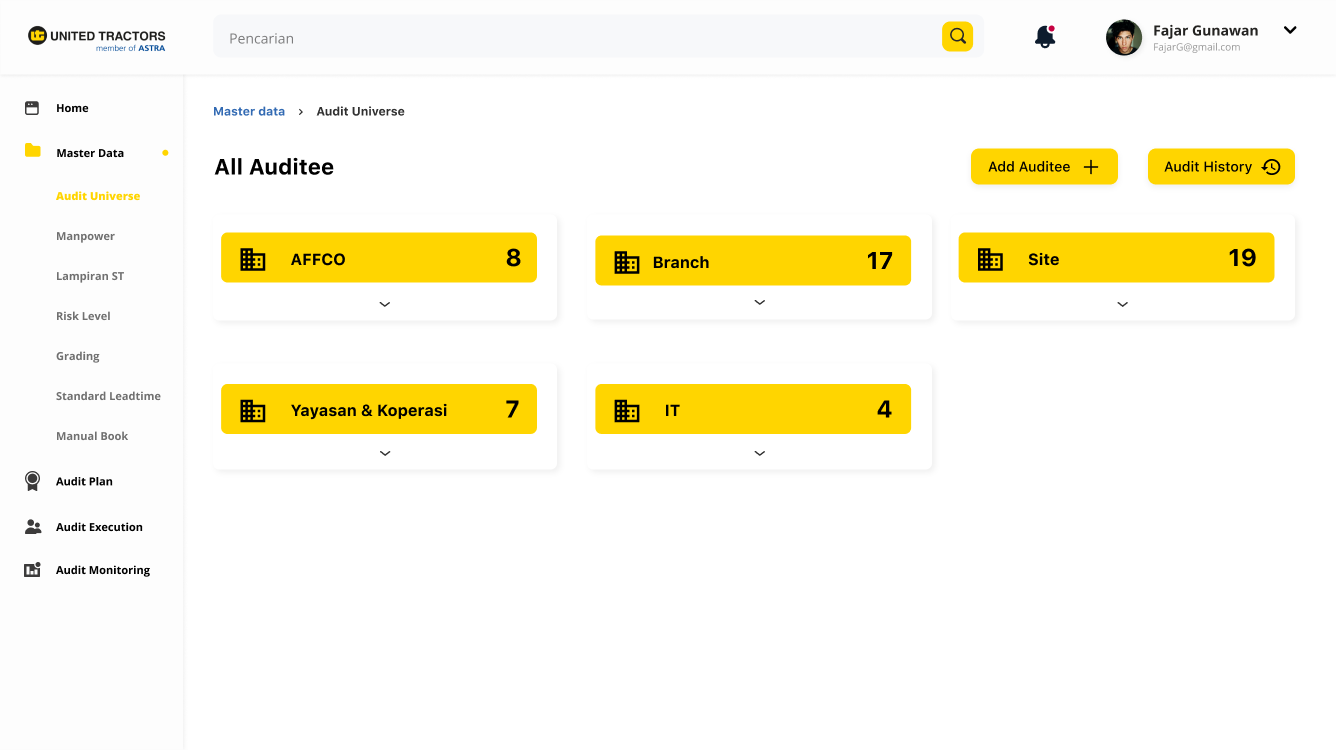
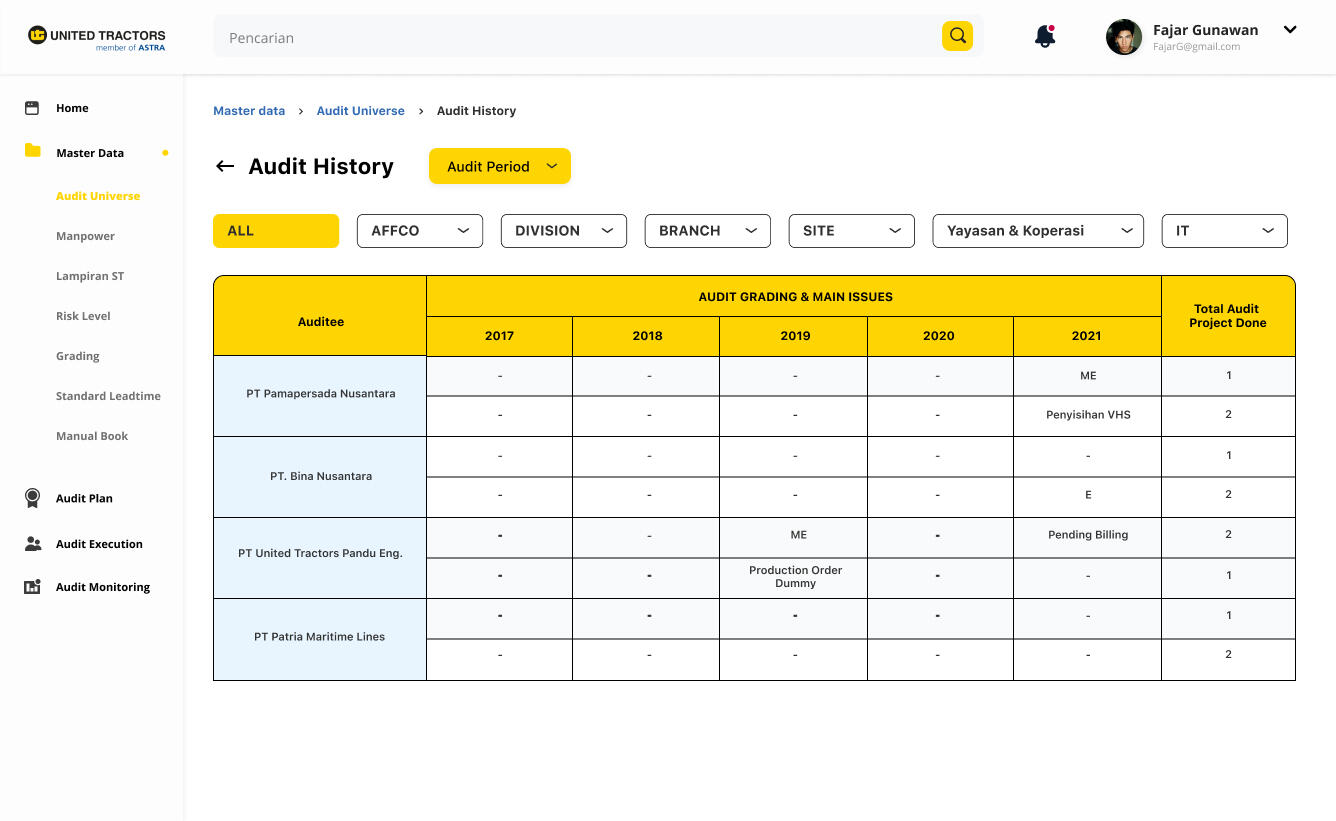
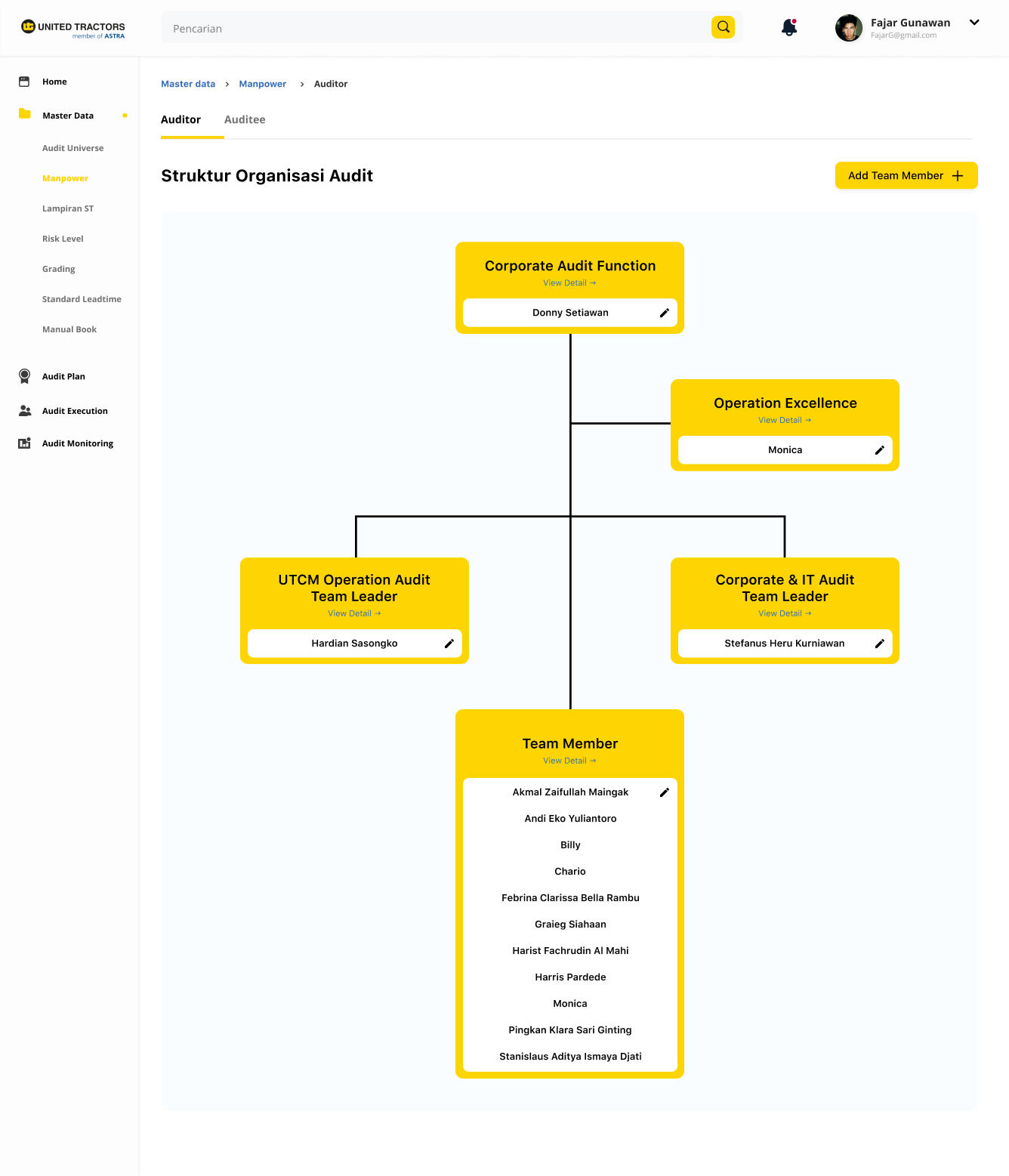
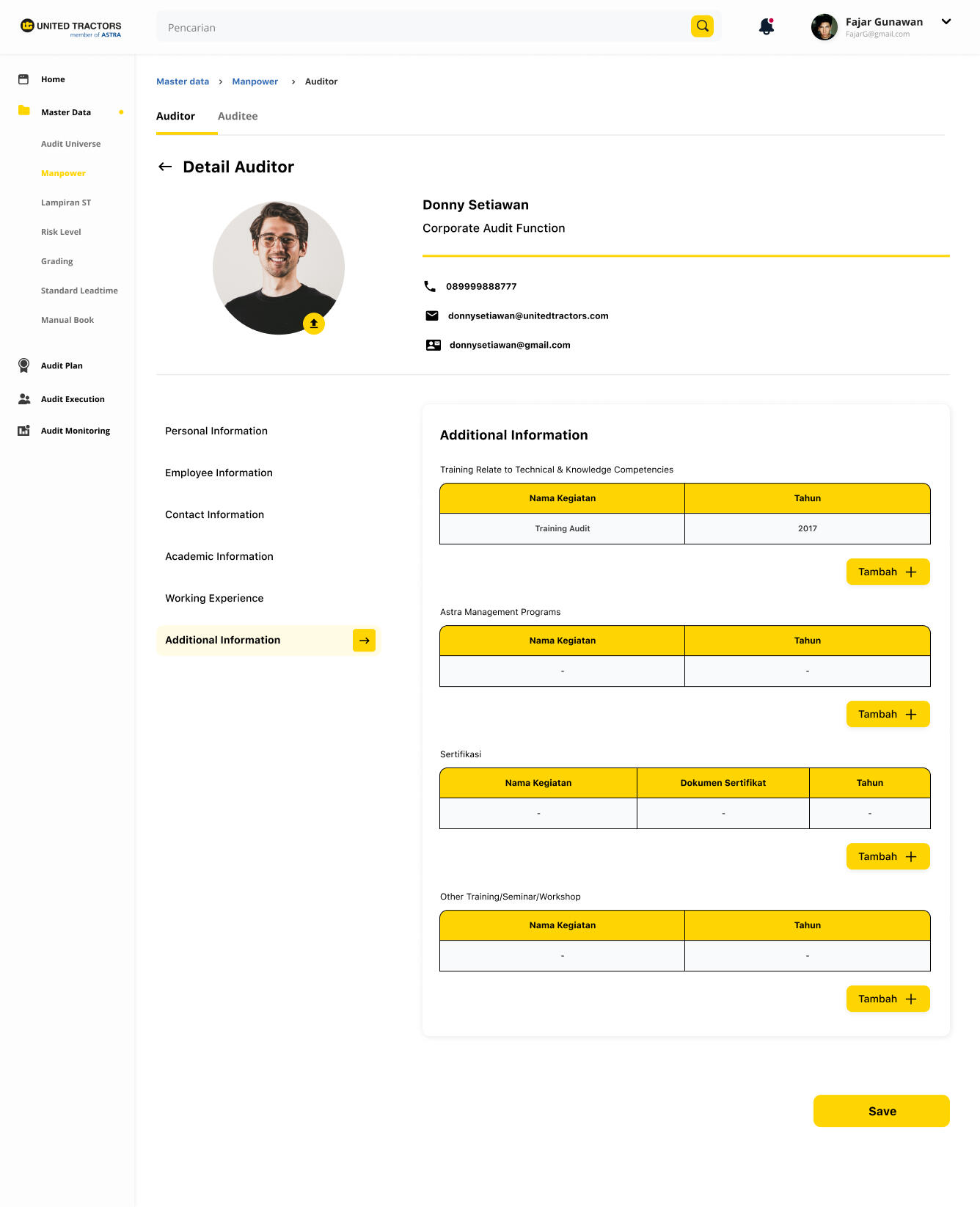
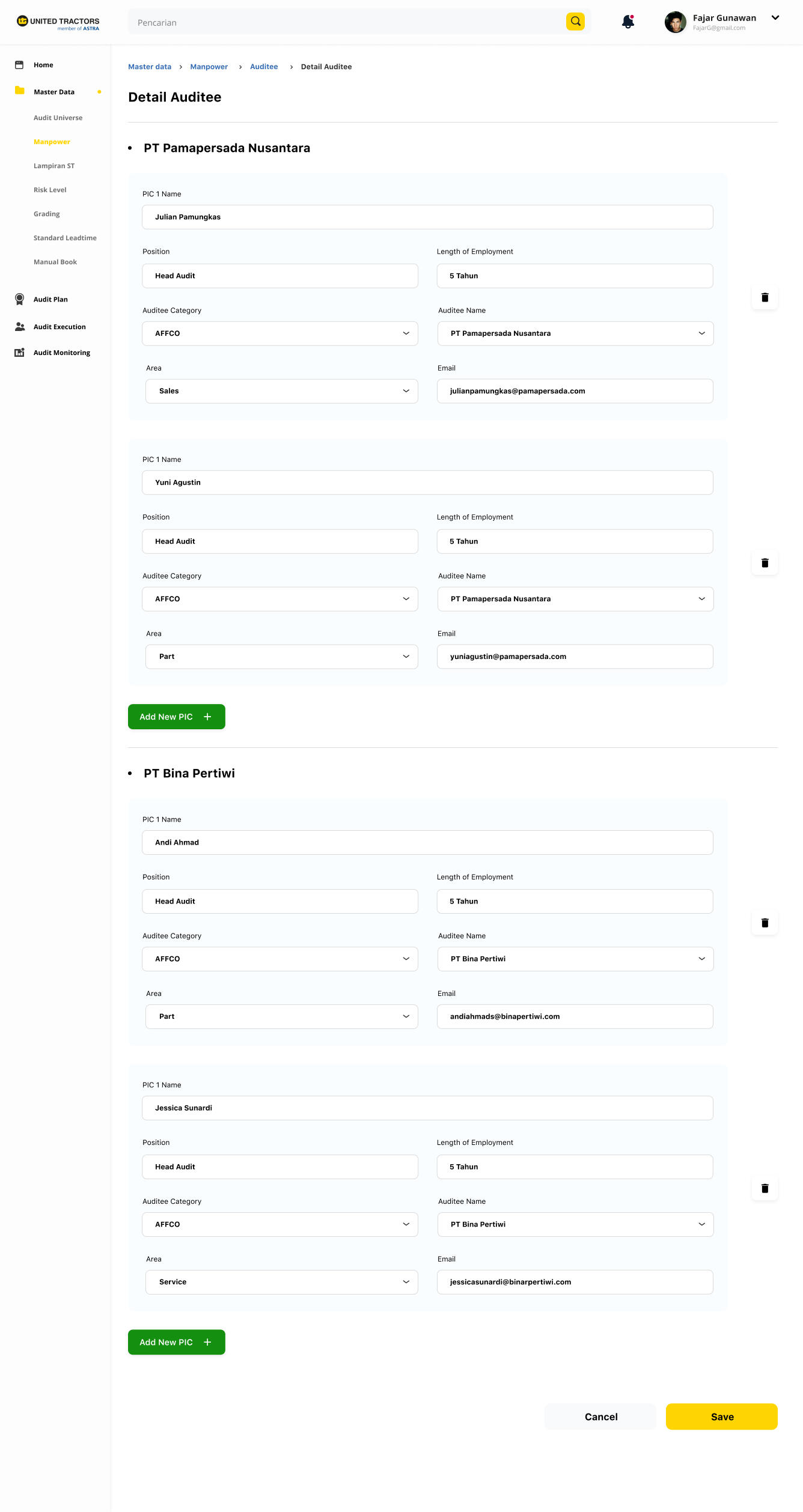
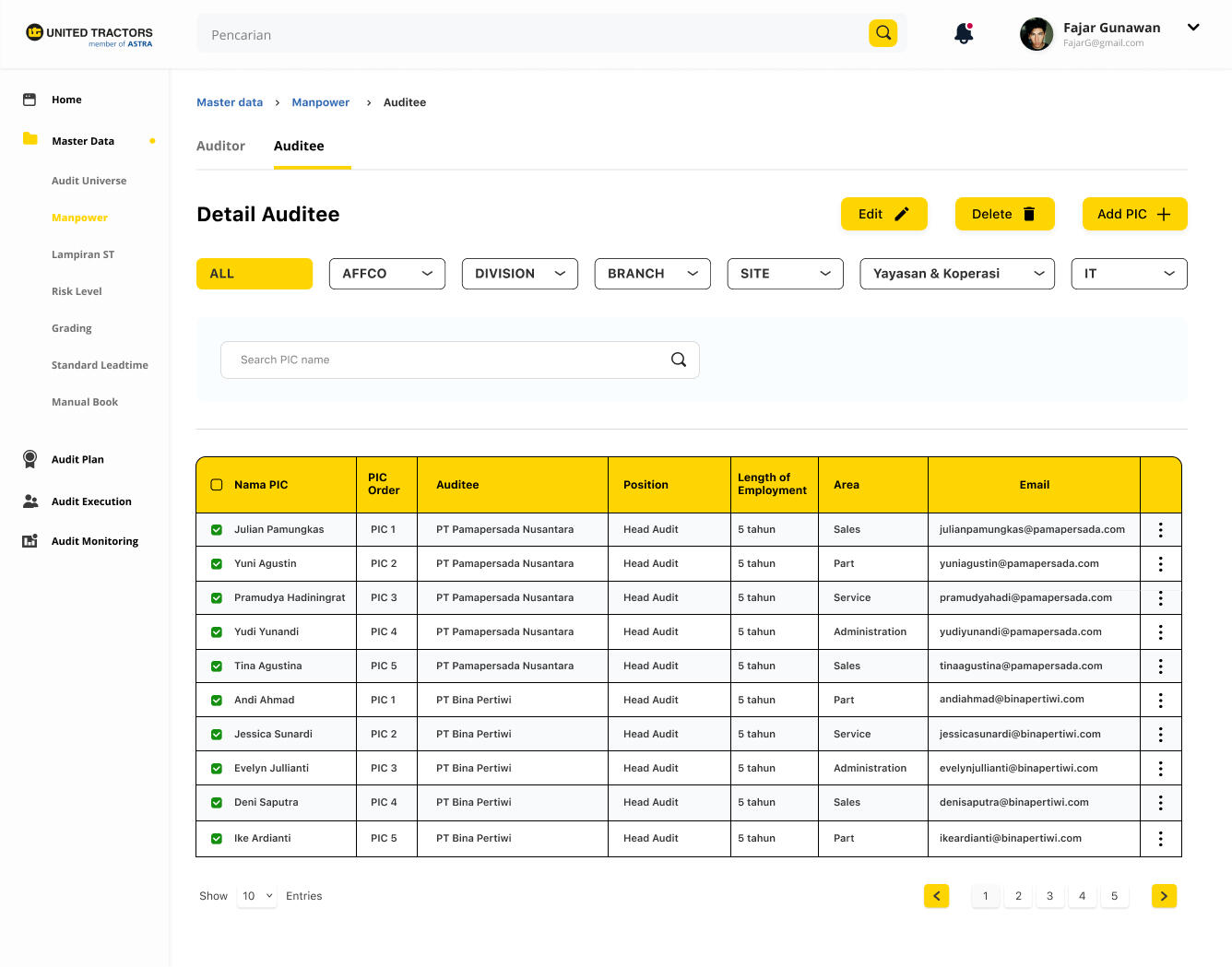
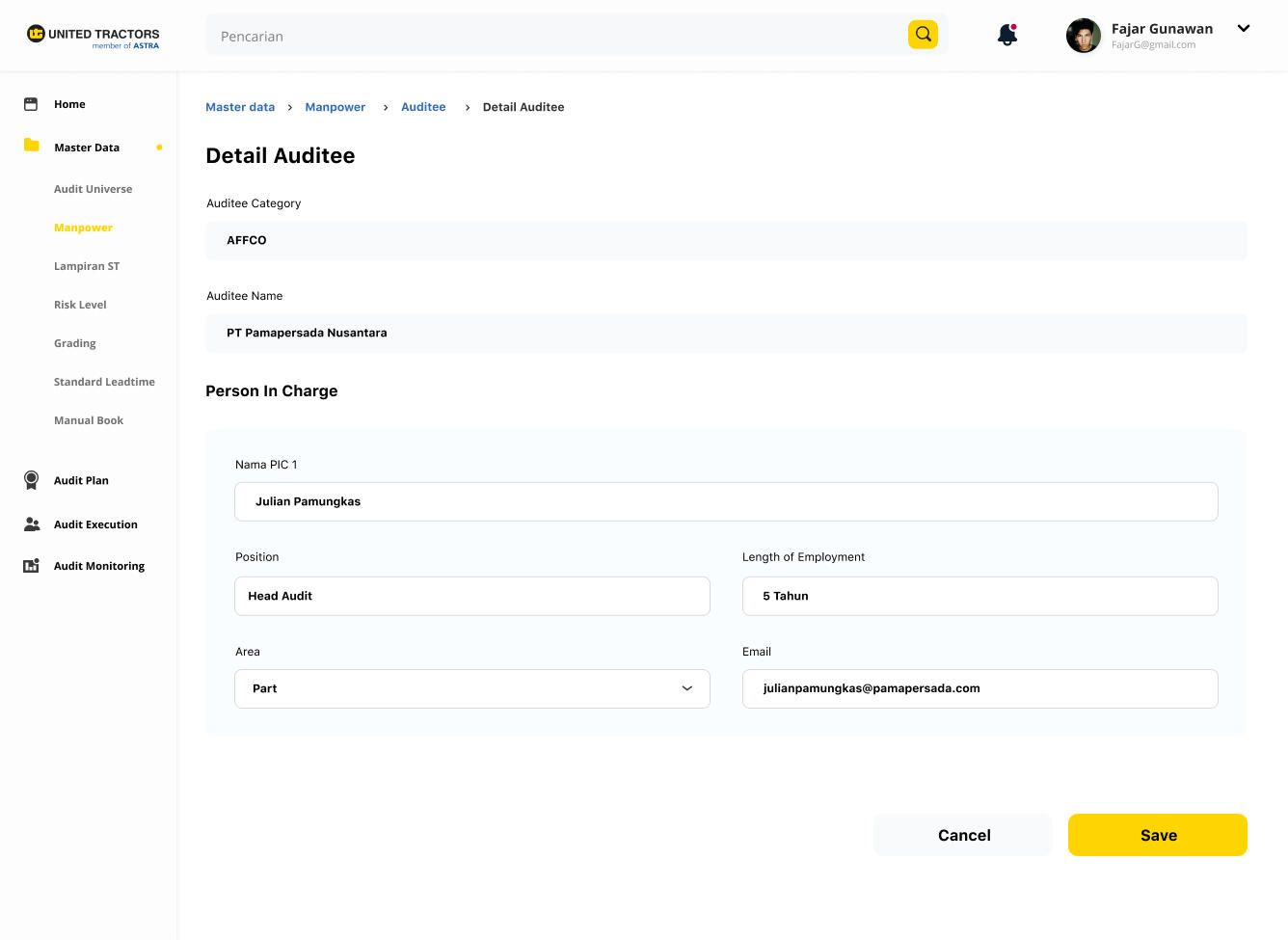
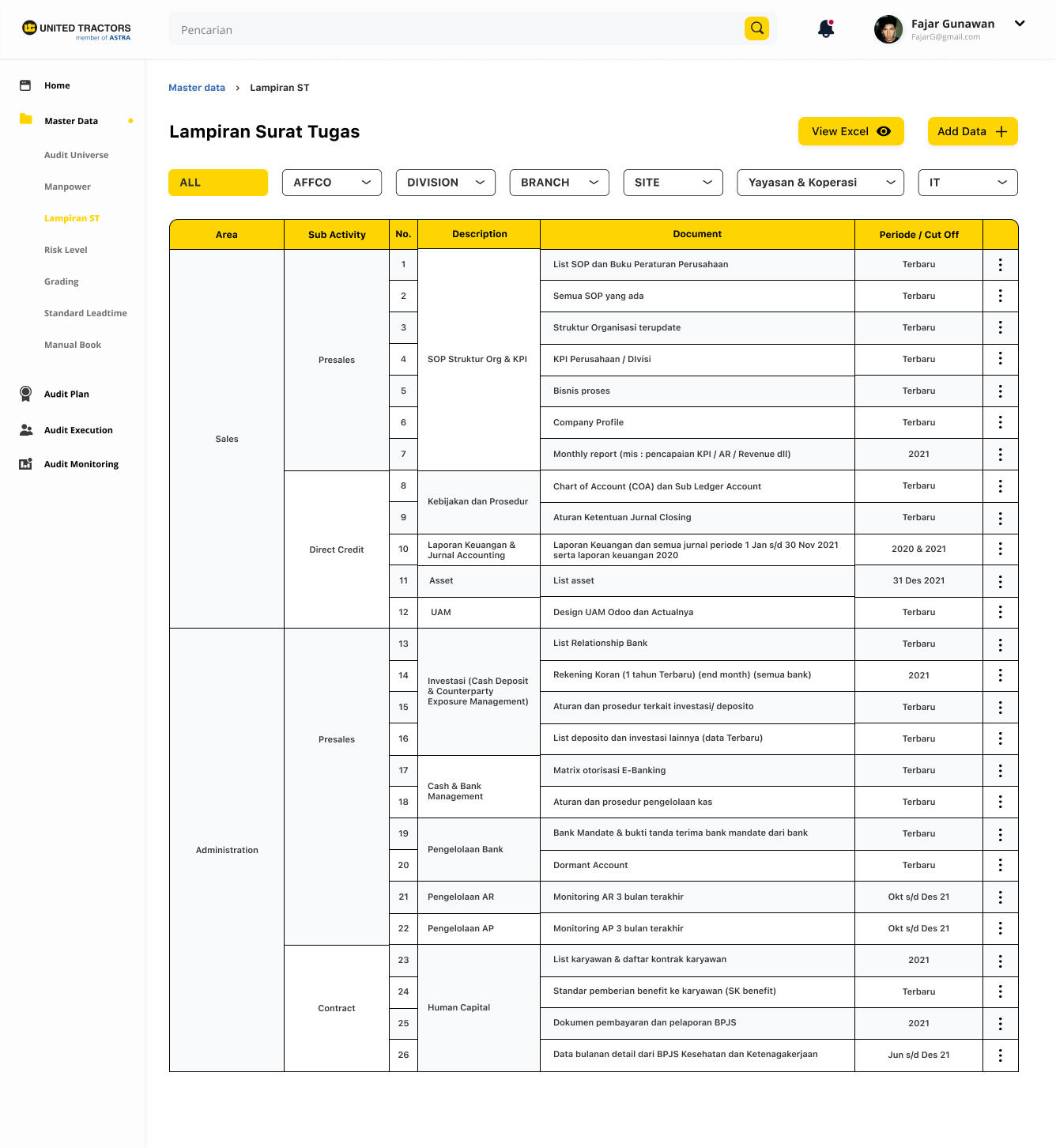
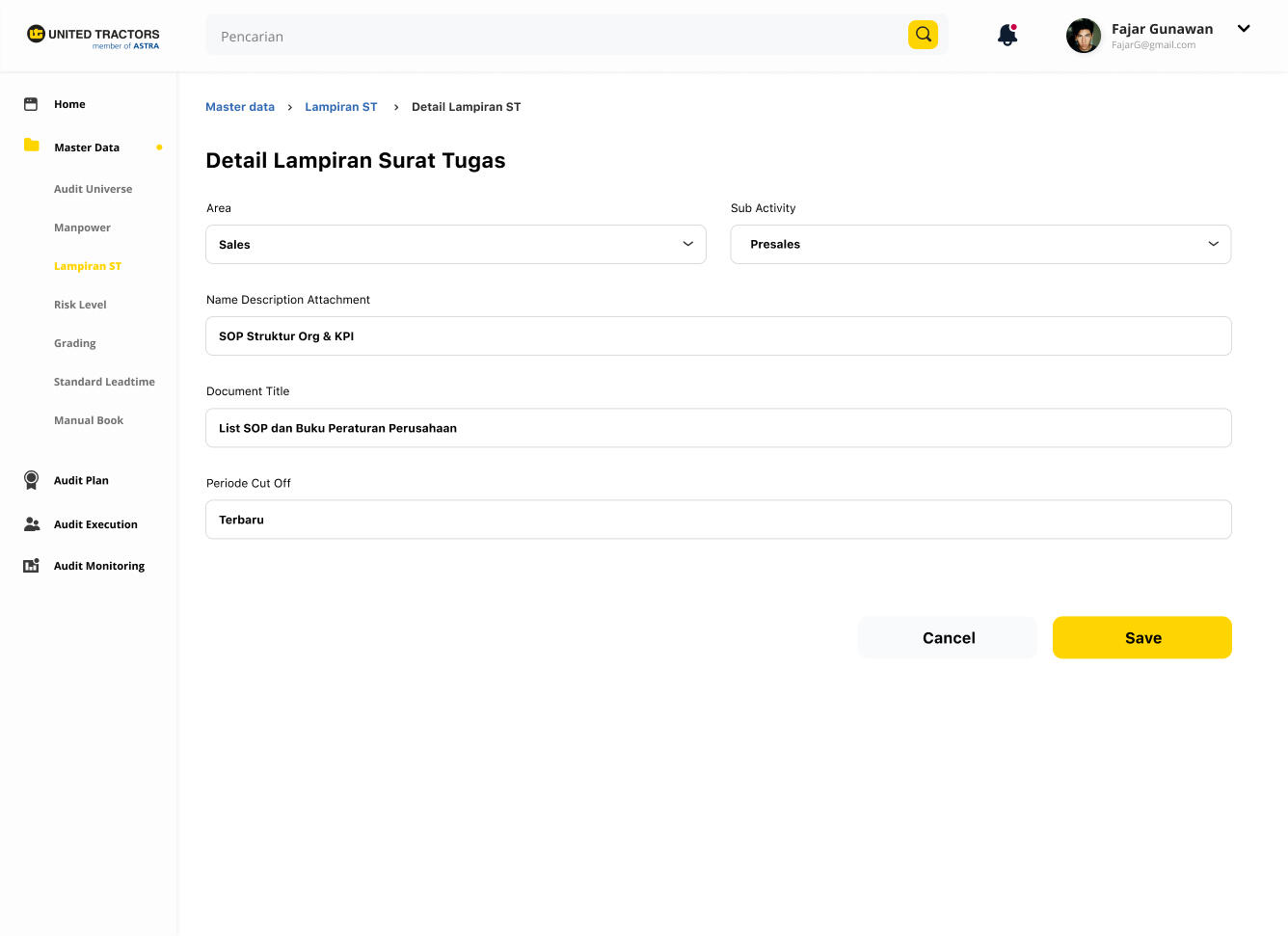
This page provides supporting data related to the audit process which is further divided into several subpages such as Audit Universe, Manpower, Attachments to Assignment Letters, Risk Level, Grading, Standard Lead Time, and Manual Book.
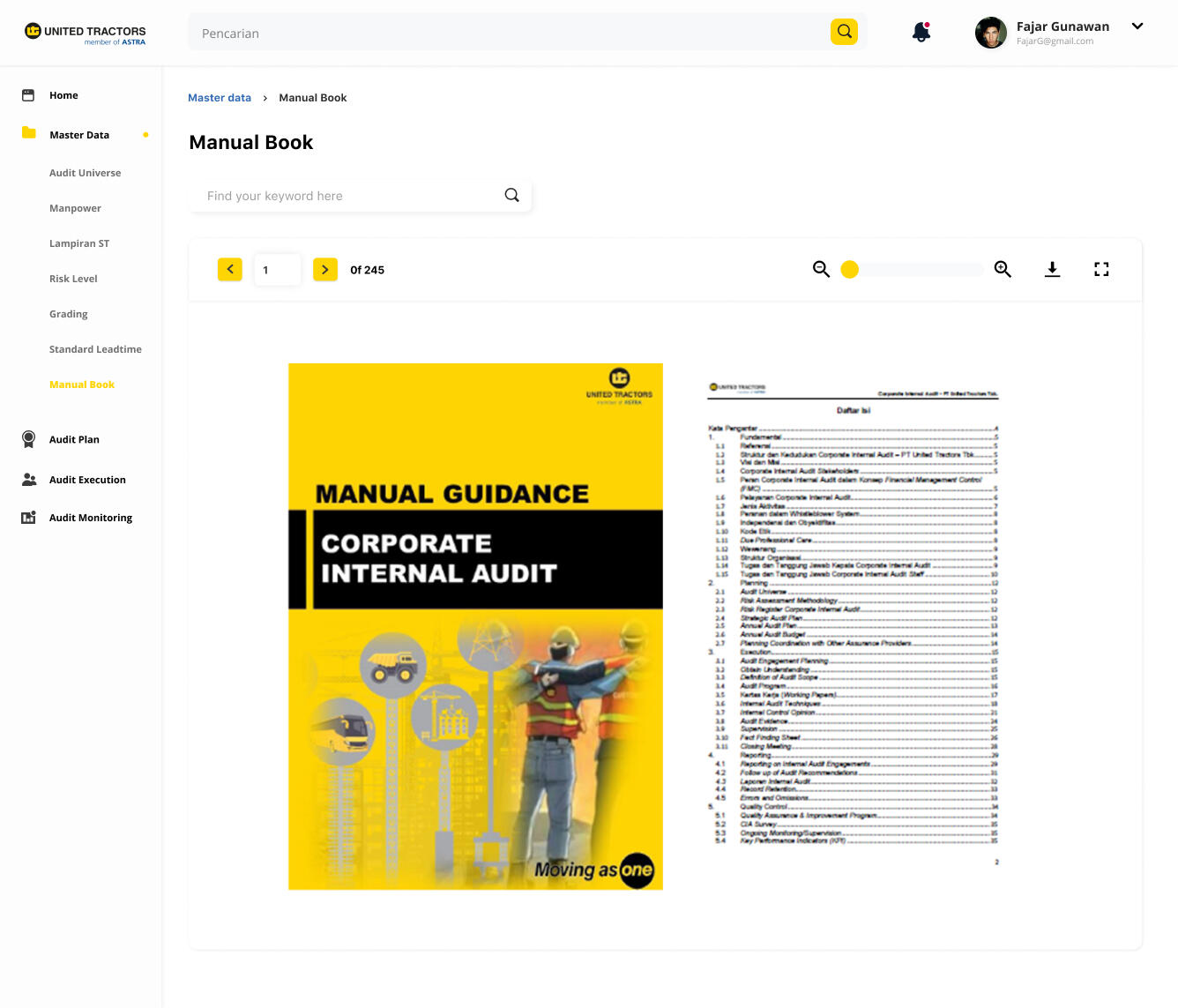
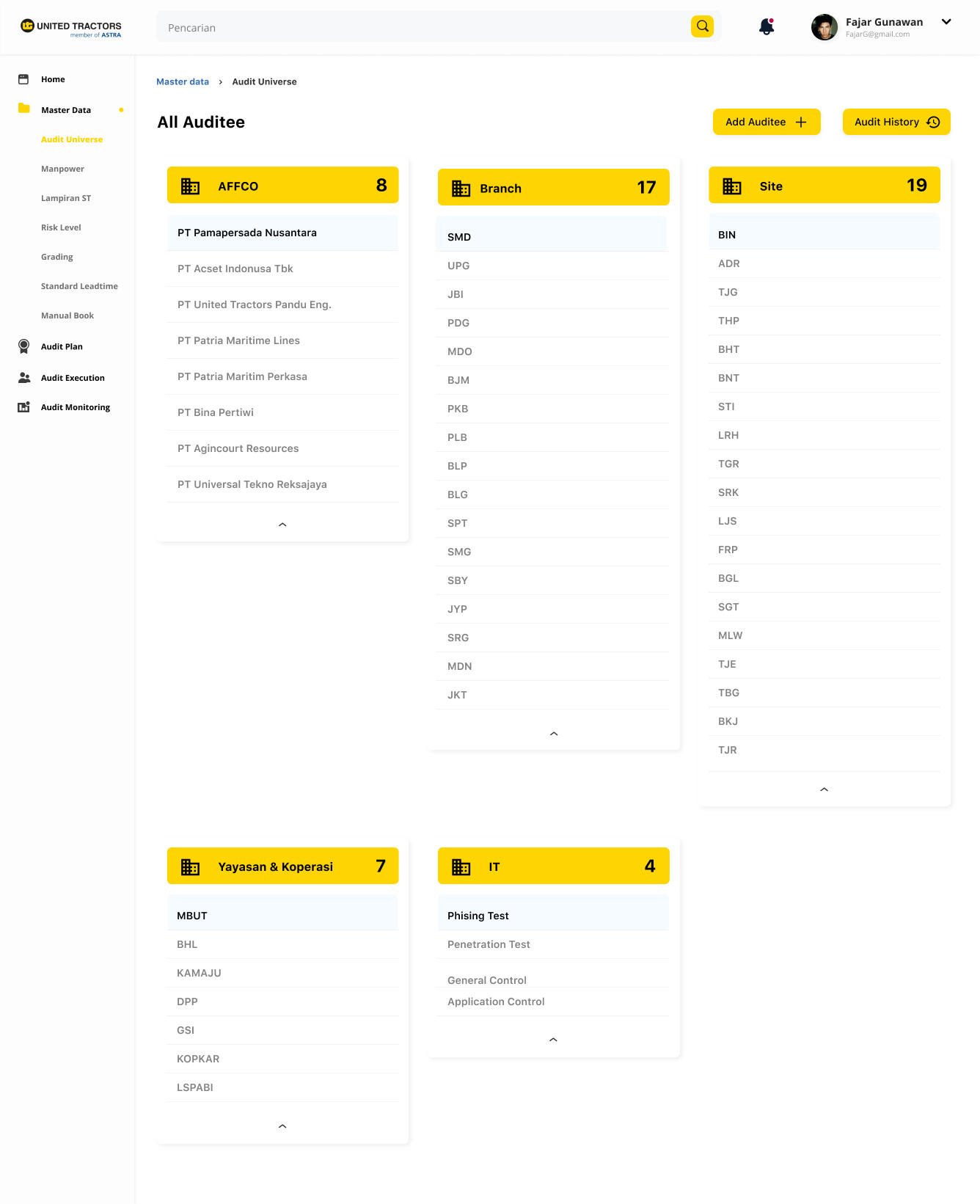
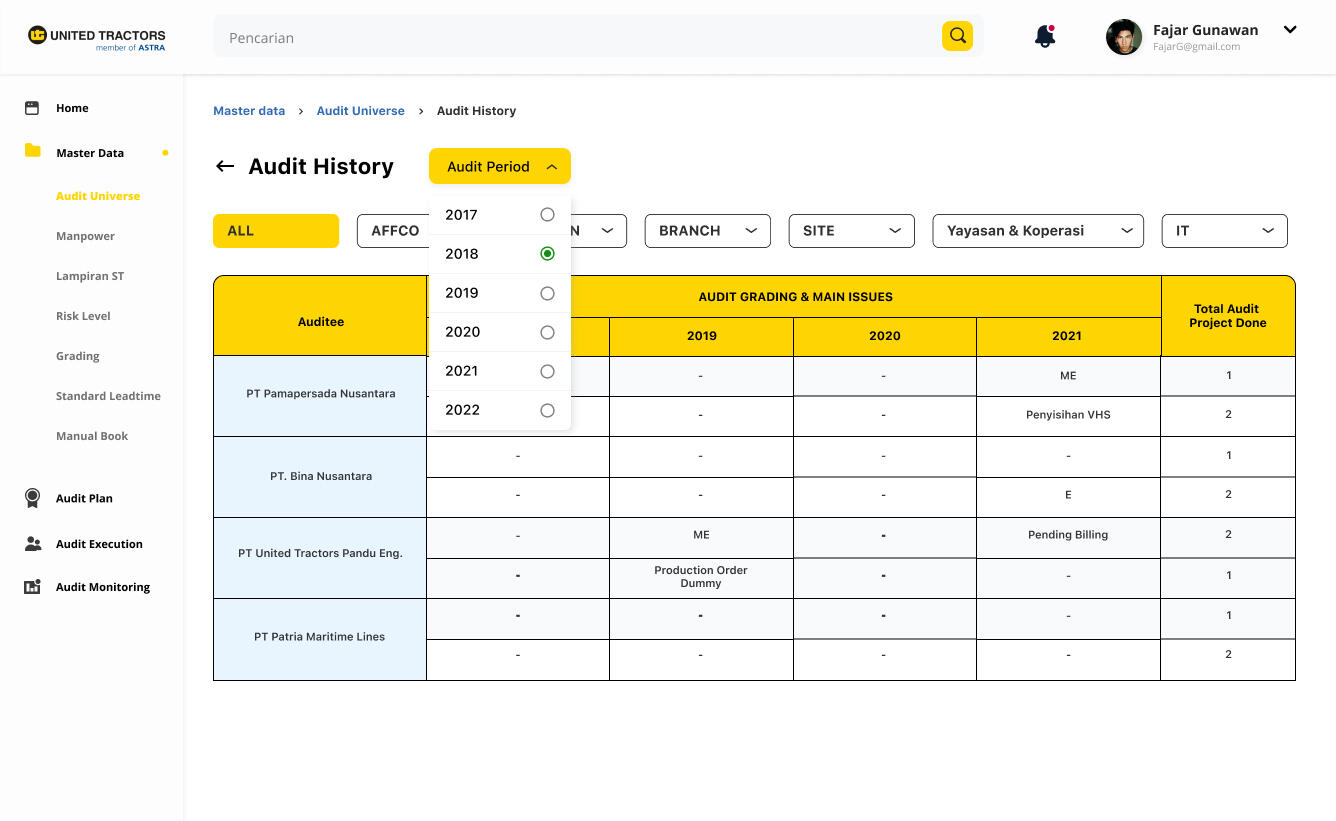
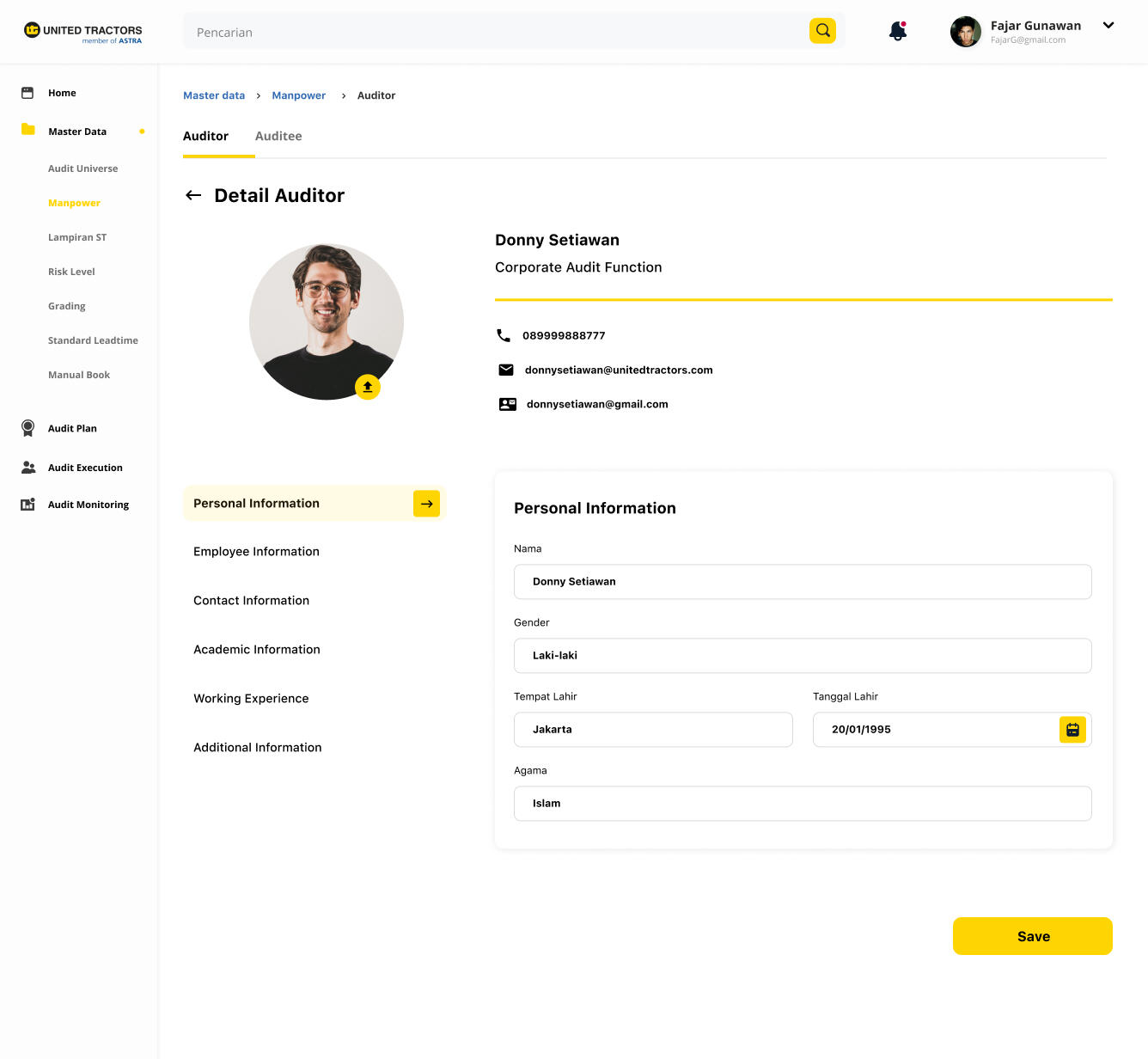
Website Prototype
Due to unfinished website development, the full prototype cannot be shared here.
Next Projects

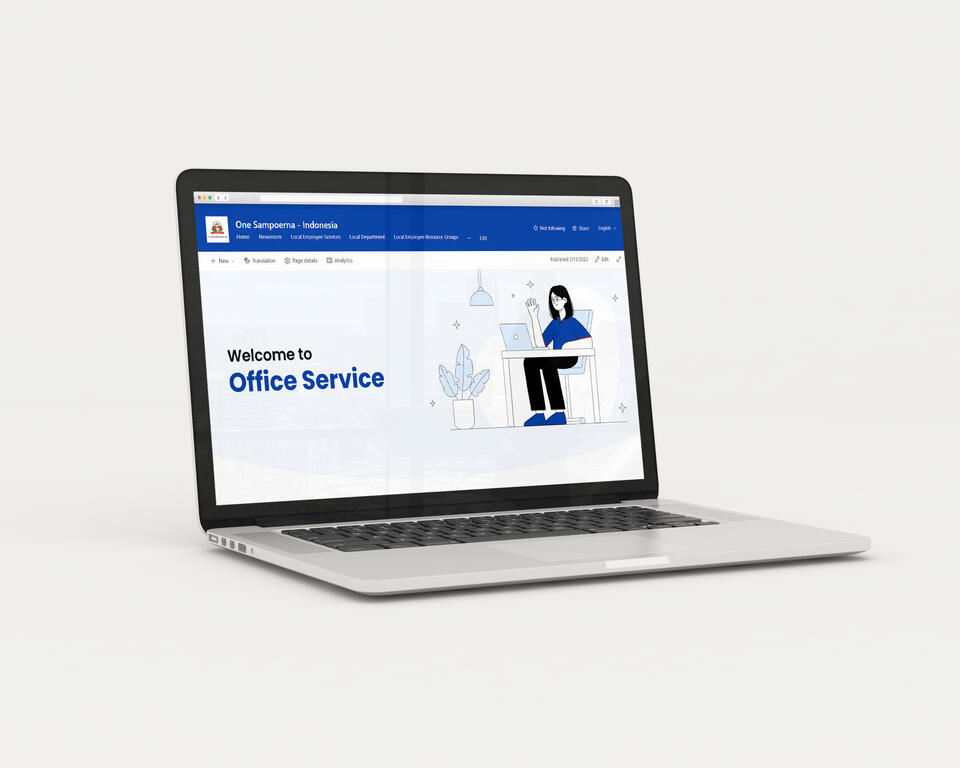
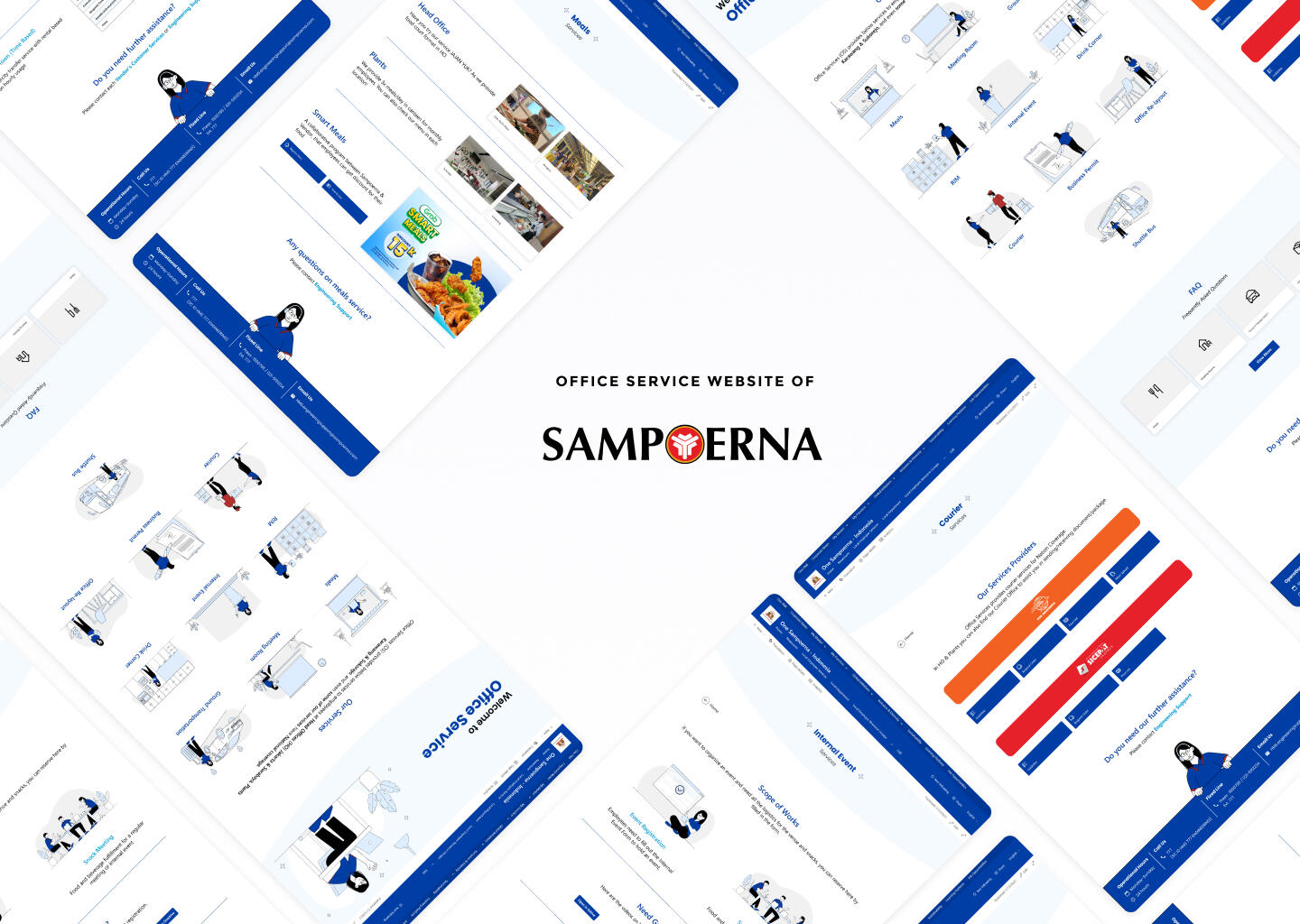
Office Service Website
Scope of Work
Duration
Tools
Type of Project
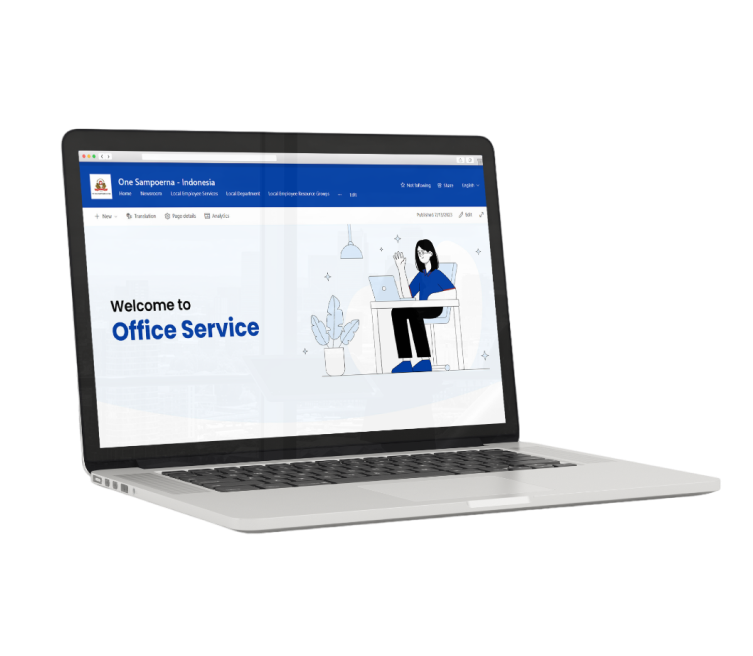
Table of Content
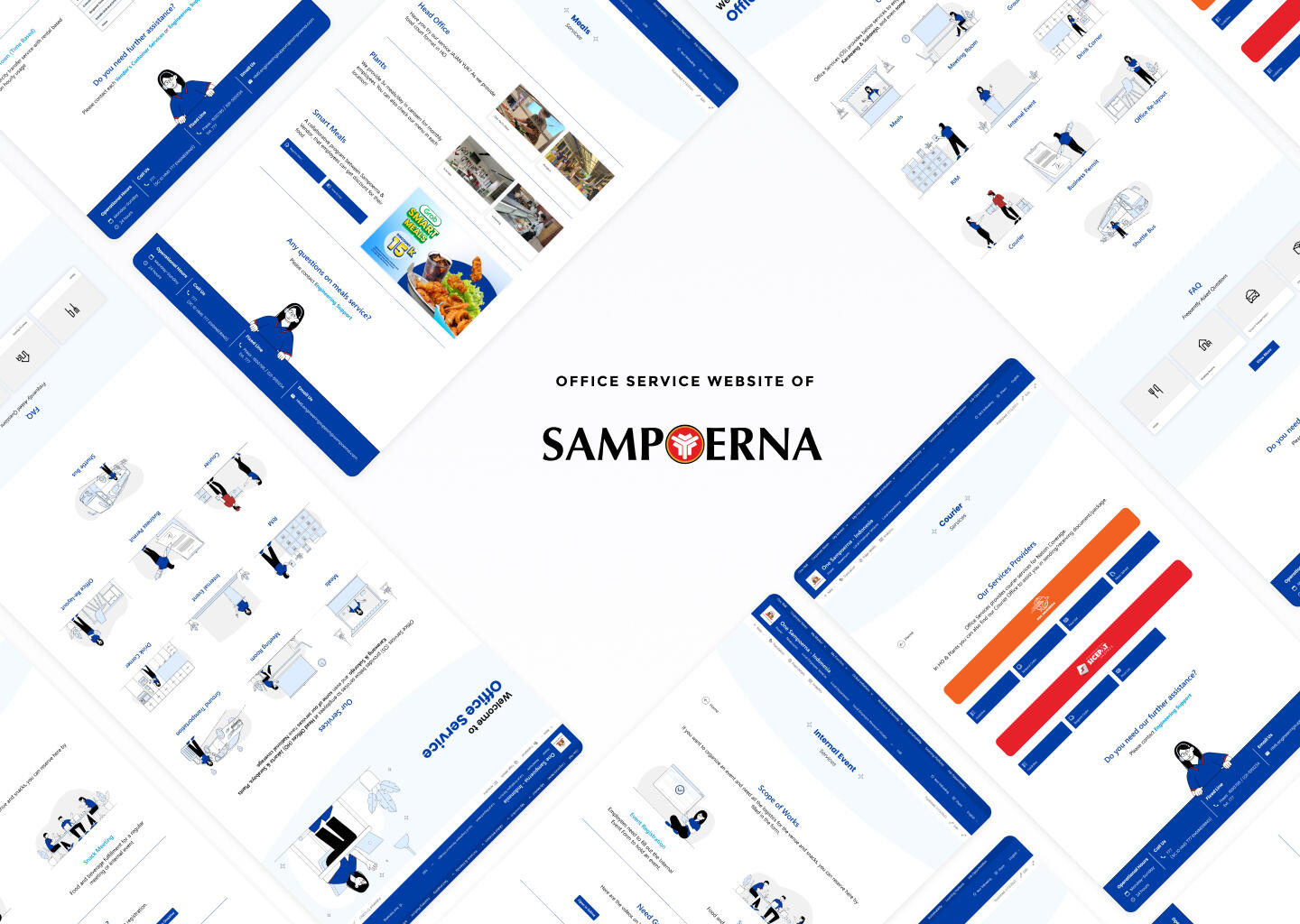
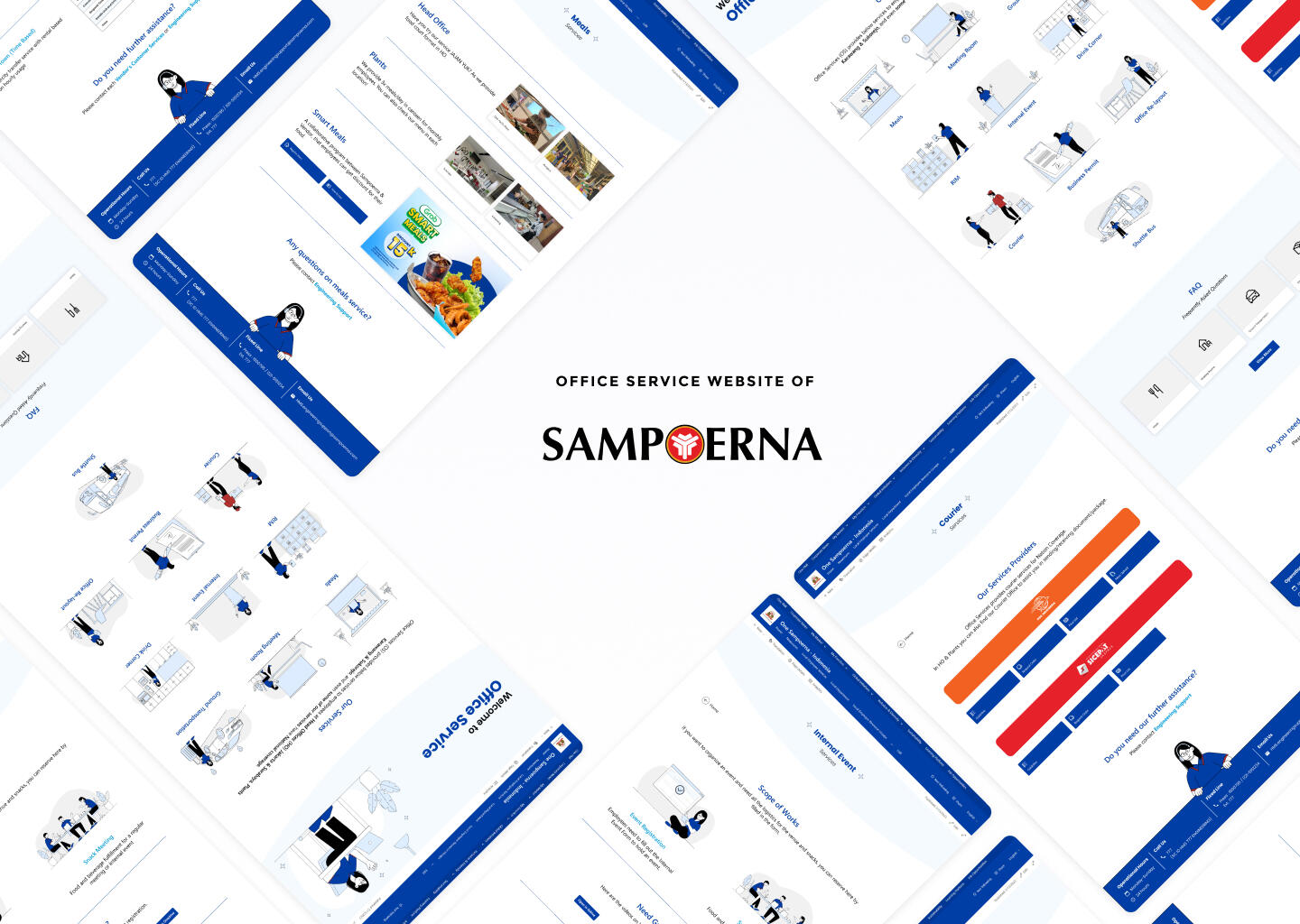
What is OS Website?
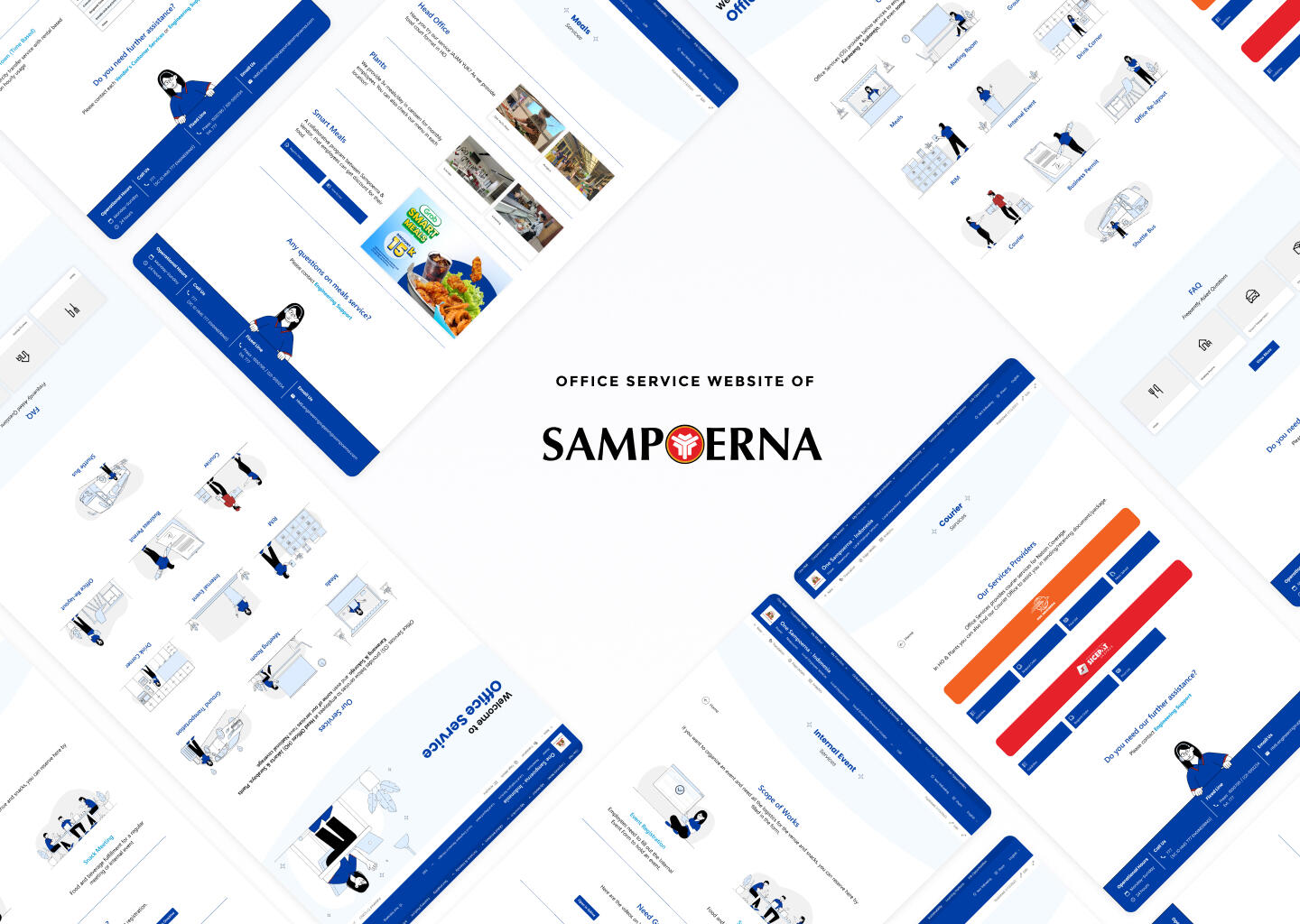
This website appears to increase user experience when using Office Services, which include such things as meal services, meeting room booking services, etc.
Interface is not visually appealing and confusing for user.
Redesign the website as well as improve the user experience.
Design Process
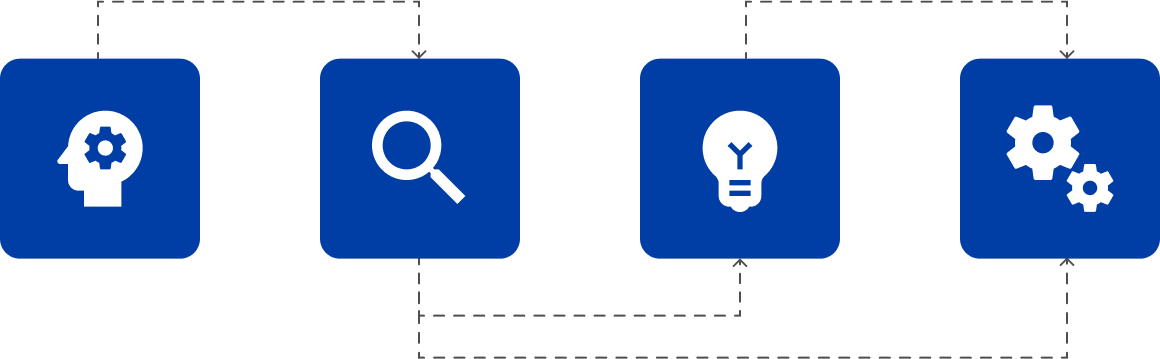

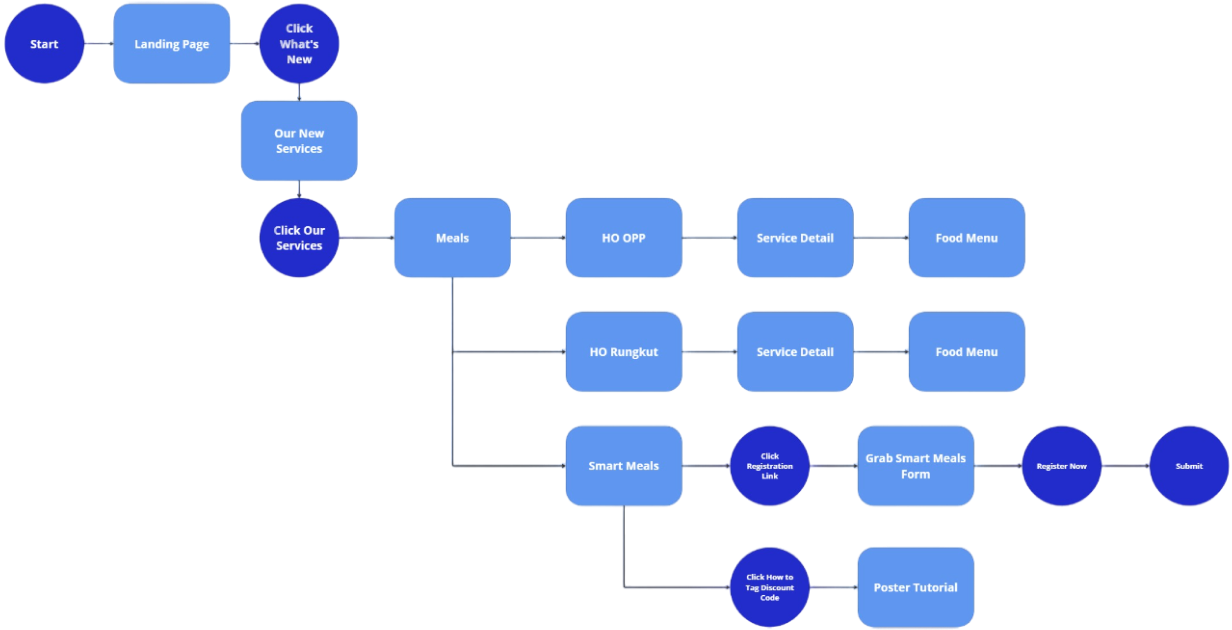
User Flow
Design System
Colors
Primary

Secondary

Typography

Text
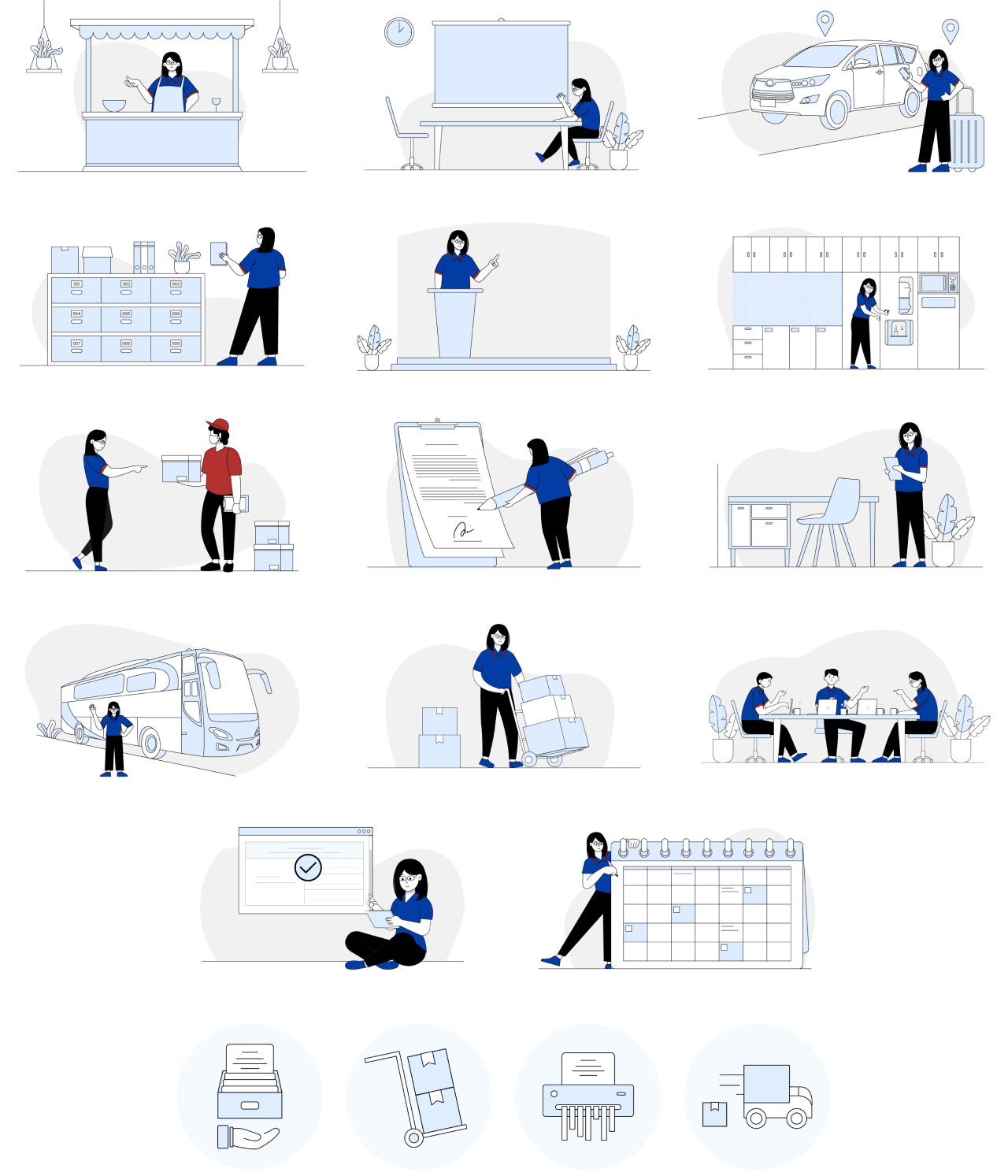
Illustration
Teaser Animation
Due to limitations in showing the finished website, here is the motion graphic video introduction which also made by me that was publicly used as promotion for the new design of the OS website.
Next Project

Financial Manager App
Scope of Work
Duration
Tools
Type of Project
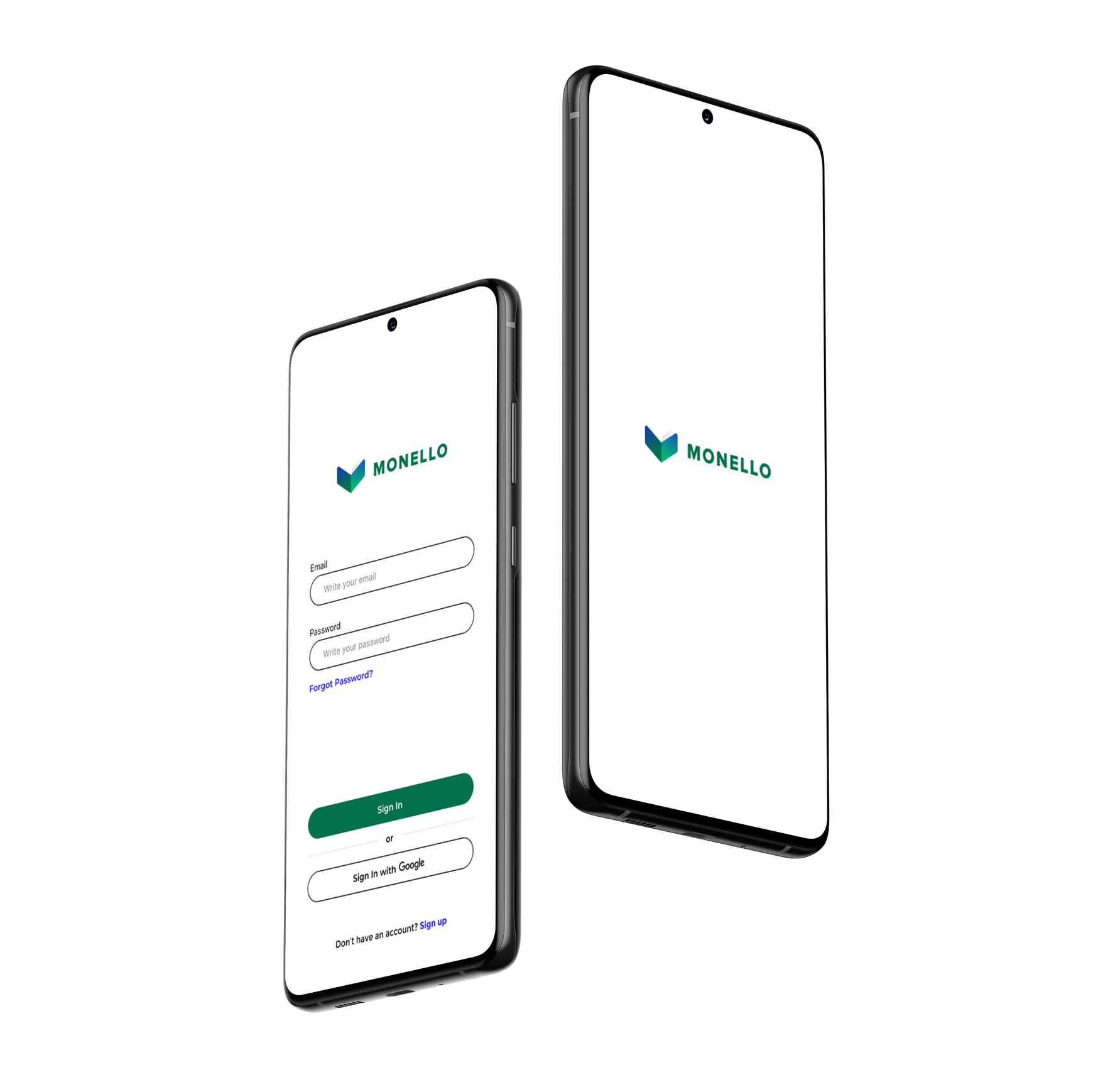
Table of Content
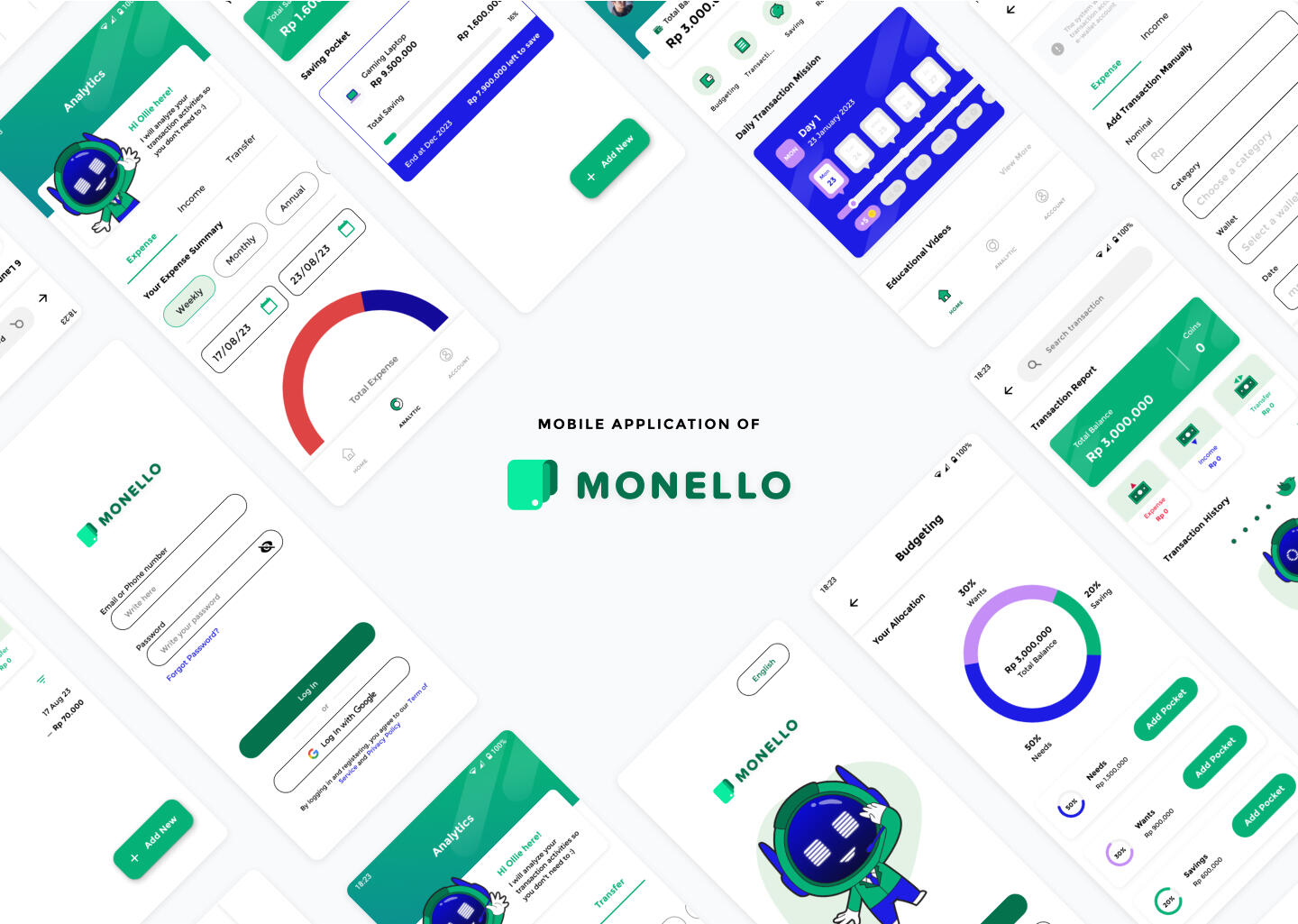
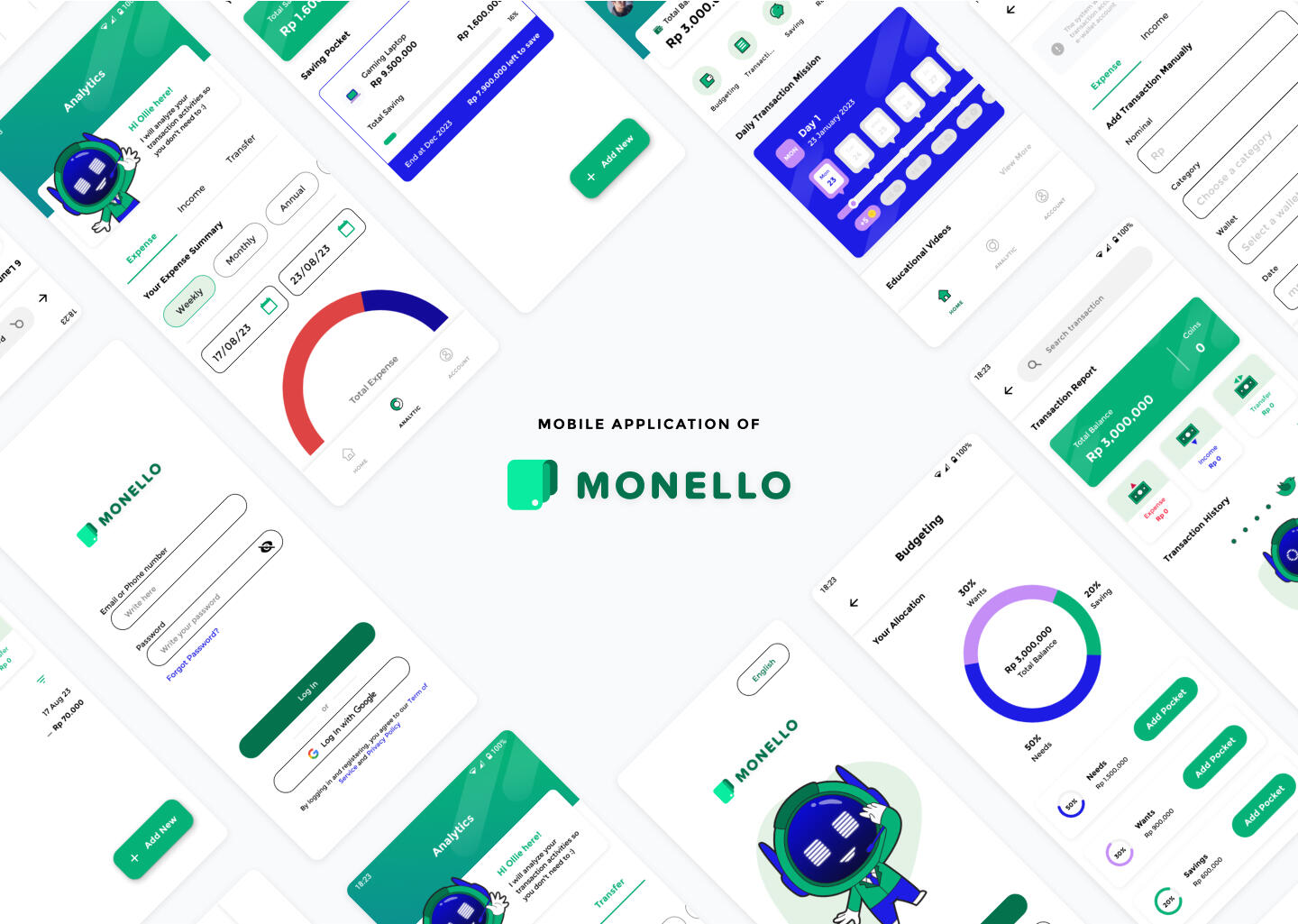
What is Monello?
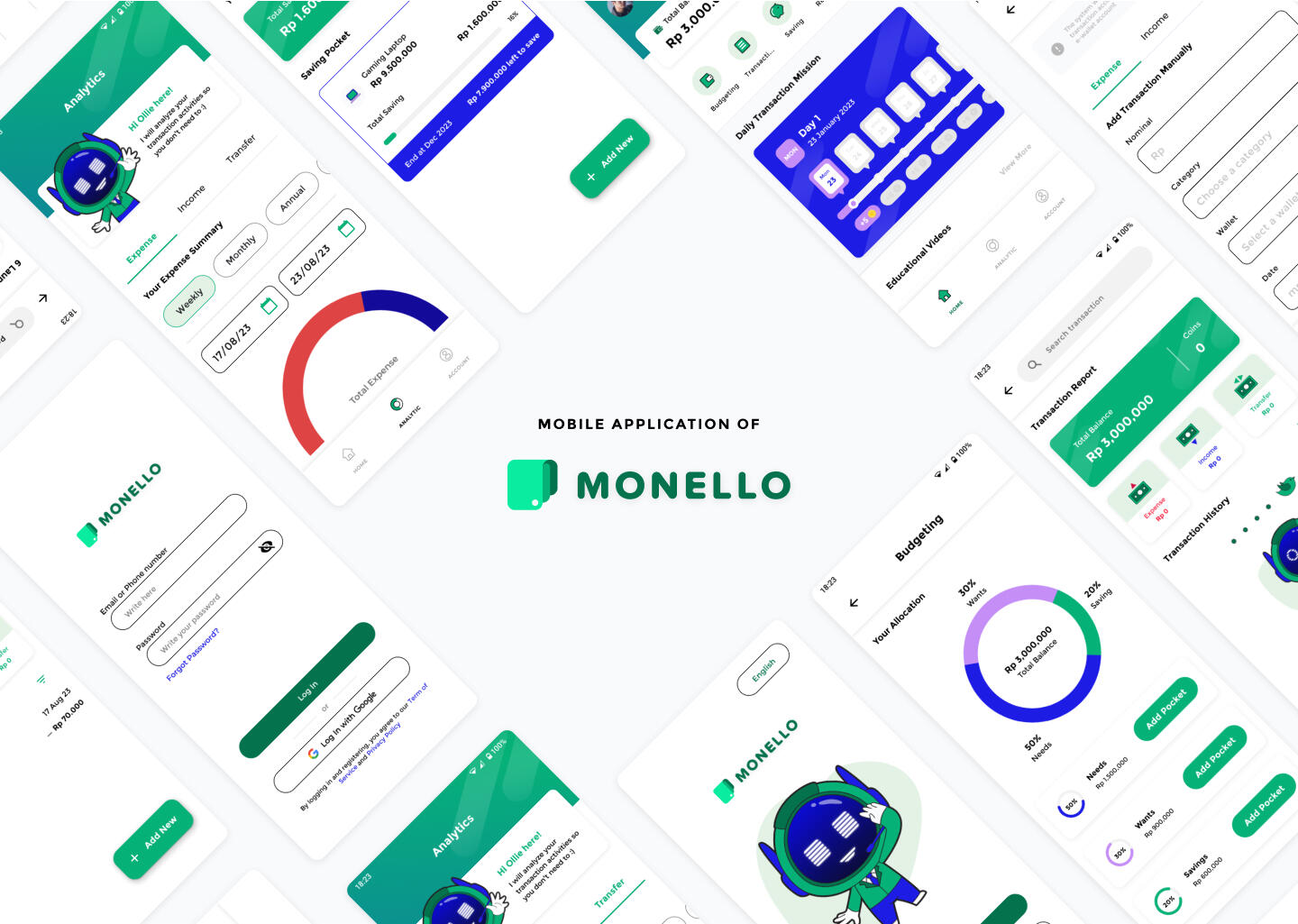
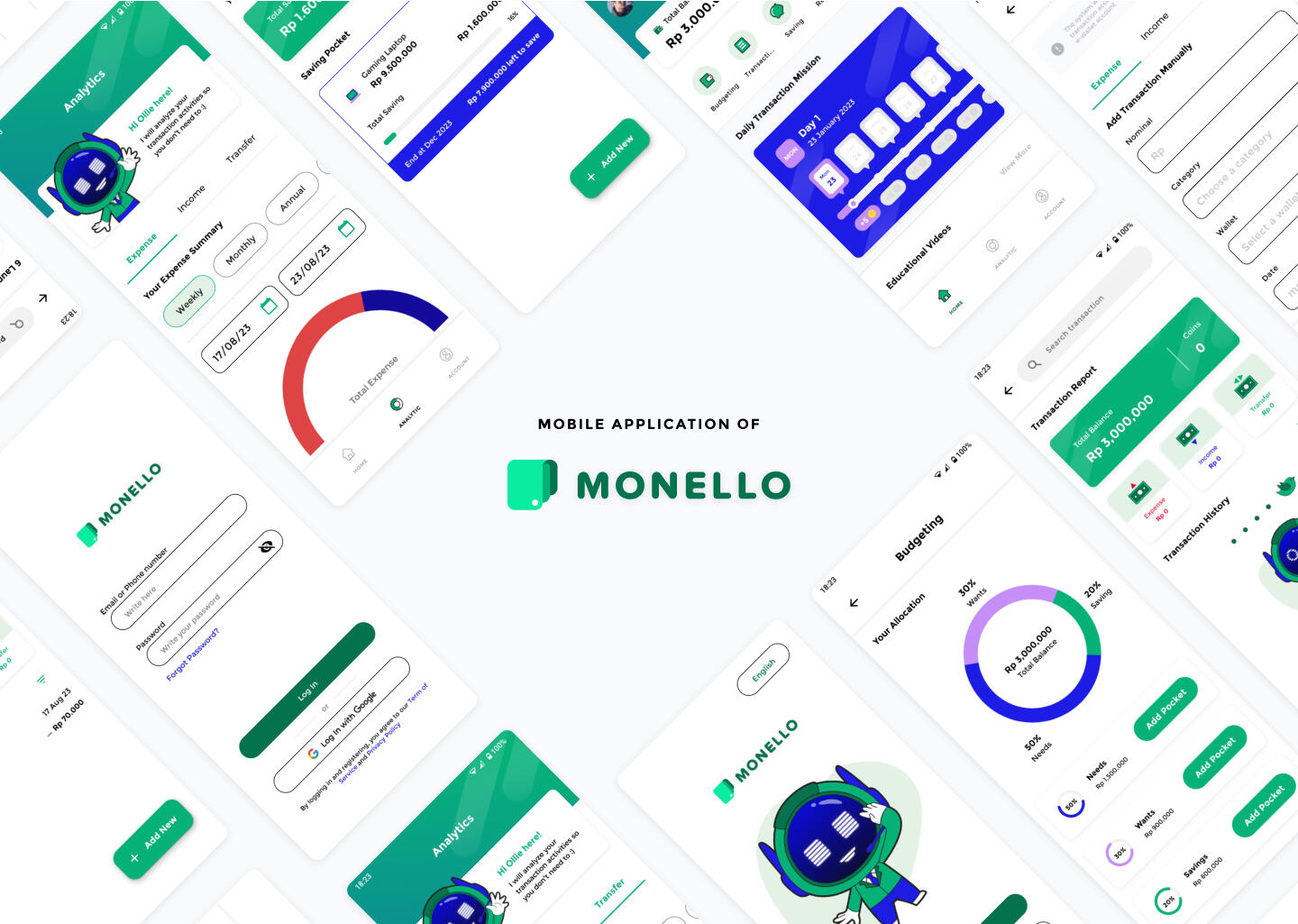
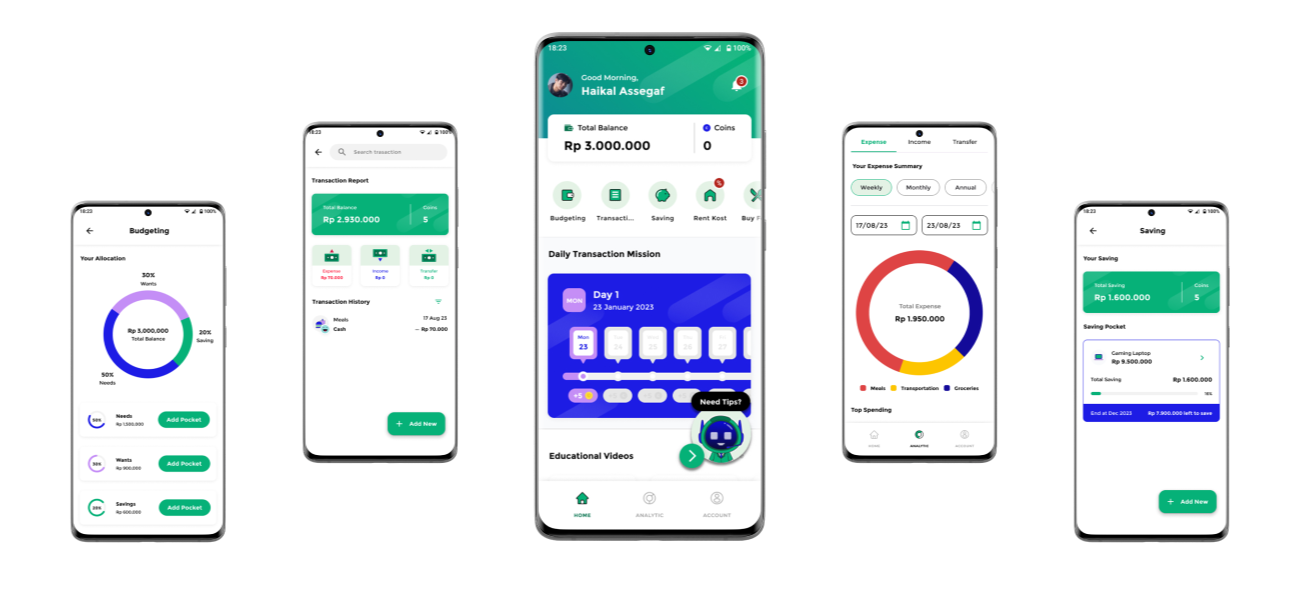
Monello is a financial manager app that includes a budget planner, an automatic expense tracker, a savings goal planner, and financial analysis.
Migrating students from outside of urban area have difficulty in budgeting or allocating their allowance.
A mobile application that provides simple financial management features as well as all primary needs options at reasonable prices.
Design Process
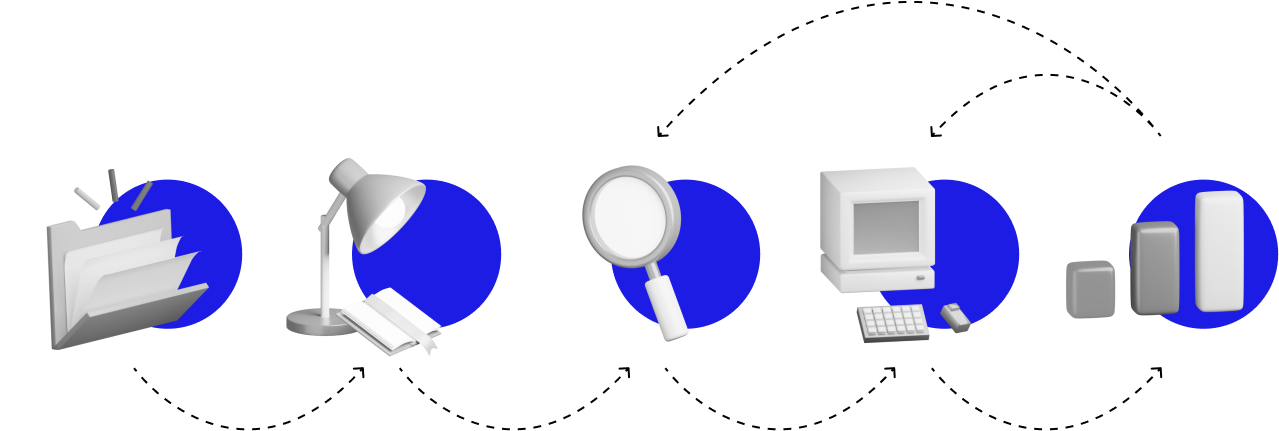

Background Research
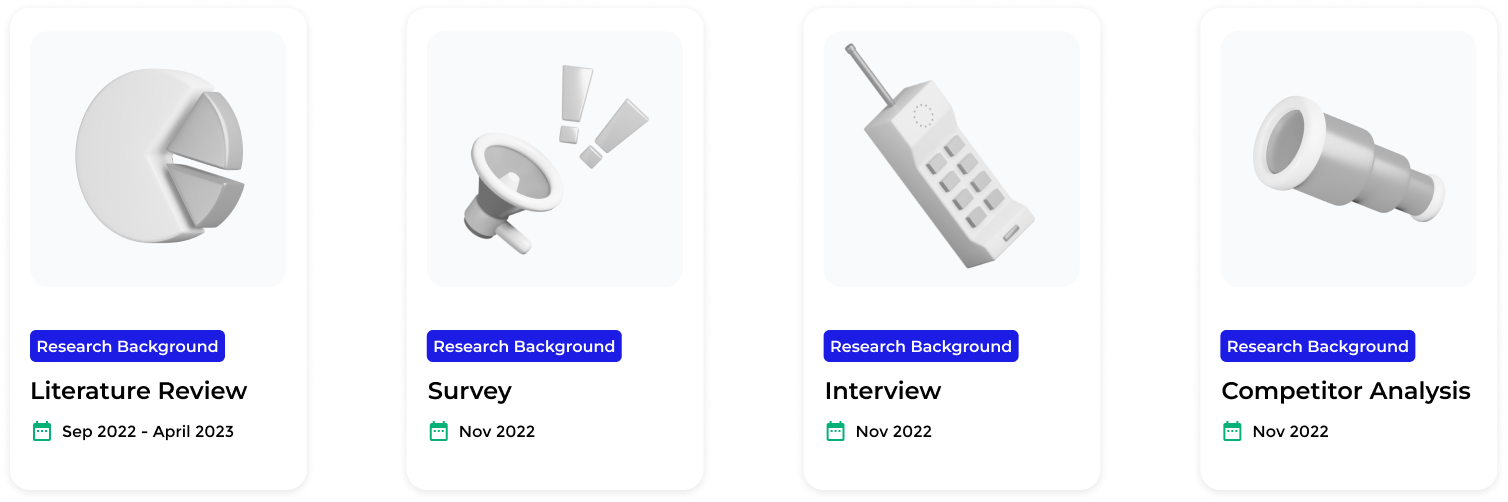
Target Audience
Migrating students of 2019-2022 badge of Sampoerna University.
Purpose
To discover about students budgeting habits, needs, and problems when managing personal finances.
Summary
Based on survey results, only 33.3% of all respondents have ever done budgeting and used a mobile budgeting application. The remaining 50.5% have done budgeting but have never used a mobile budgeting application, and 17.1% have never done budgeting at all. These result will be reviewed and analyzed into paint points in define phase.
Analysis Data
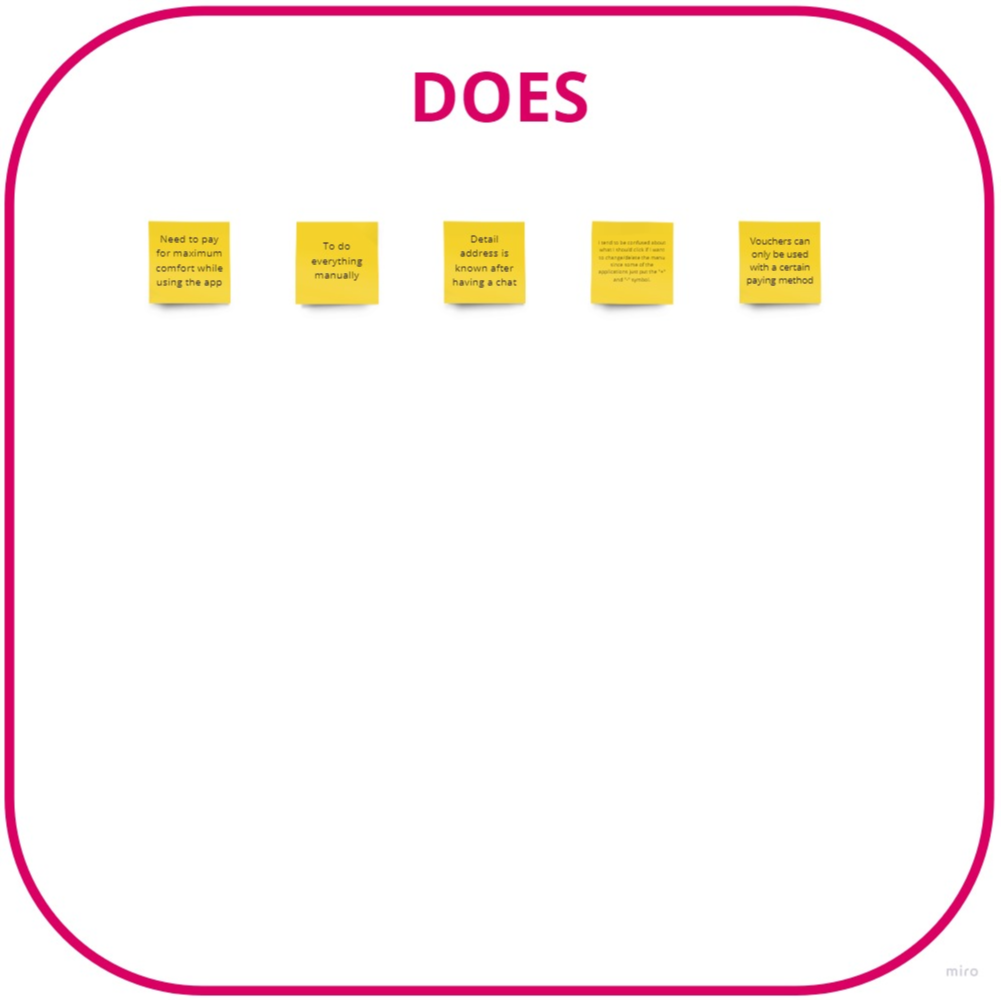
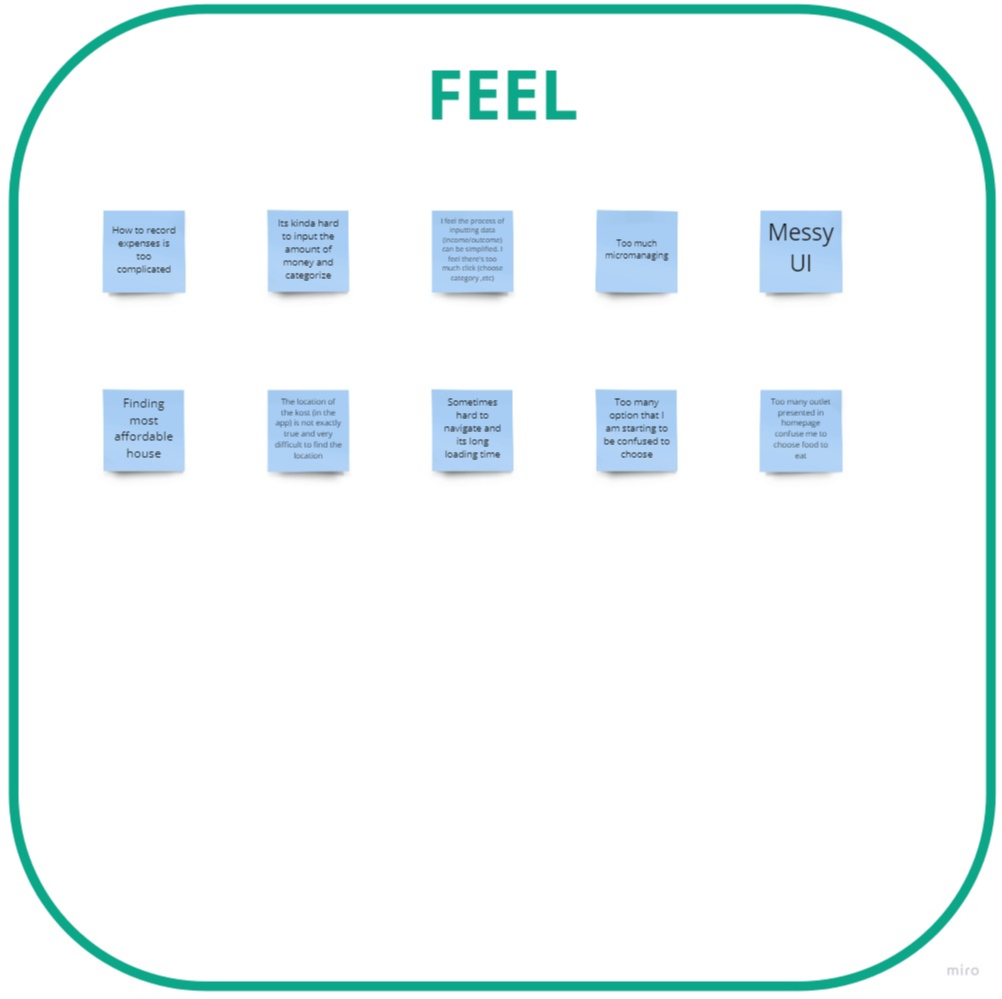
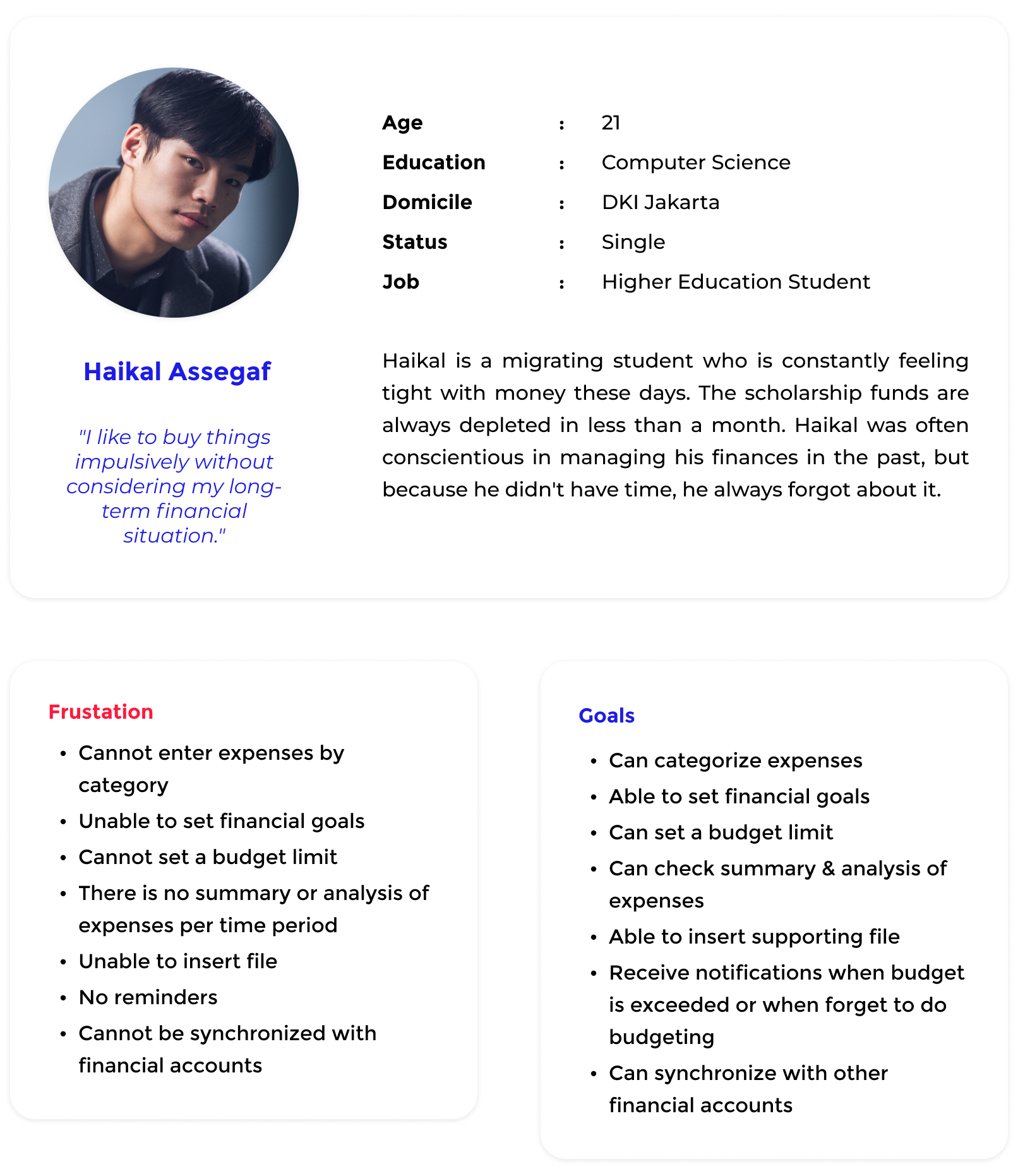
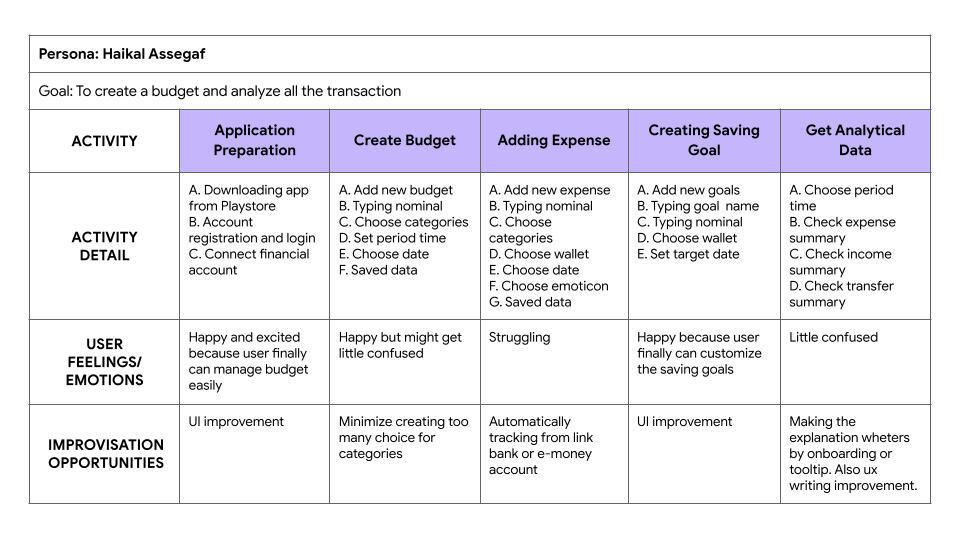
To define the problem statement, all gathered information from the empathize phase is analyzed again and turned into an empathy map, pain points, user persona, and user journey map
Empathy Map
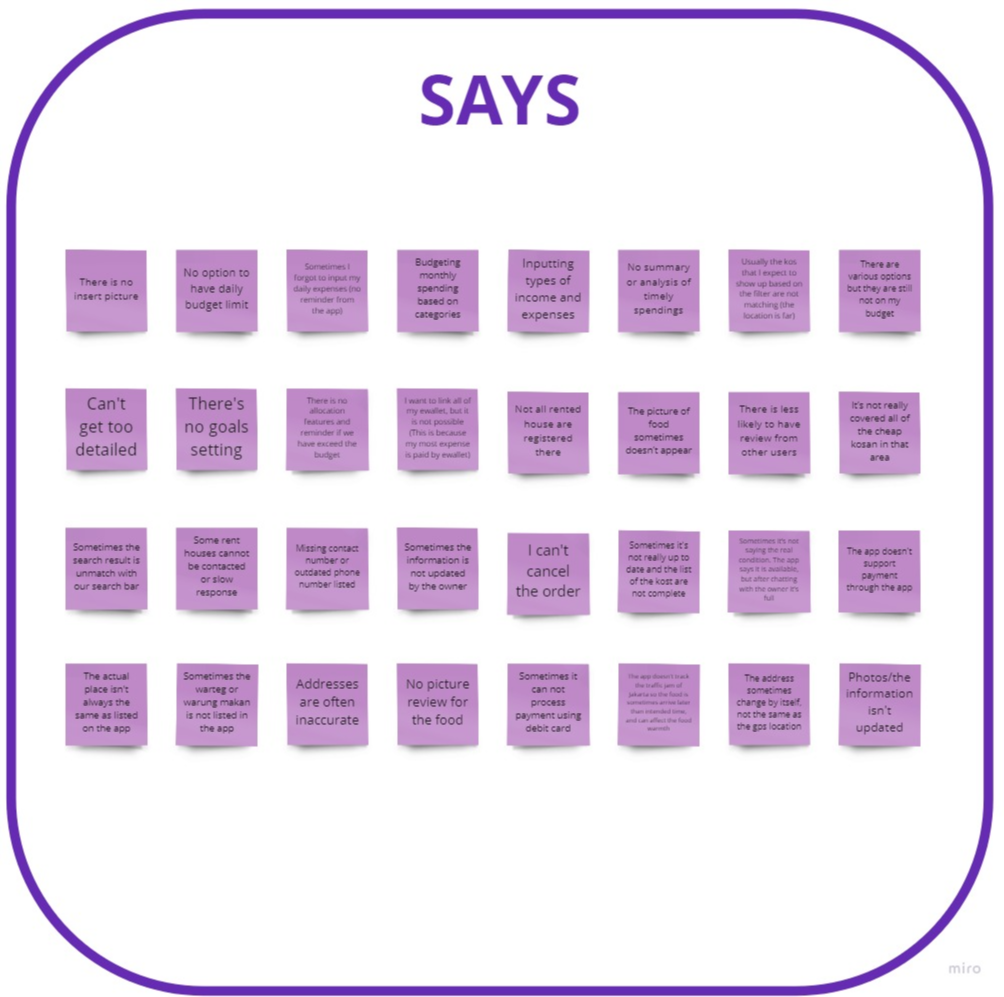
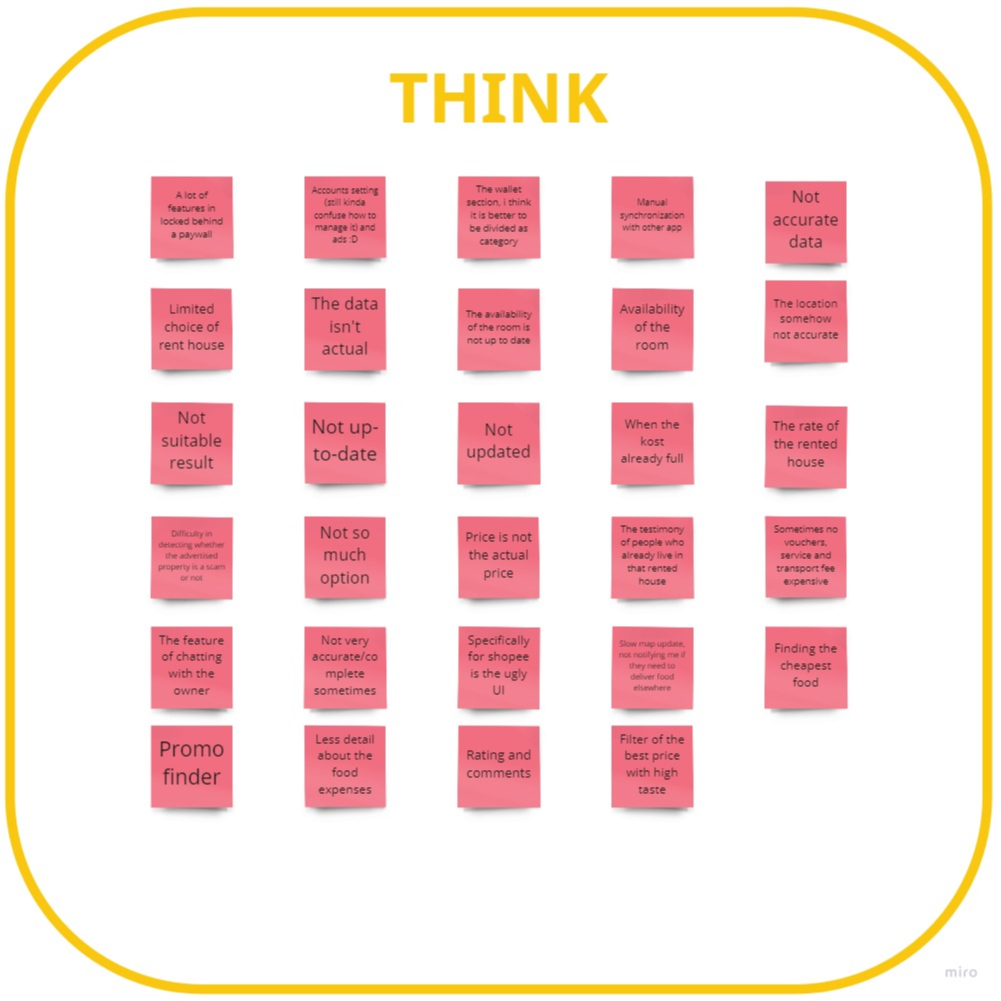
Pain Points (Based on User Survey)
Categories
Inputting types of income and expenses
Budgeting monthly spending based on categories
The wallet section, I think it is better to be divided as category
There is no allocation features and reminder if we have exceed the budget
Saving Goals
There's no goals setting
Budget Limit
No option to have daily budget limit
Summary & Analysis
No summary or analysis of timely spendings
Insert File
There is no insert picture
Reminder
There is no allocation features and reminder if we have exceed the budget
Sometimes I forgot to input my daily expenses (no reminder from the app)
Financial Account Synchronization
I want to link all of my e-wallet, but it is not possible (This is because my most expense is paid by e-wallet)
User Persona
User Journey Map
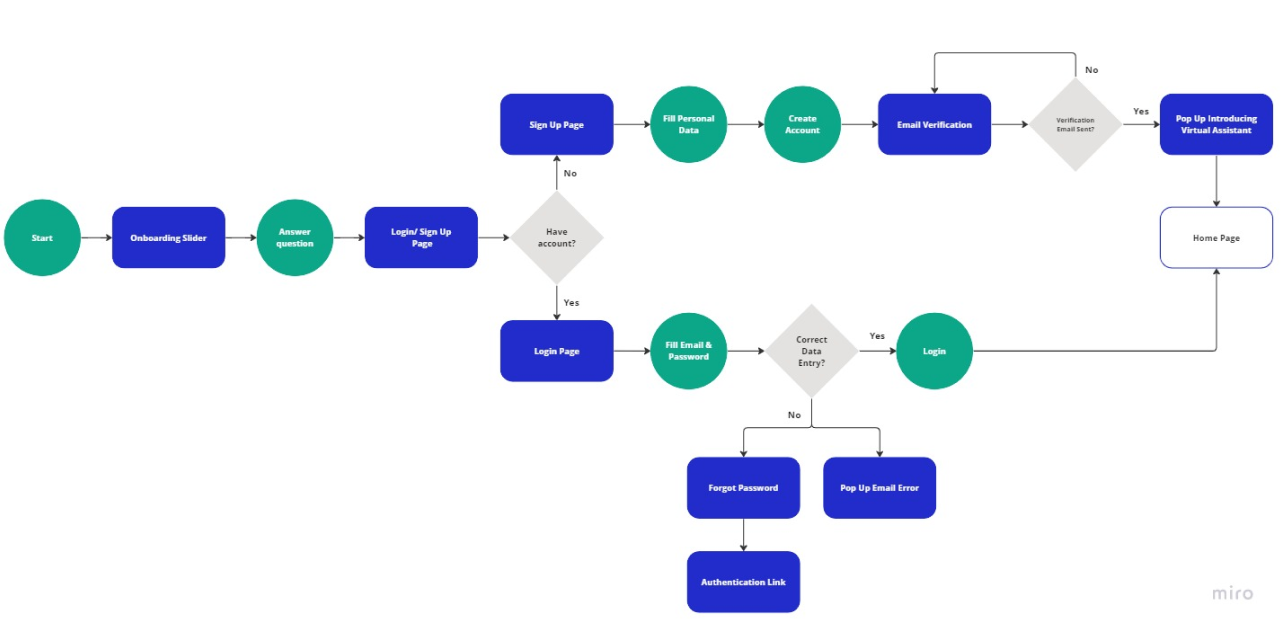
User Flow
Design System
Colors
Primary

Secondary

Typography

Iconography

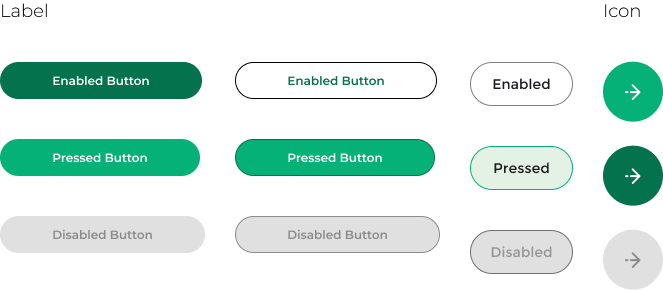
Button
Primary Button
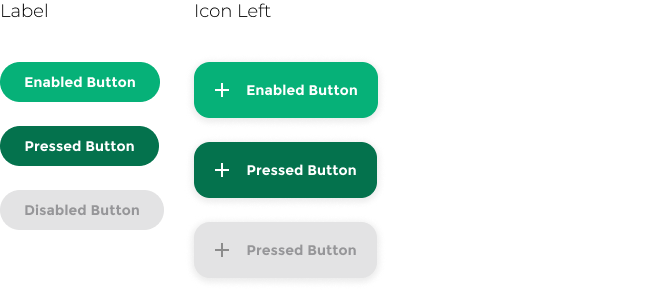
Secondary Button
Navigation/ Tabs

Bottom Navigation

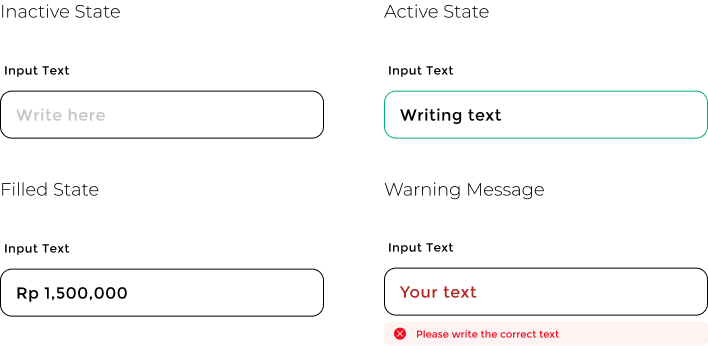
Data Entry/ Input
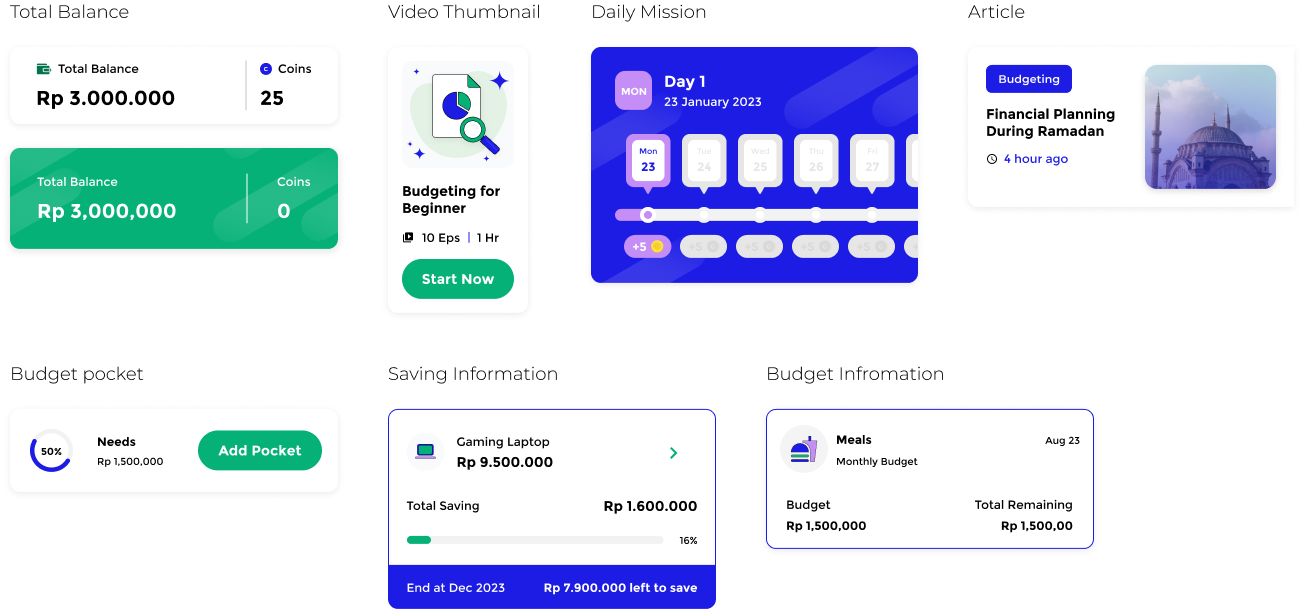
Data Display/ Card
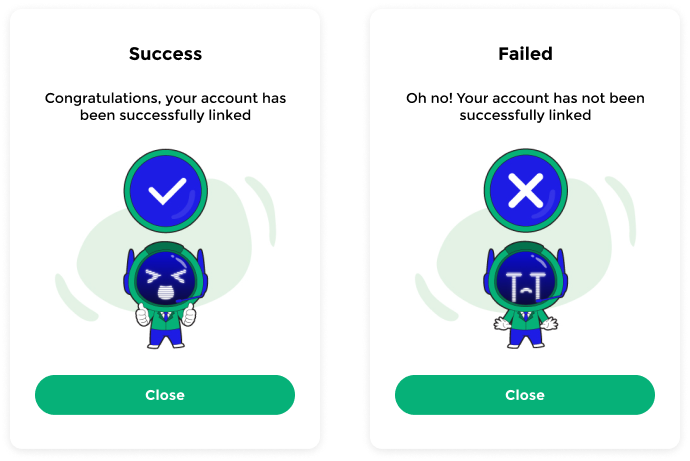
Feedback/ Message
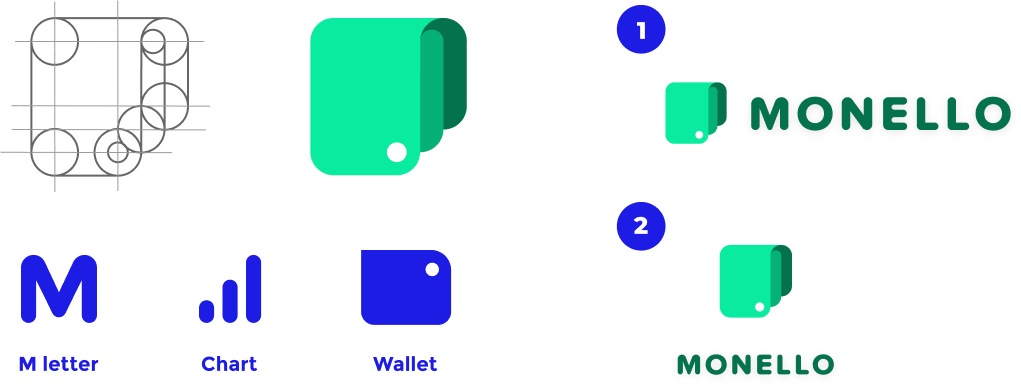
Logo
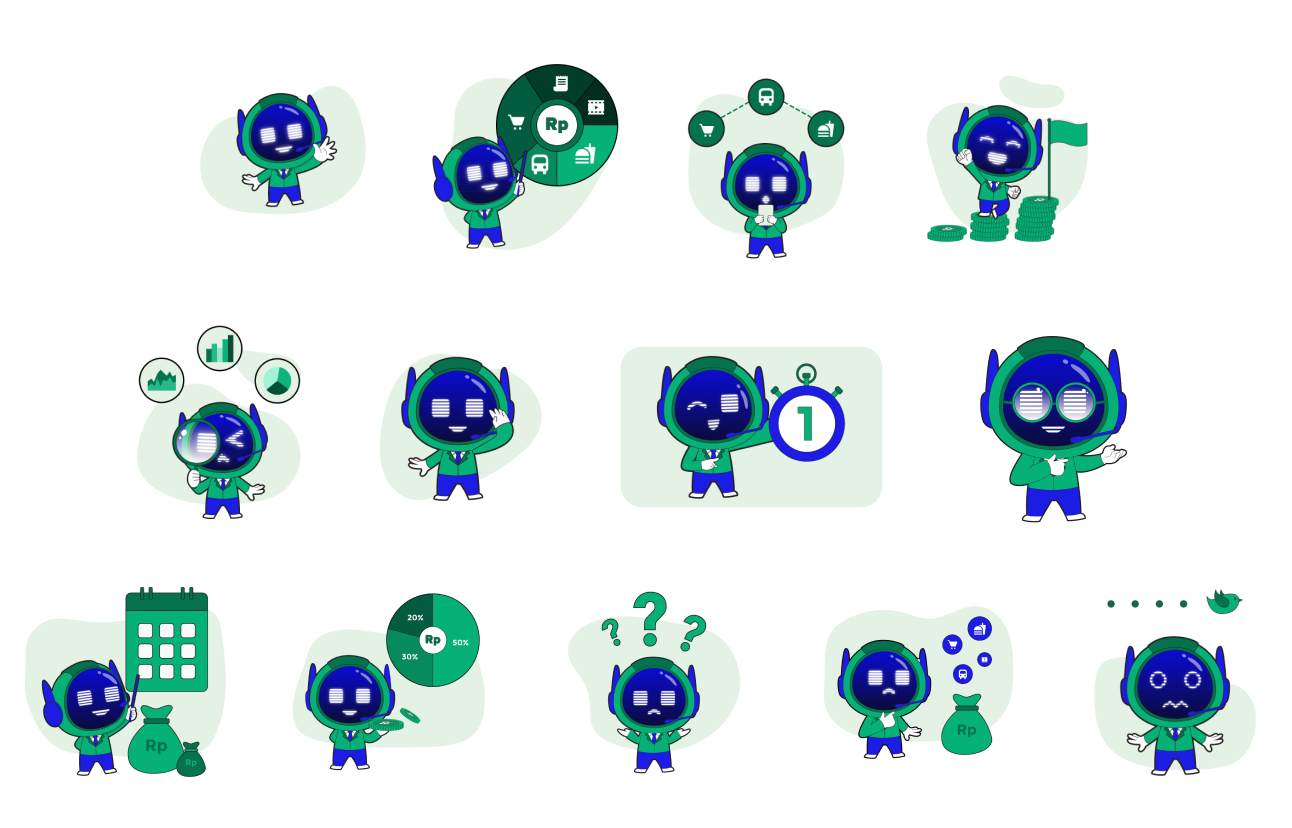
Mascot

Description
Ollie is a virtual financial manager who's going to help users calculate their budget allocation.
Illustration
Wireframes
High Fidelity
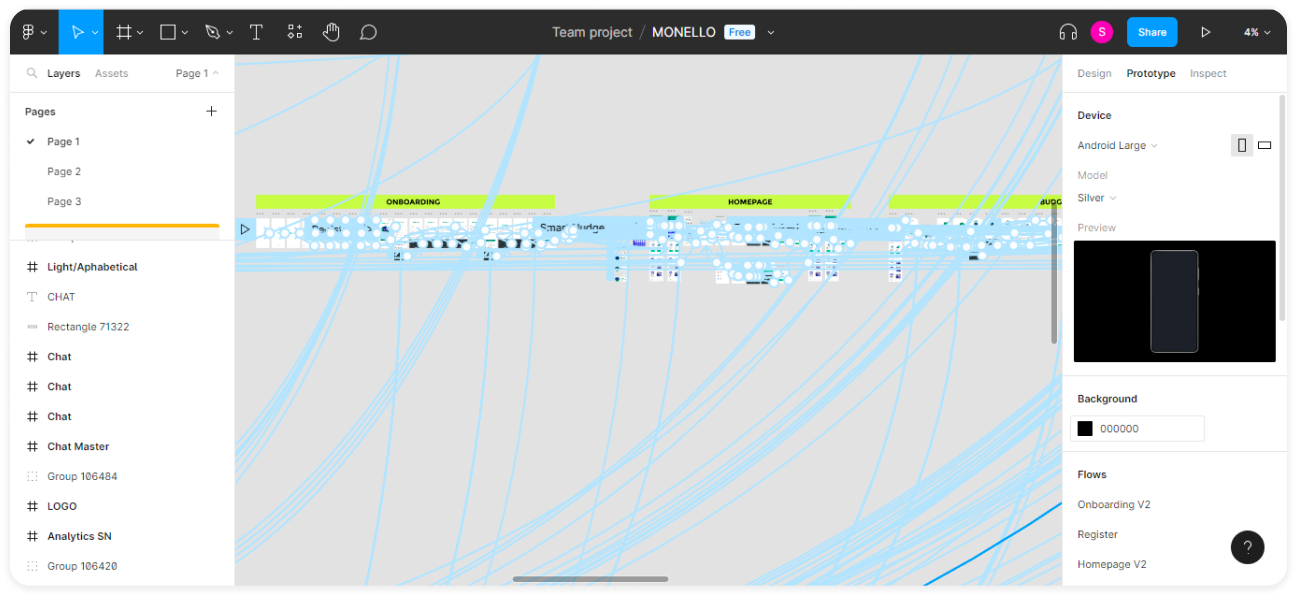
Prototype
User Testing
User Criteria
Male/ Female
Migrating students from Sampoerna University from cohort 2019-2022
Have done budgeting and using budgeting app
Tools

Task and Scenario
Task 1
Mission: Add your first budget
The first mission is to find the budgeting feature and add a new budget in the “Needs” pocket.
Task 2
Mission: Add your first transaction
The second mission is to find a transaction feature in the homepage and add new data to record an expense
Task 3
Mission: Add your first saving goal
The third mission is to find a transaction feature in the homepage and add a new saving goal
Usability Test Result
| . | Task 1 | Task 2 | Task 3 |
|---|---|---|---|
| Success | 100% direct success | 100% direct success | 100% direct success |
| Satisfaction Rate | 9 out of 10 | 9.6 out of 10 | 9.6 out of 10 |
| Heatmap | Most of the users completed tasks seamlessly. | Most of the users completed tasks seamlessly. | Most of the users completed tasks seamlessly. |
| Finding | Two of the users misclicked in the daily transaction report or in the total balance cards. | One of the users misclicked on the total expense icon. | One of the users is still misclicking in the daily transaction report.. |
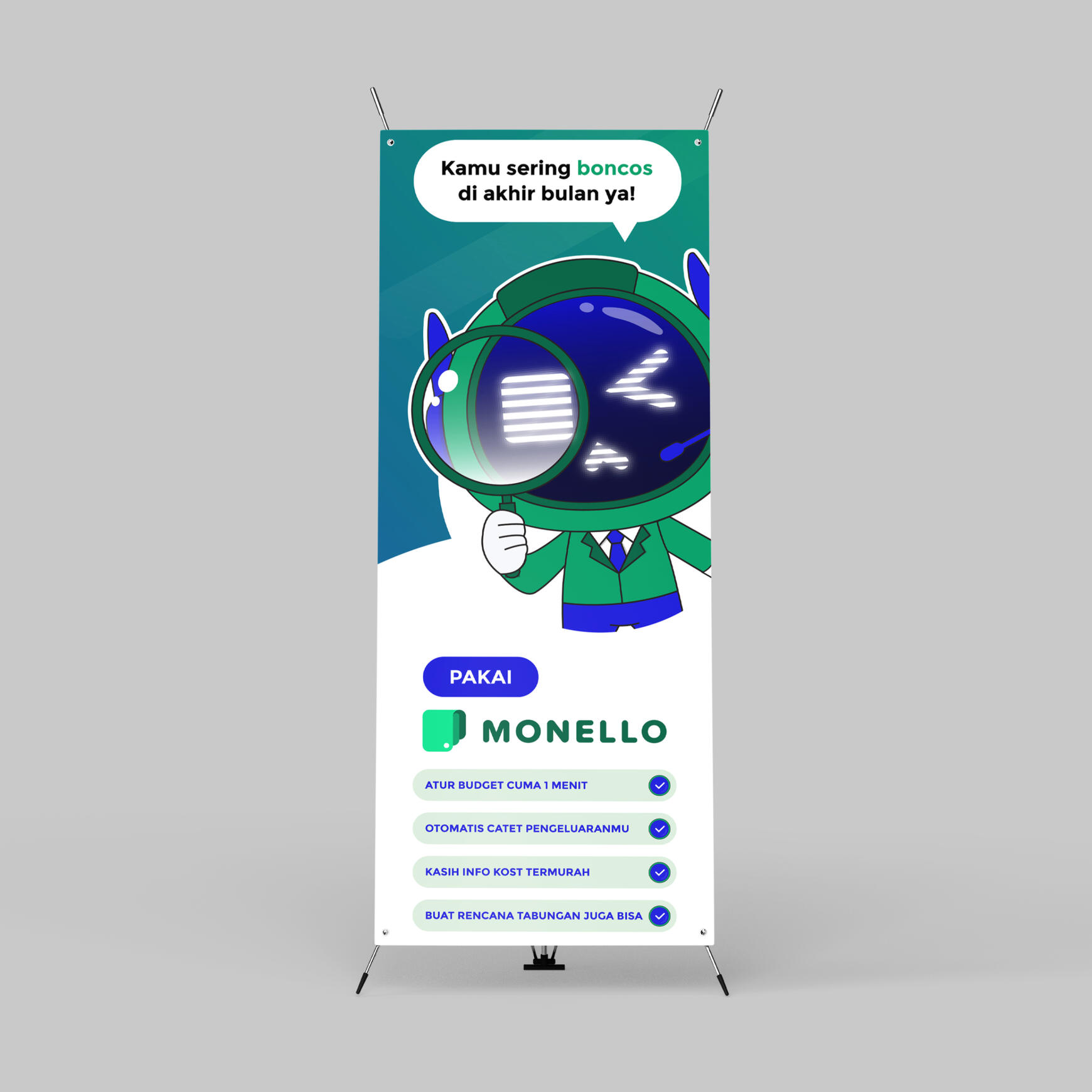
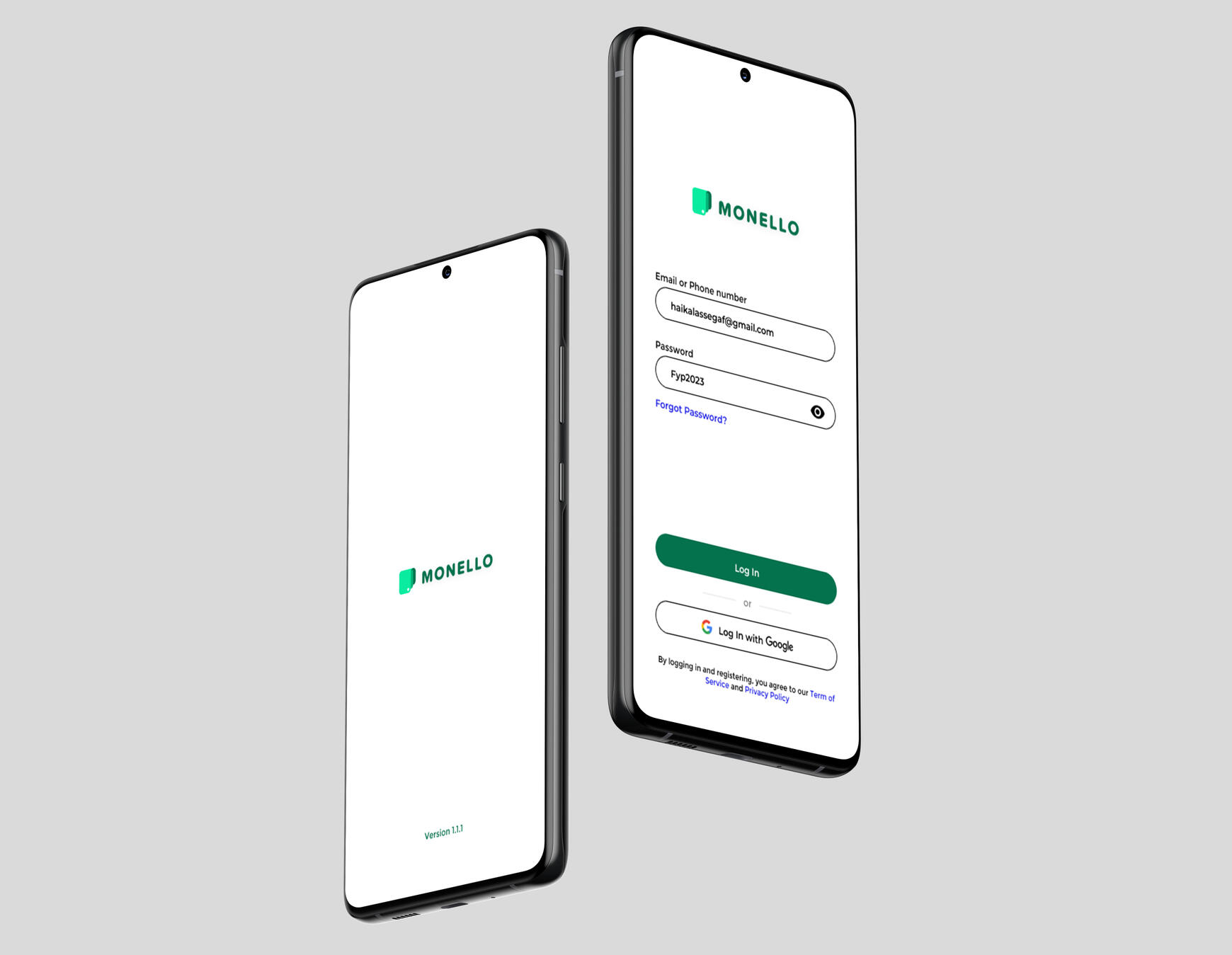
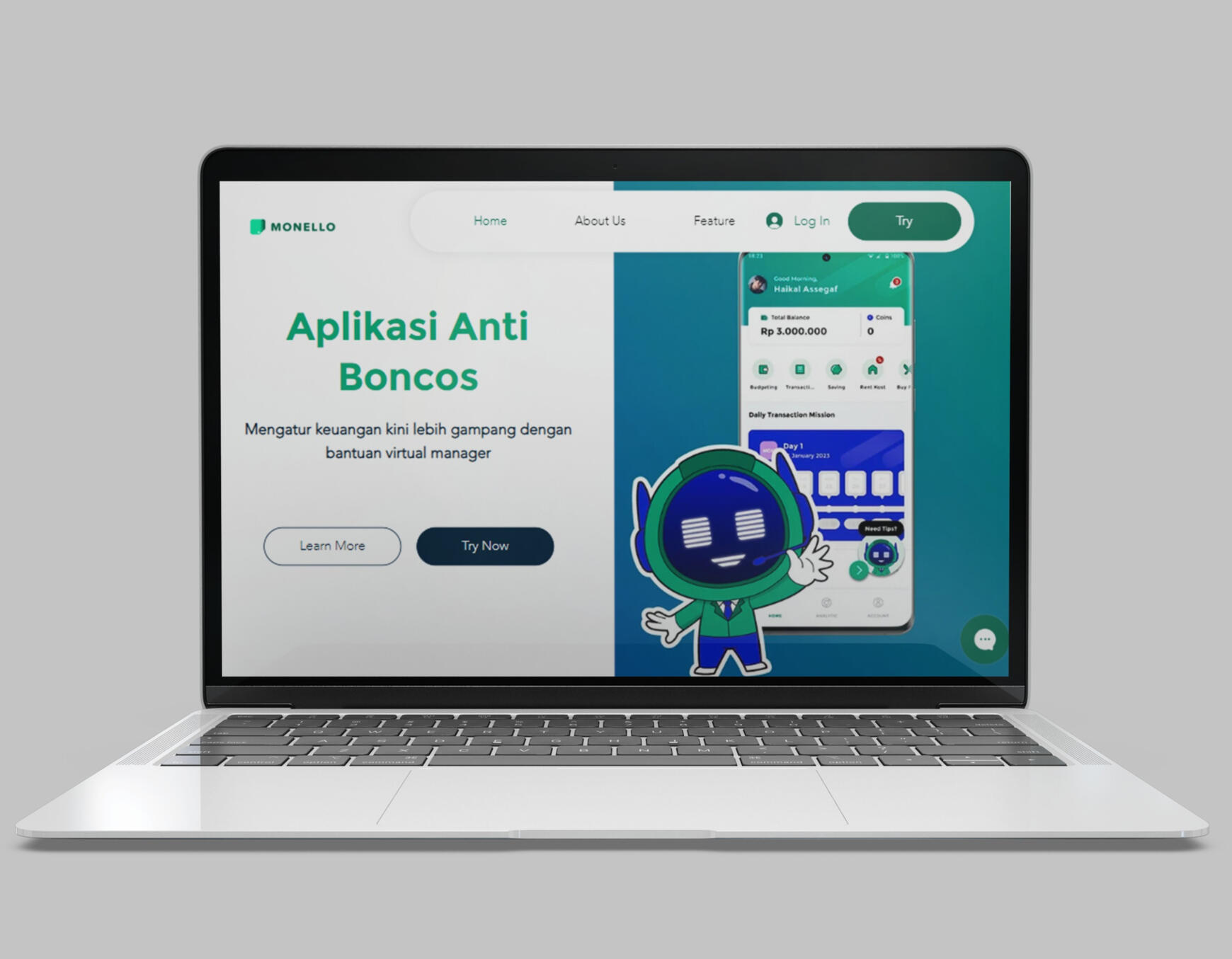
Supporting Media

Next Project

Augmented Reality App
Scope of Work
Duration
Tools
Type of Project

Table of Content
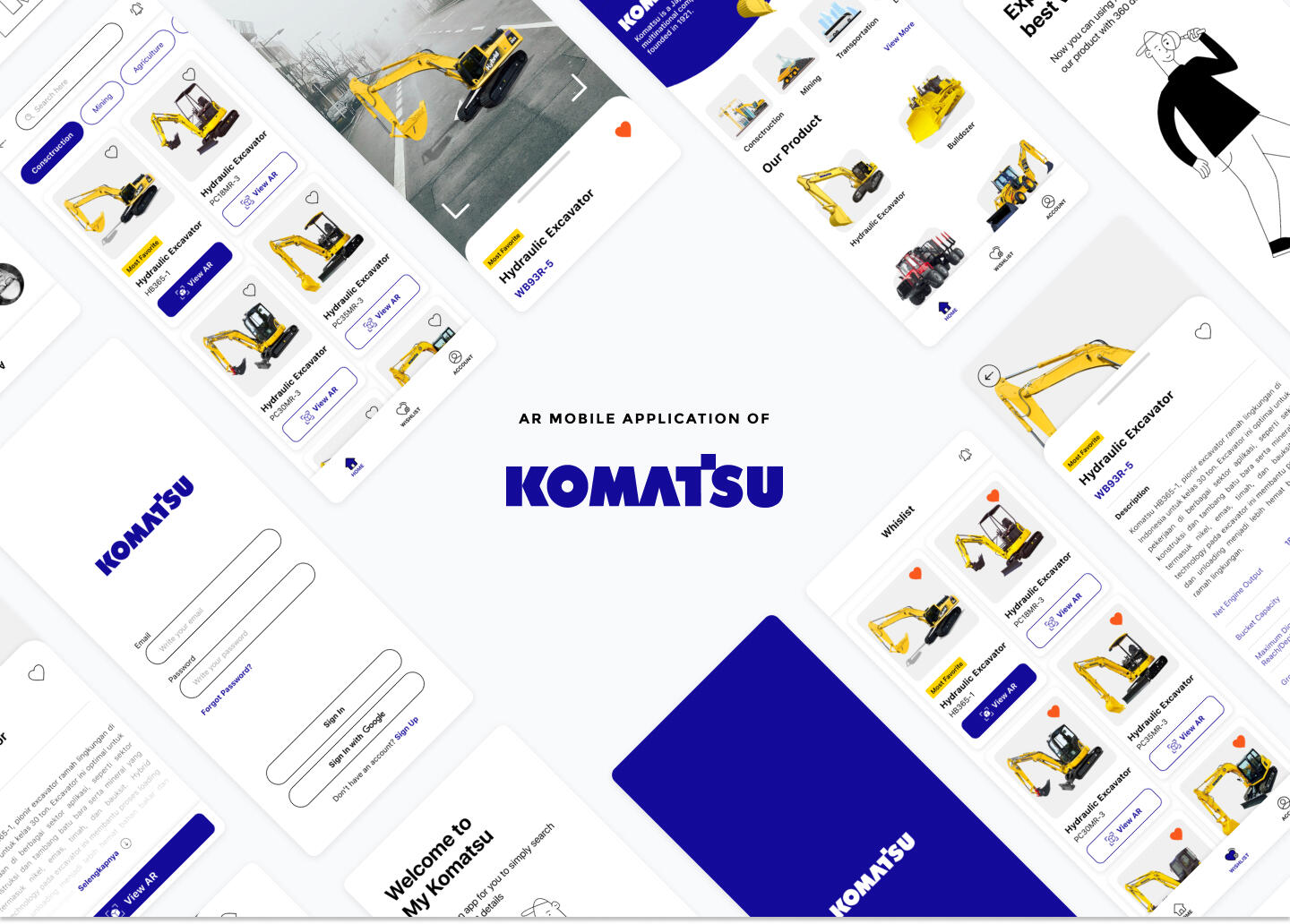
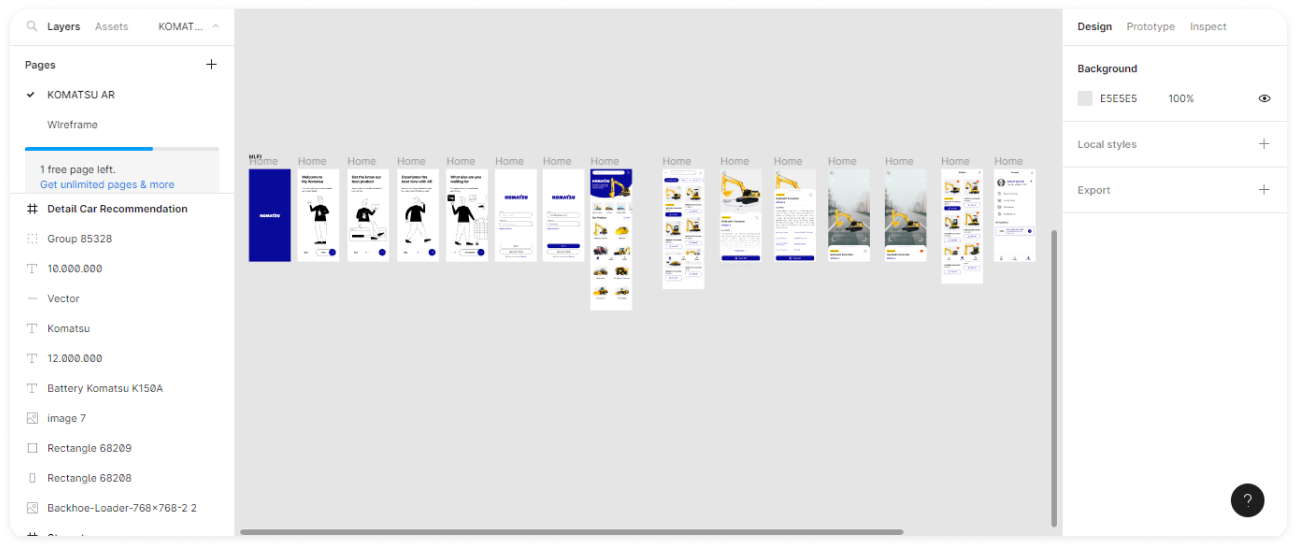
What is Komatsu AR App?
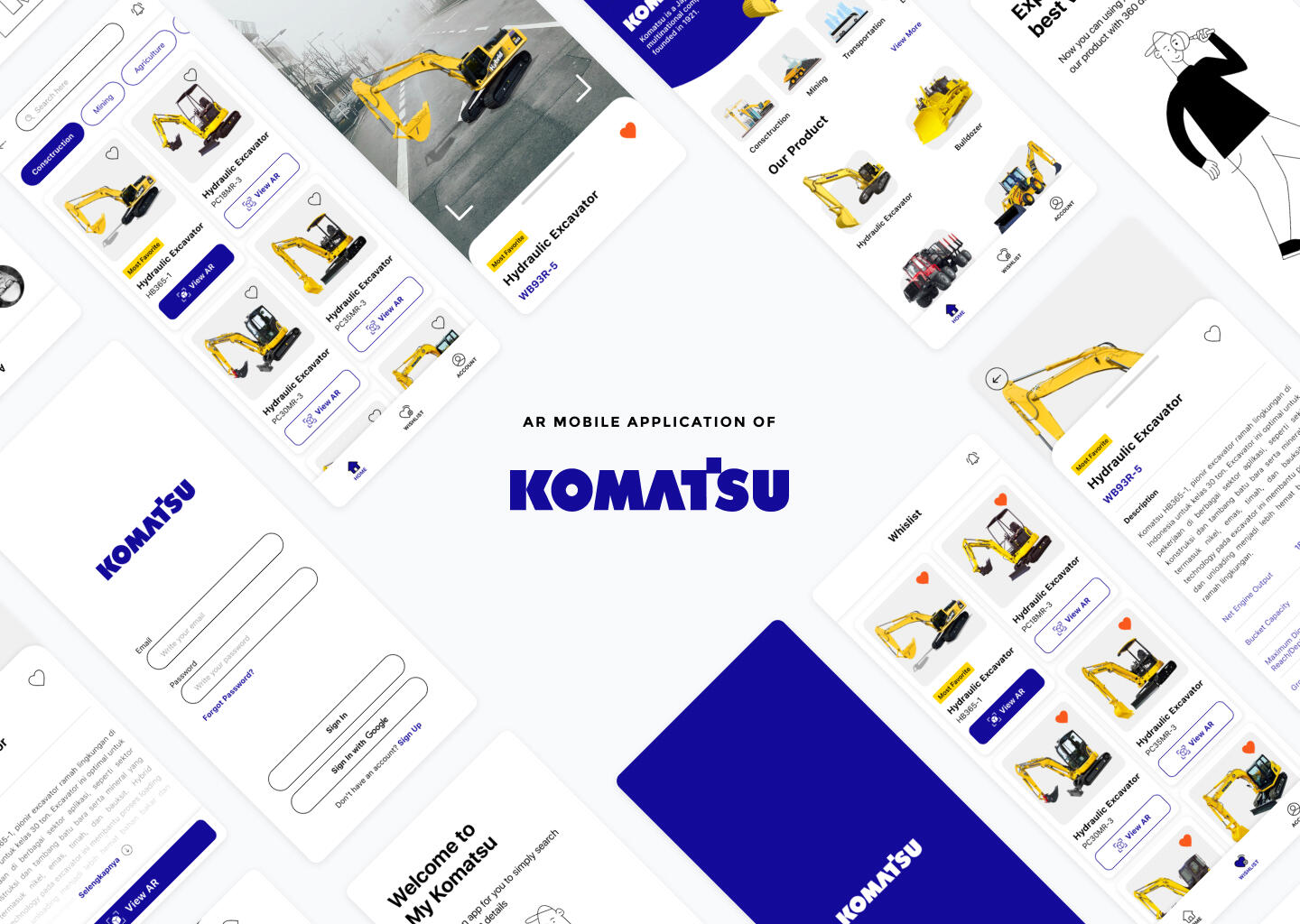
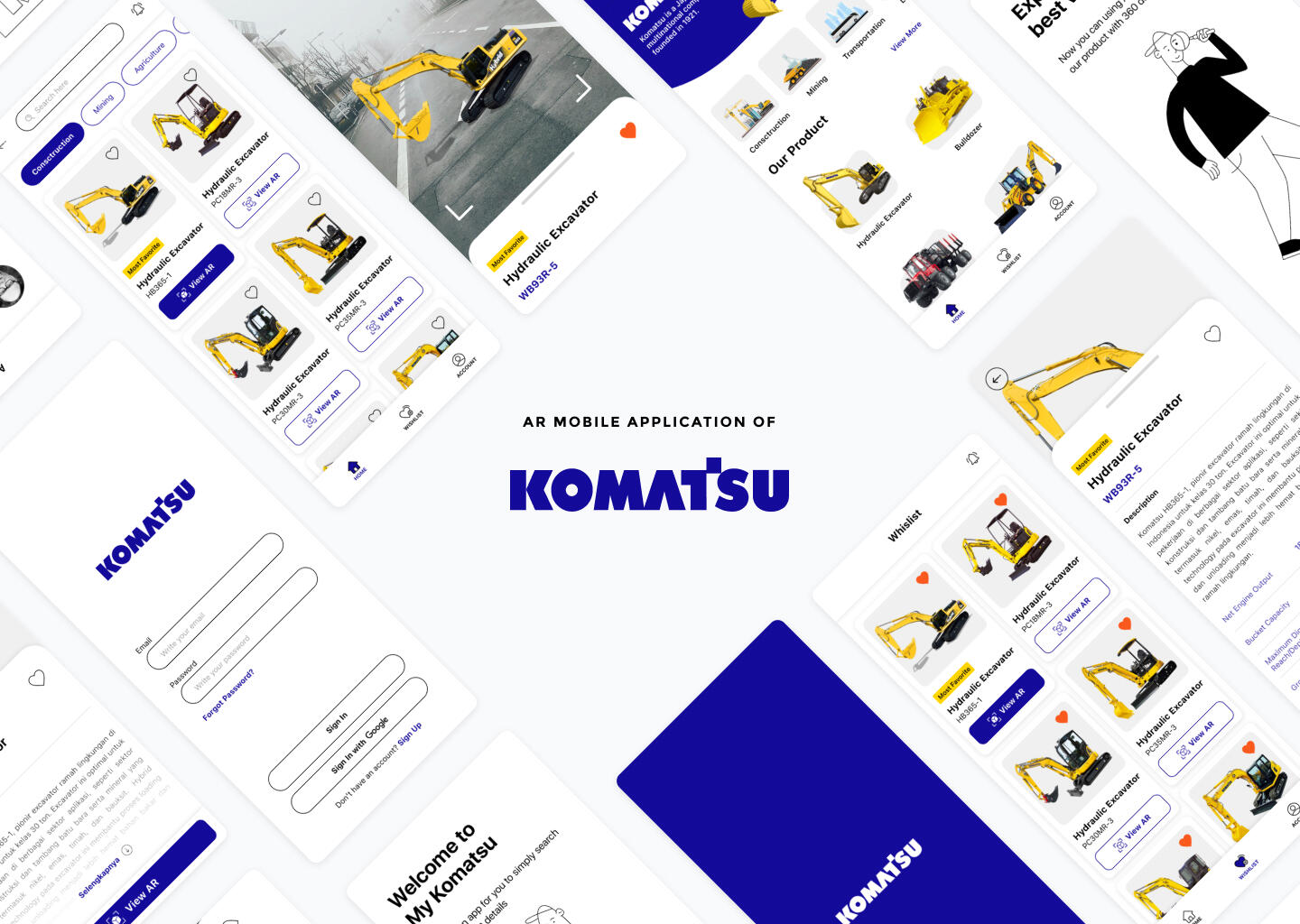
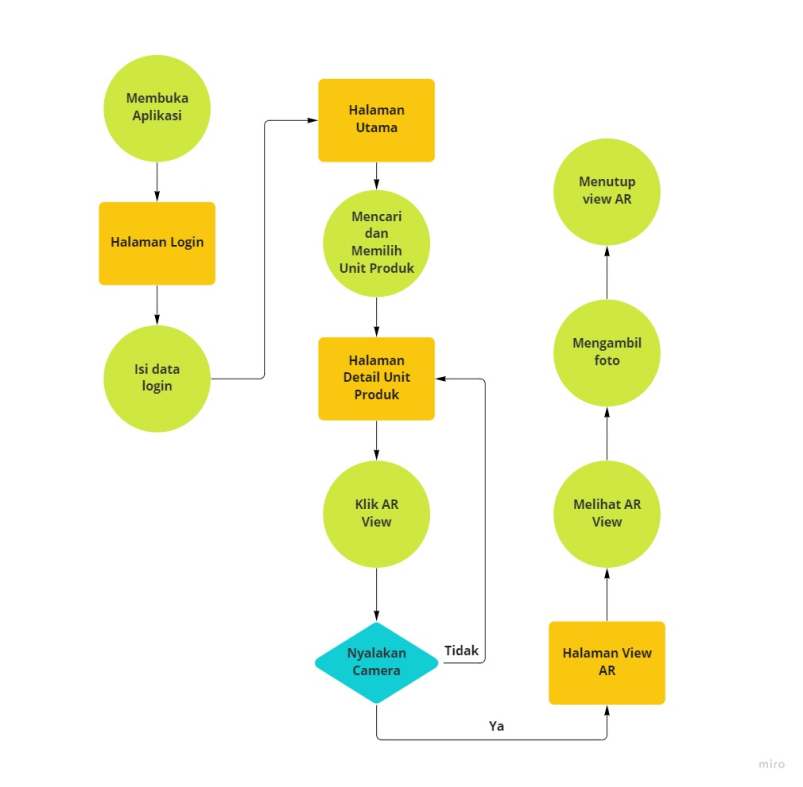
This app idea is to increase the user experience as a Komatsu customer when purchasing a unit.
Komatsu customers can only read products description details and provided picture without see the product in real-time if they don't come directly to the company.
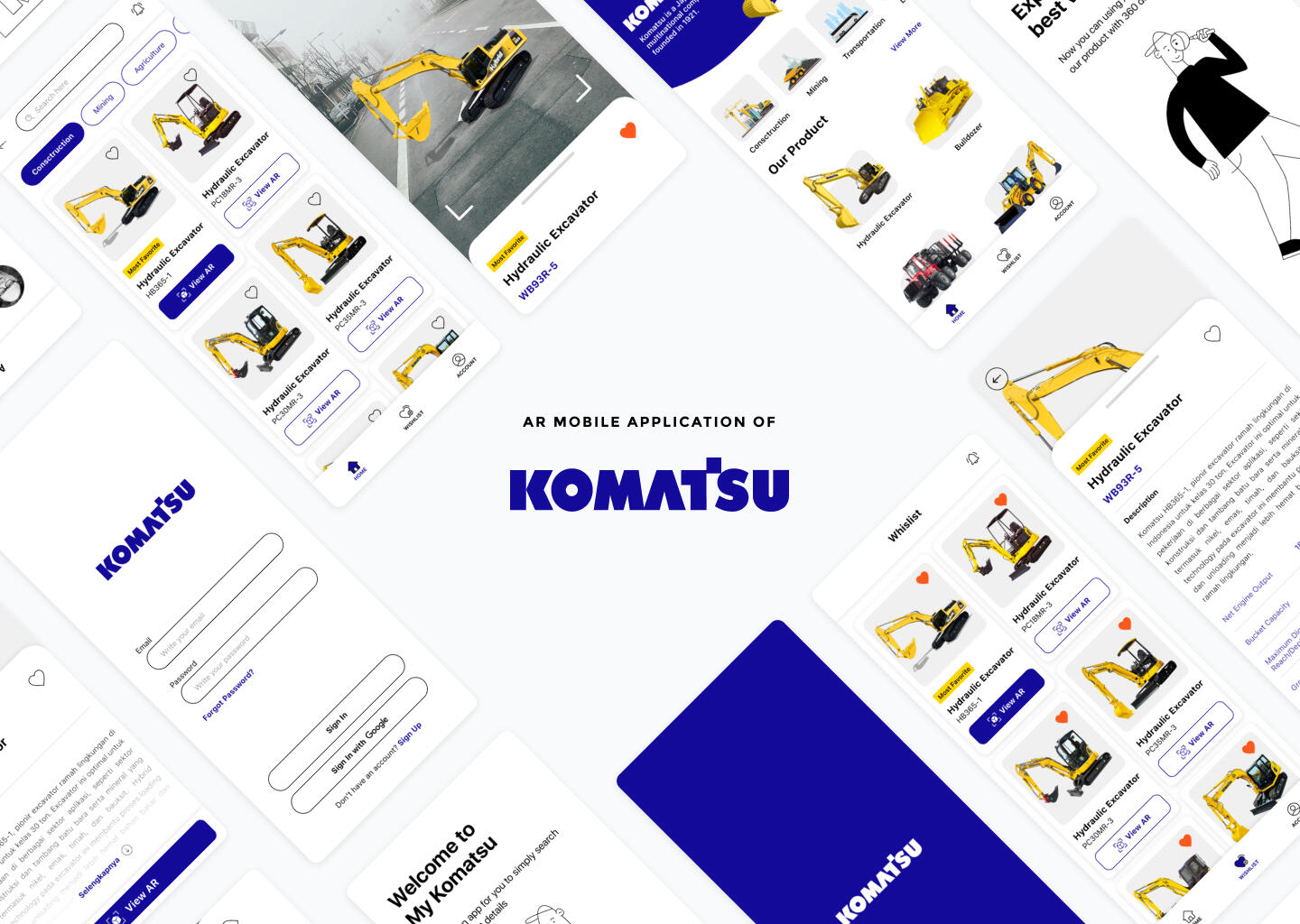
Created an app that can display Komatsu products as 3D real-time augmented reality objects.
Design Process

User Flow
Design System
Colors
Primary

Secondary

Typography

Iconography

Button
Primary Button
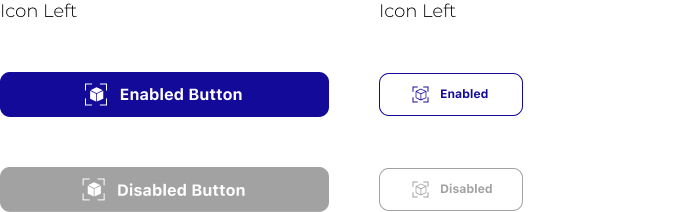
Secondary Button
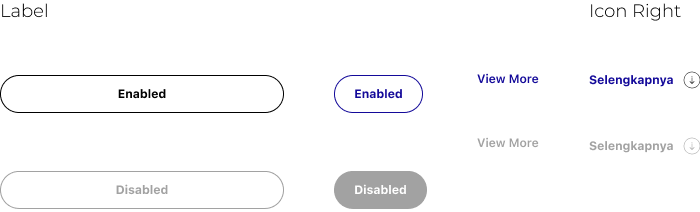
Bottom Navigation

Data Display/ Card
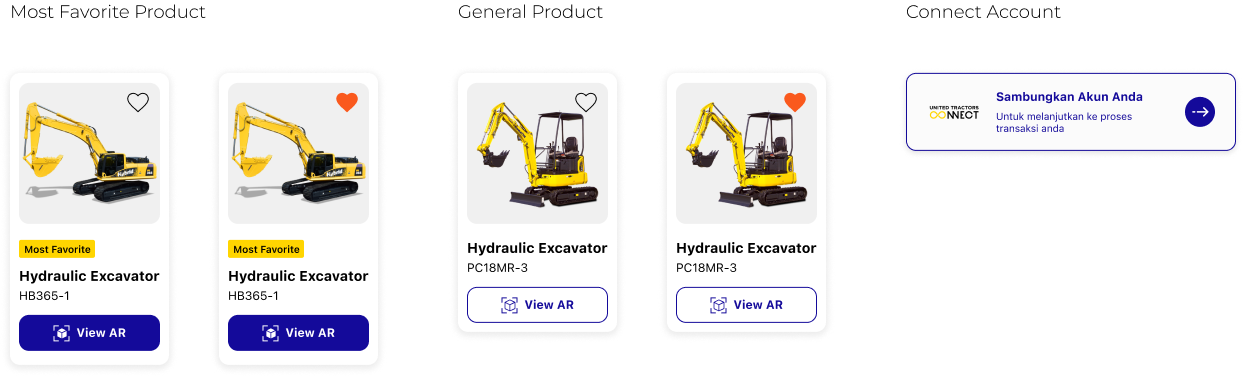
Illustration

Wireframes
Low Fidelity
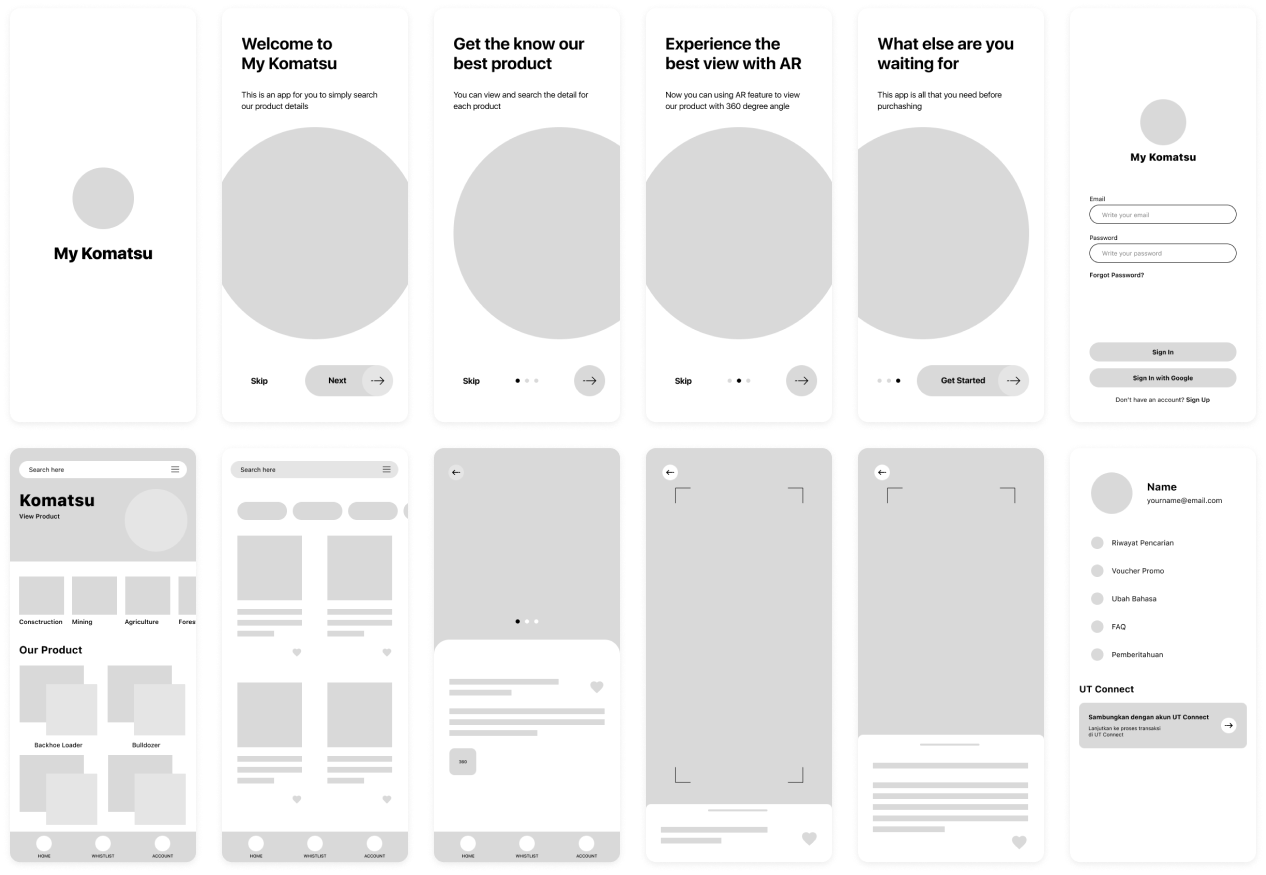
High Fidelity
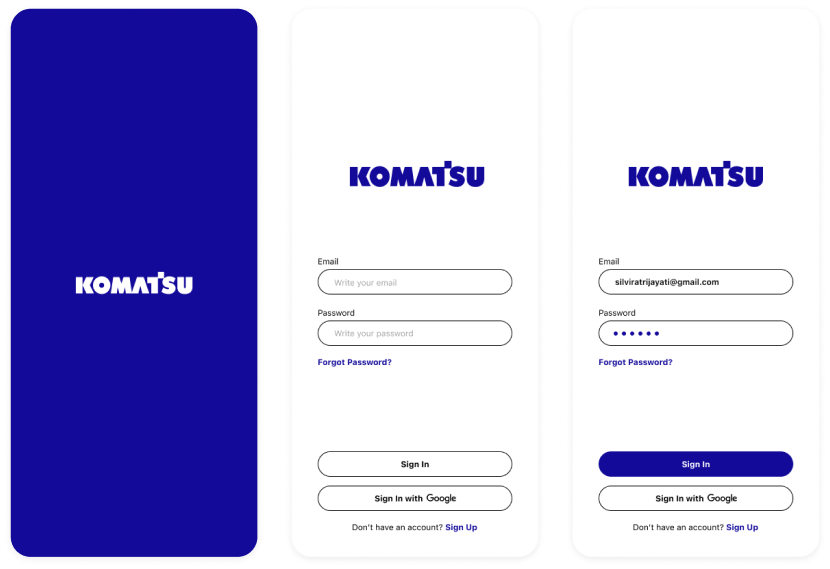
Splash Screen and Login Page
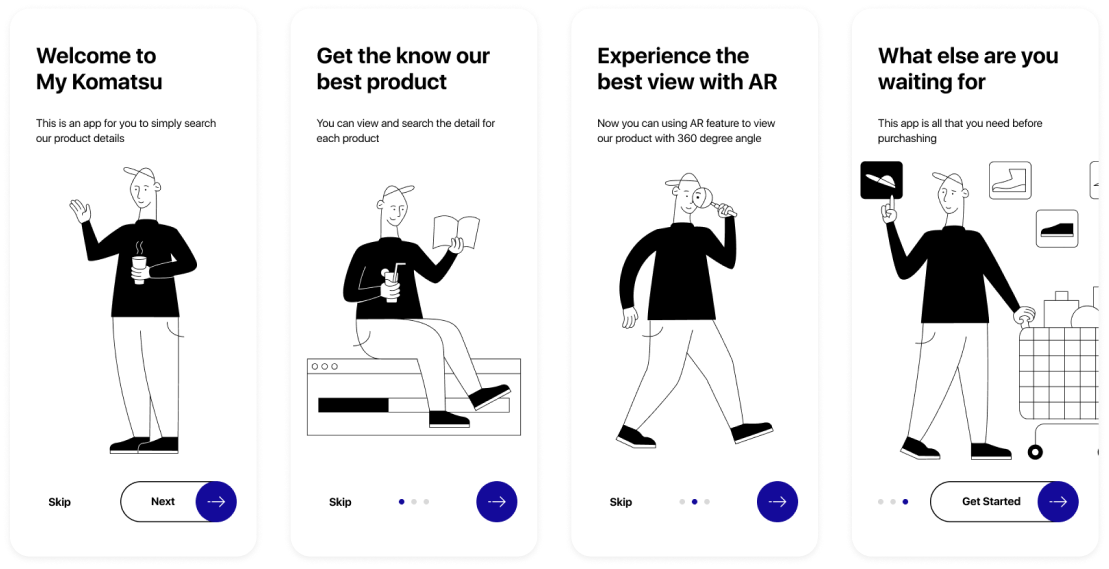
Onboarding Page
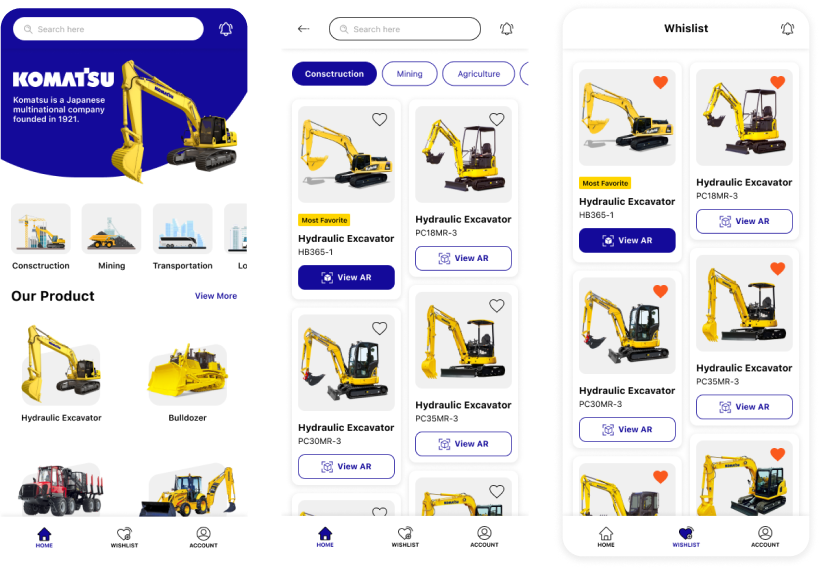
Home and Wishlist
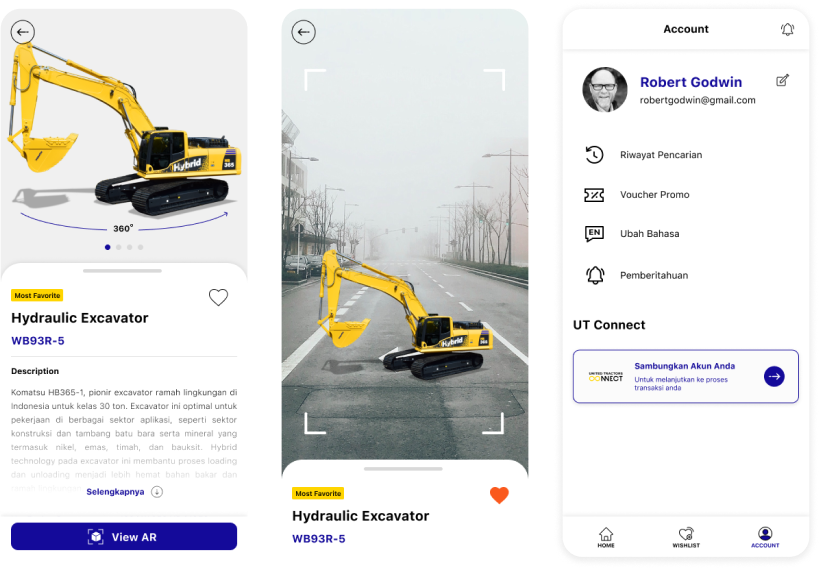
Detail Product and Profile Page
Prototype
Next Project

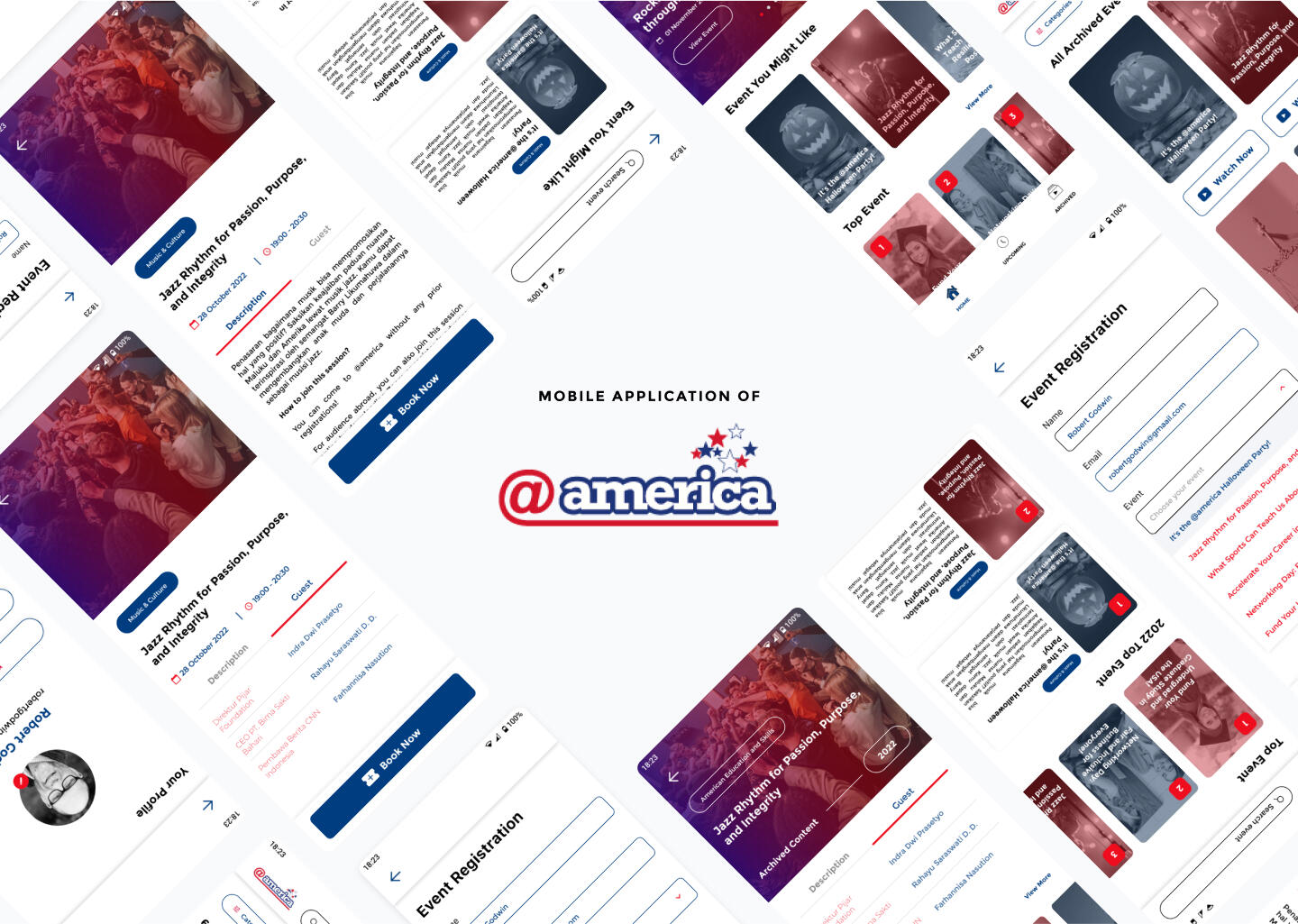
Archieve App
Scope of Work
Duration
Tools
Type of Project
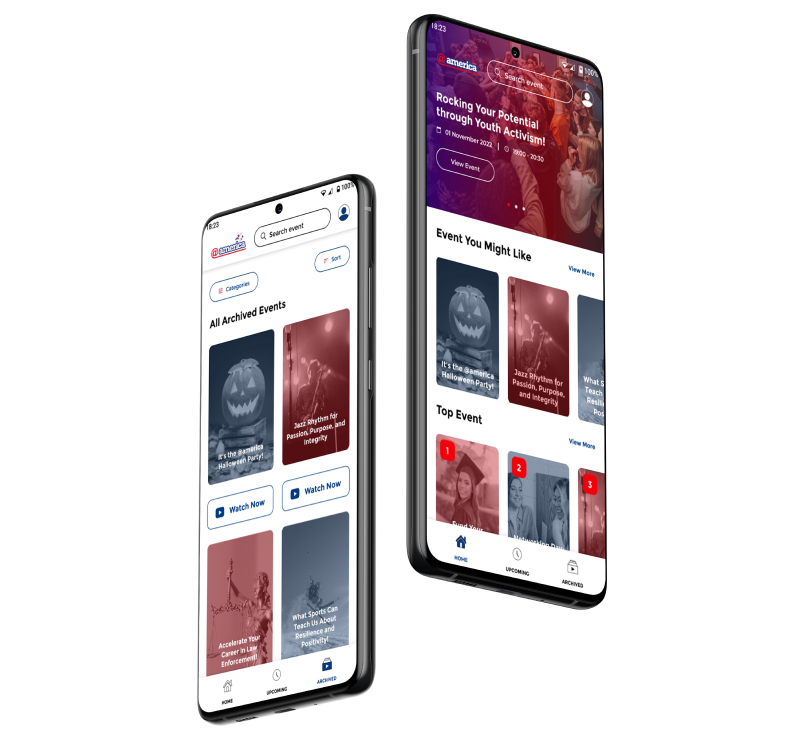
Table of content
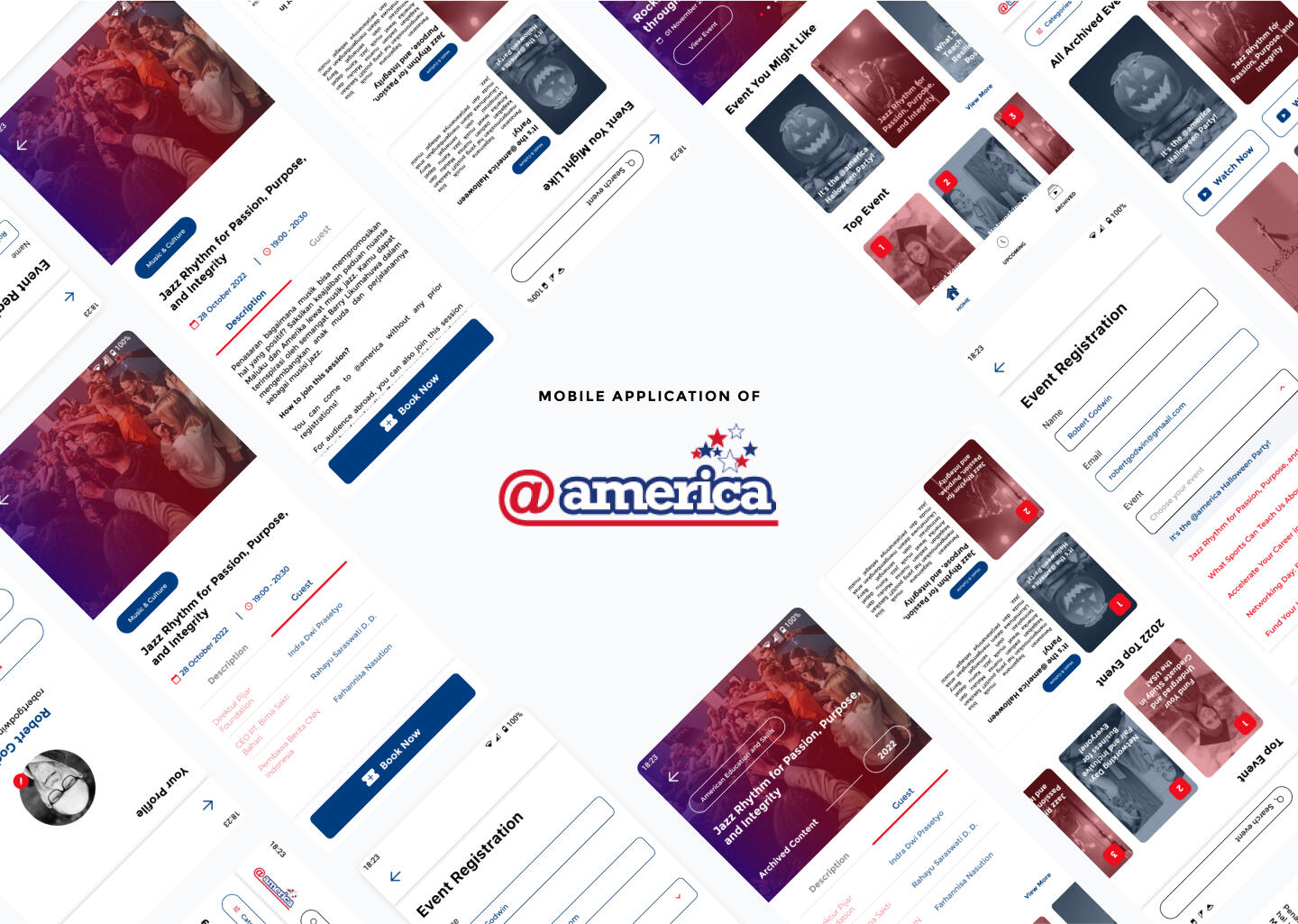
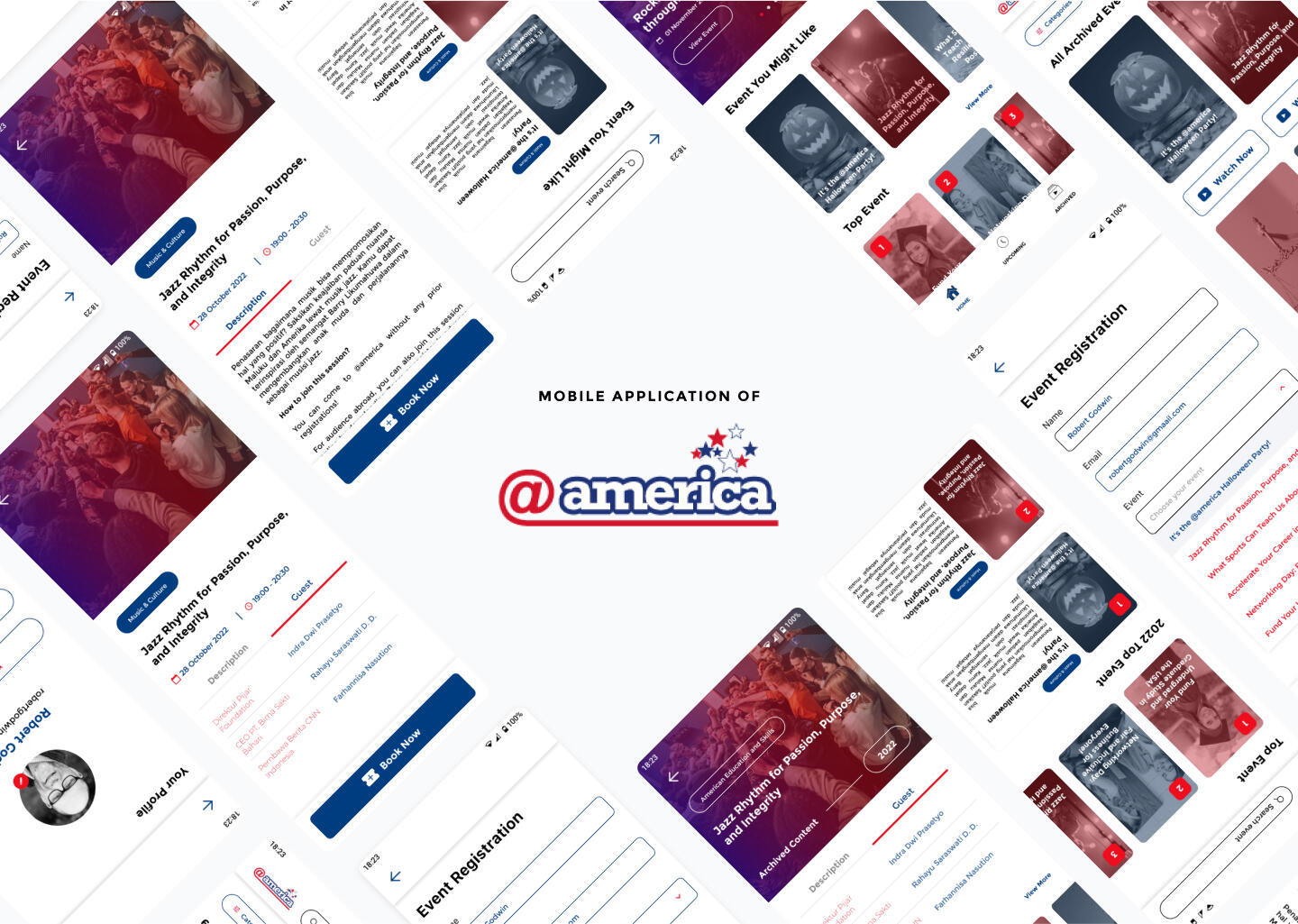
What is @america App?
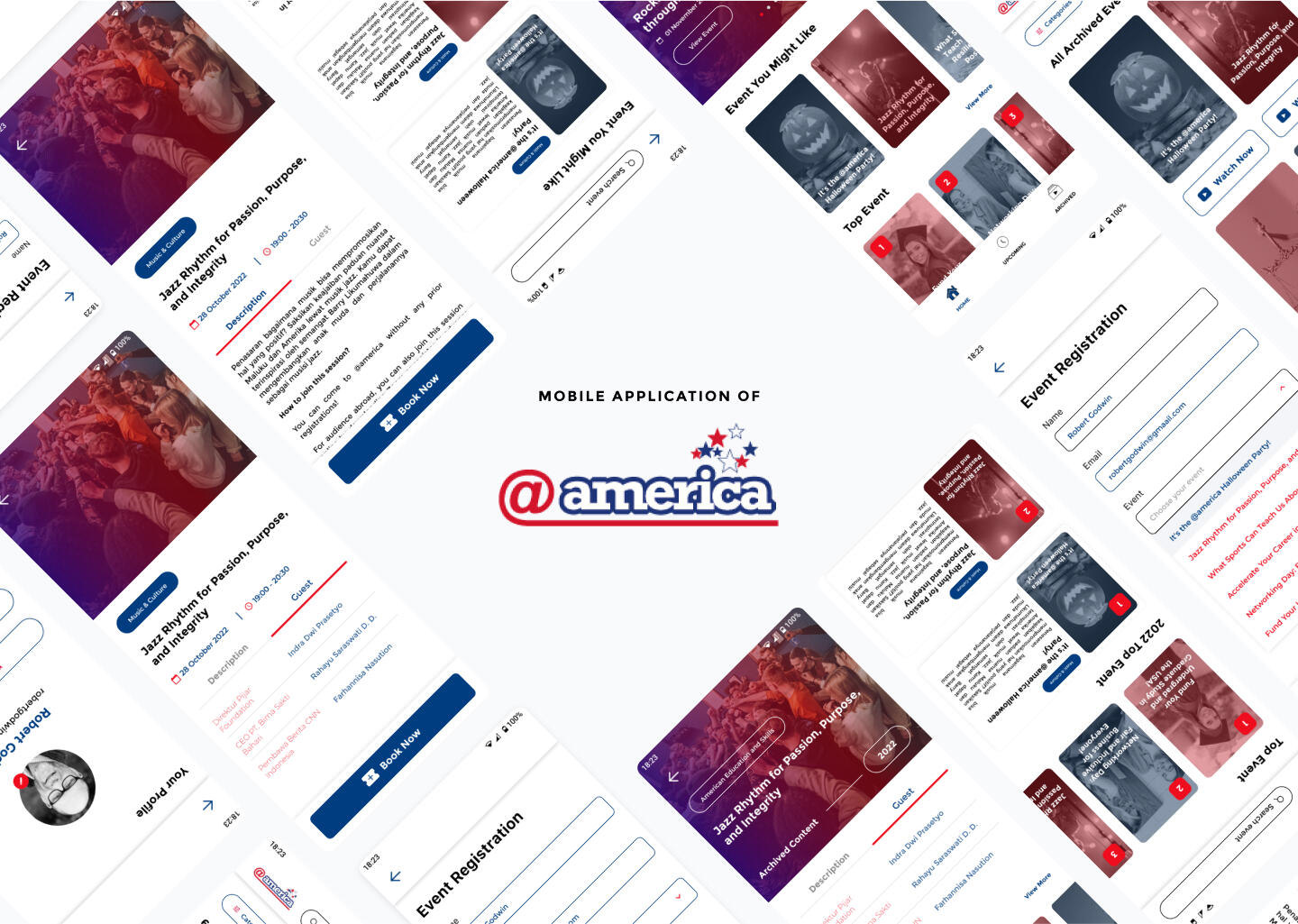
This app was created as an archive and booking app for events that will be held by @america (an organization under the US Embassy in Indonesia).
Users have difficulty finding past events that were held by @America, even though all of them are available on YouTube and website. In addition, the booking system is still using Google Forms, which require a manual barcode scan when entering the venue.
Developing a mobile app to create content’s archive with filters as well as provide easy booking access for upcoming events.
Design Process
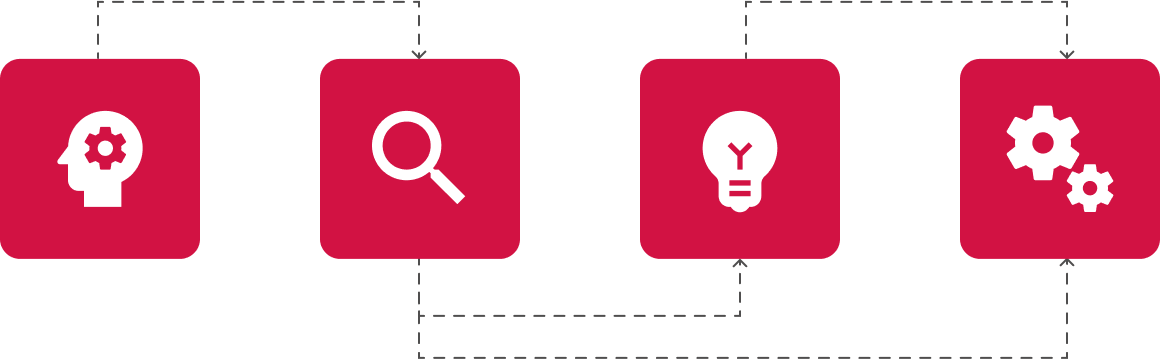

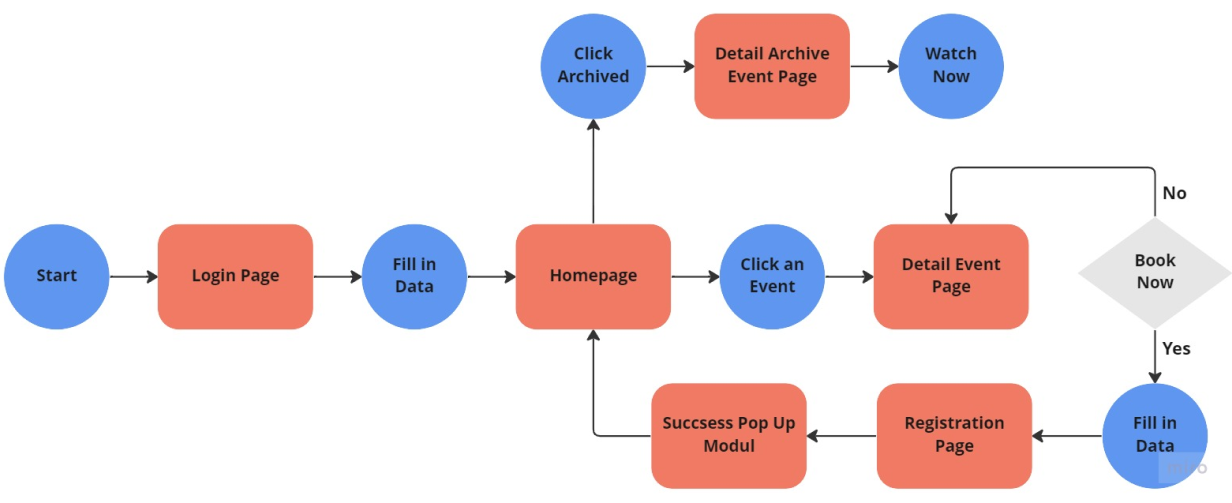
User Flow
Design System
Colors
Primary

Secondary

Typography

Iconography
Button
Primary

Secondary
Navigation/ Dropdown
Navigation/ Tabs

Bottom Navigation

Data Entry/ Checkbox

Data Entry/ Radio Button

Data Entry/ Input
Data Display/ Card
Feedback/ Message
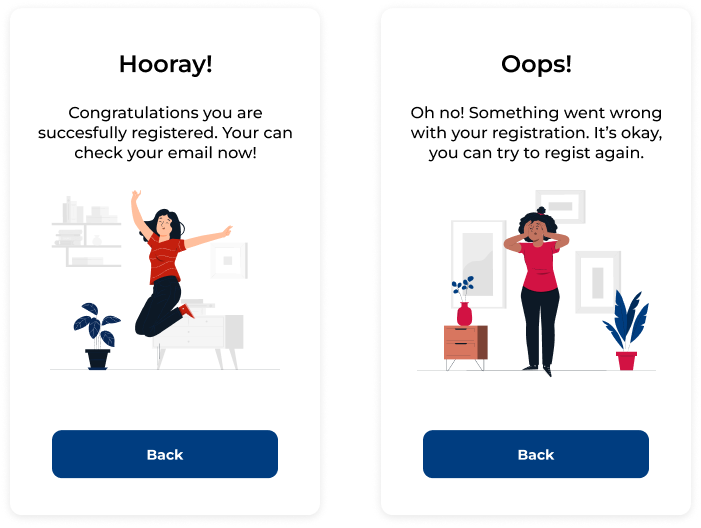
Illustration

Wireframes
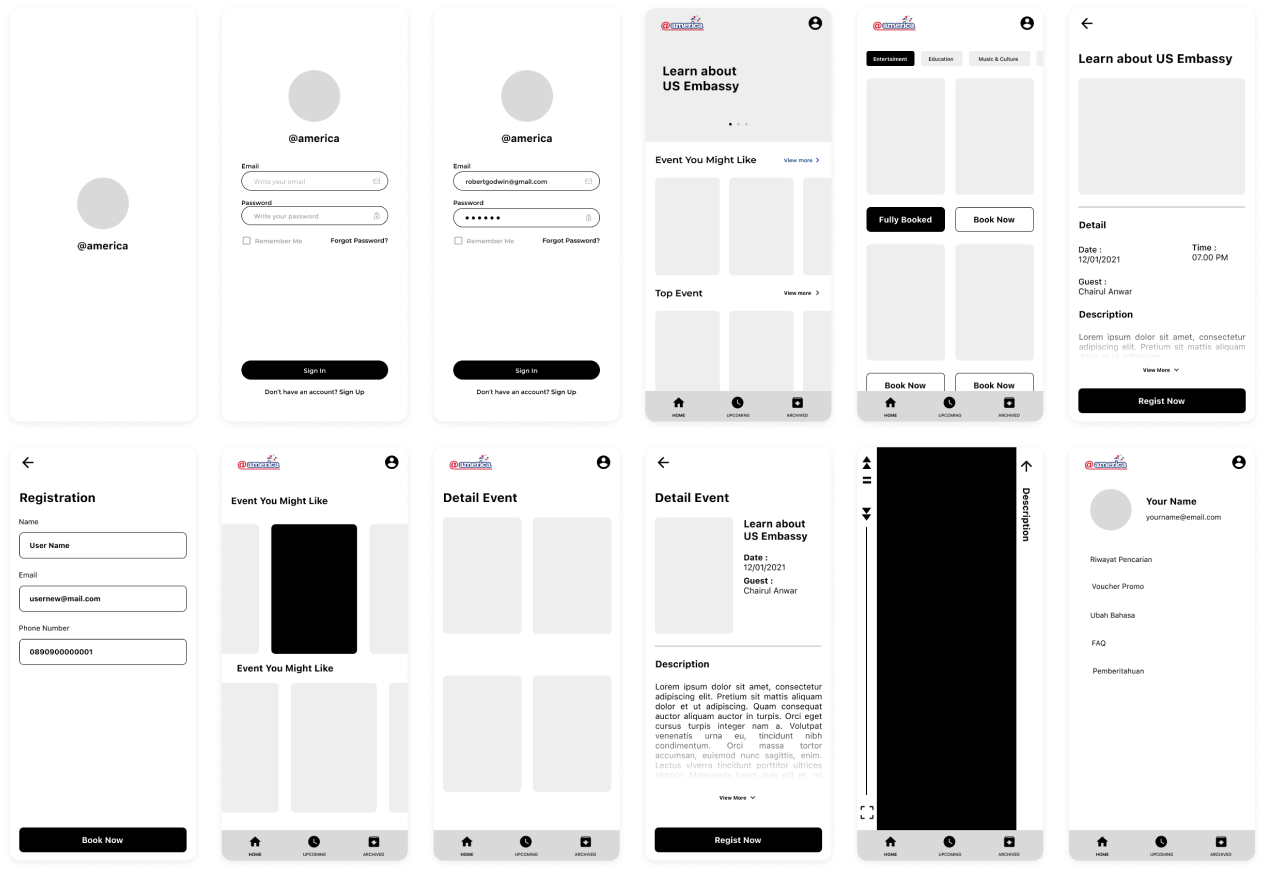
Low Fidelity
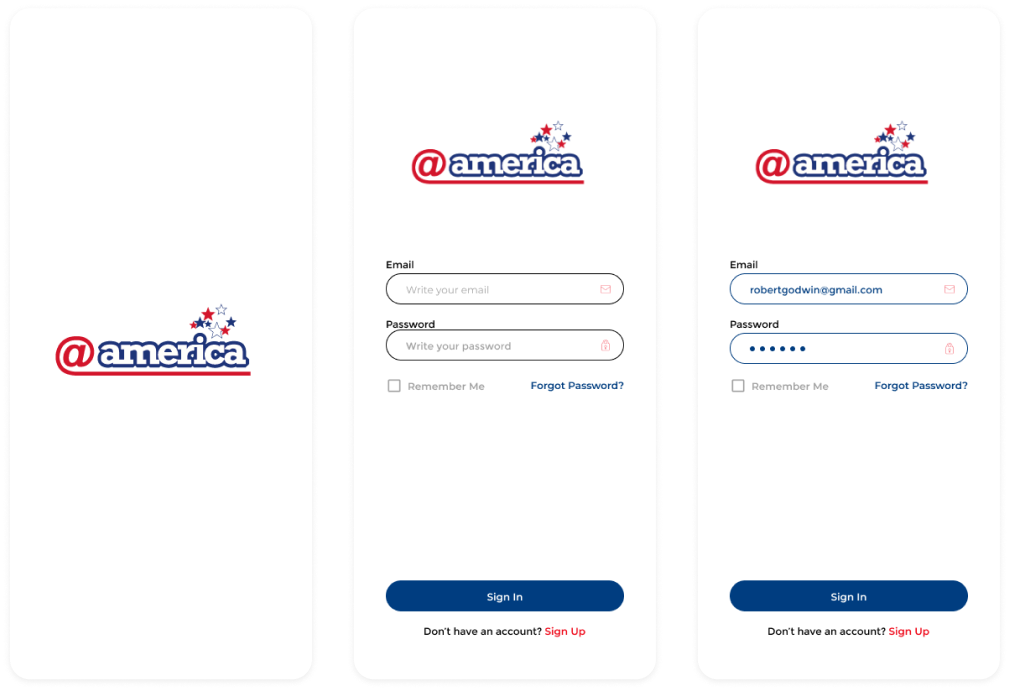
High Fidelity
Splash Screen and Login Page
Home Page
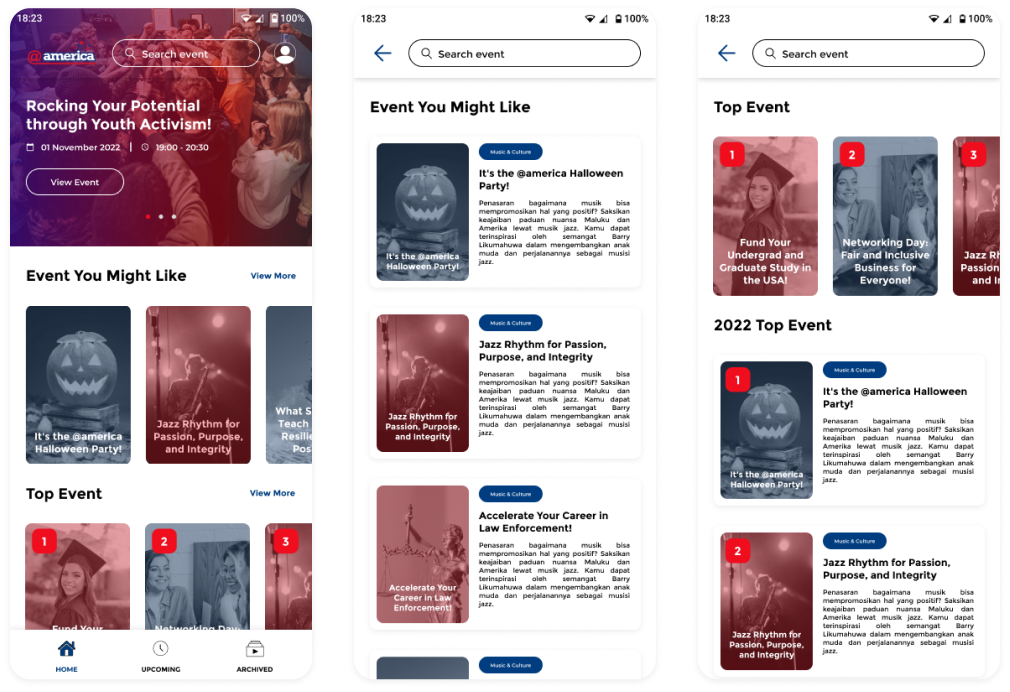
Upcoming Page
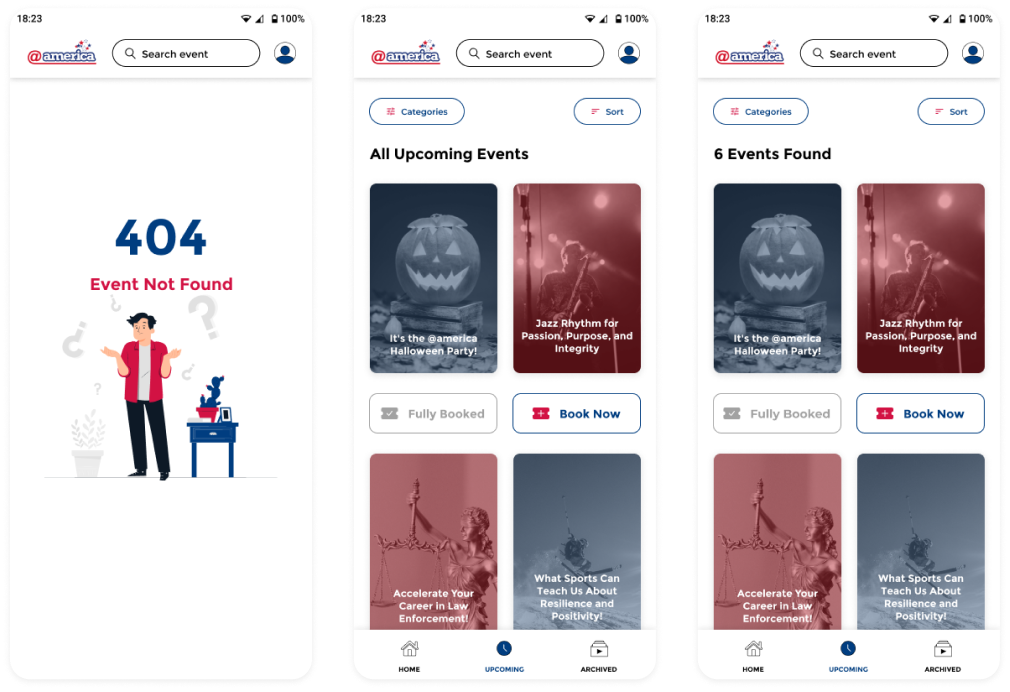
Archieved Page
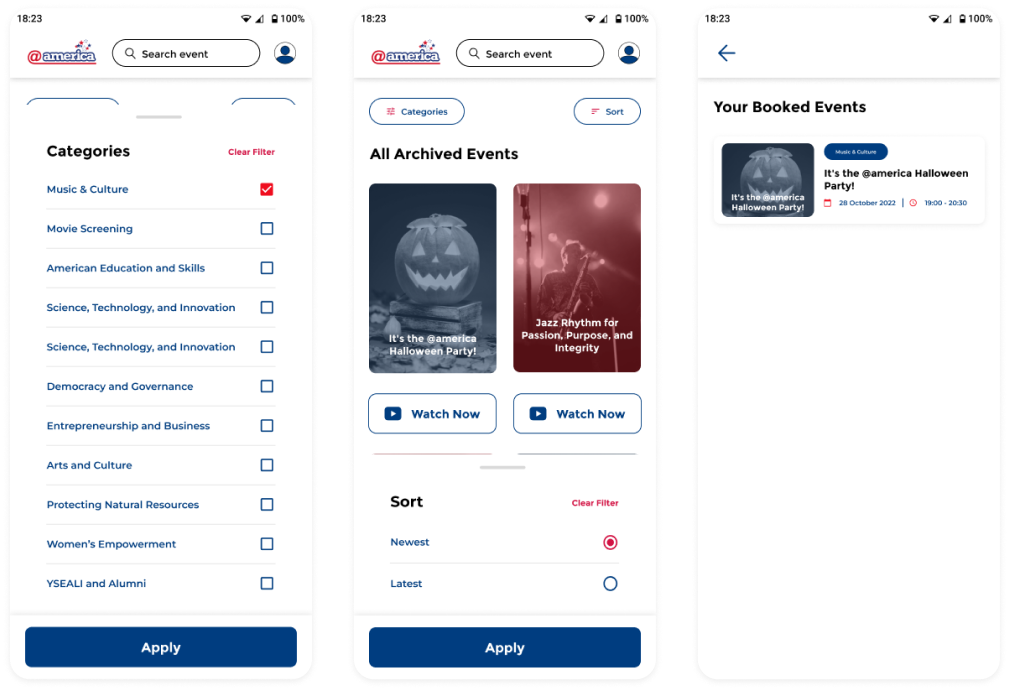
Booking Page
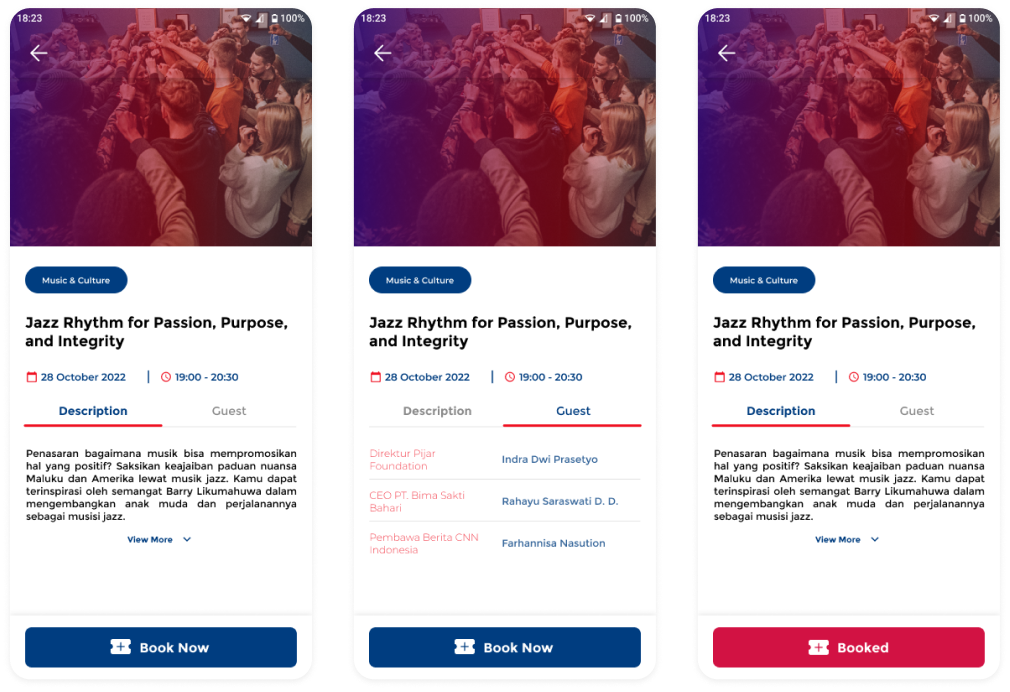
Registration Form
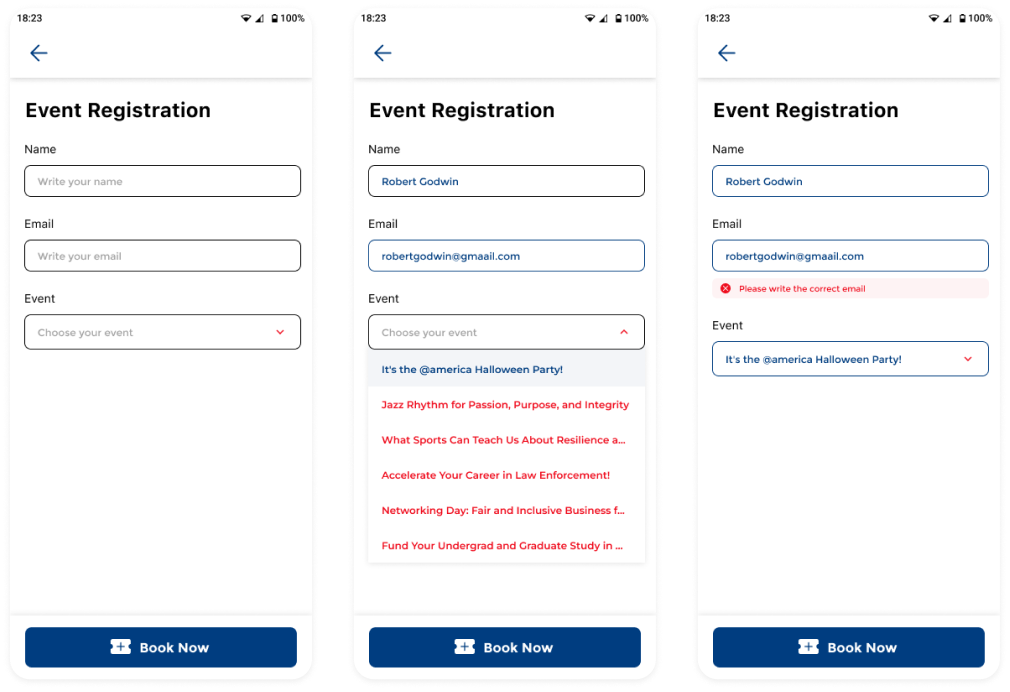
Profile Page
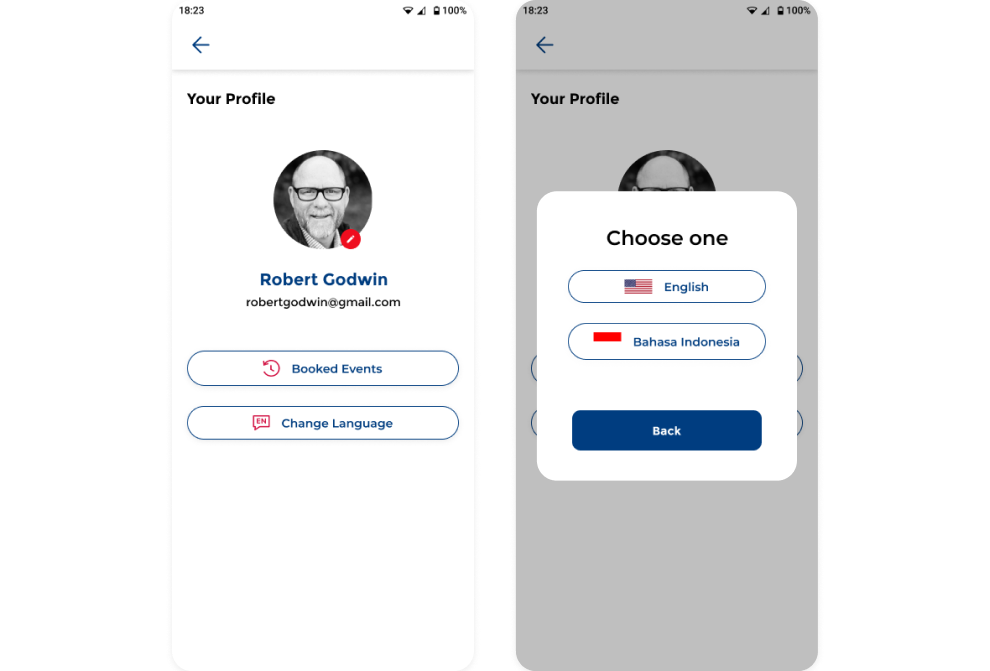
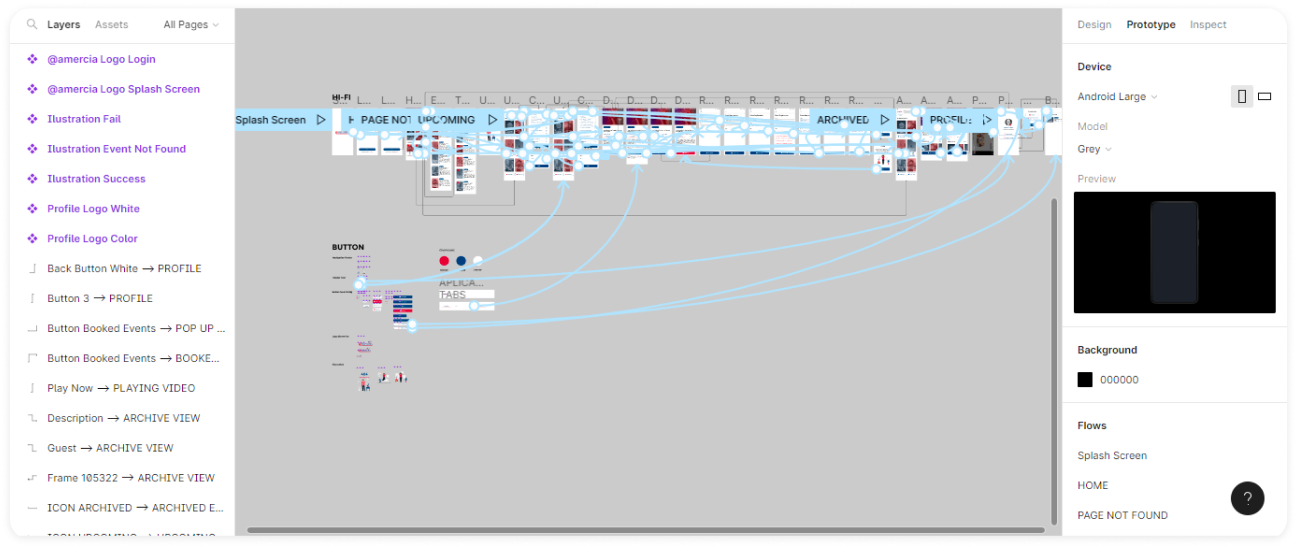
Prototype
Next Project
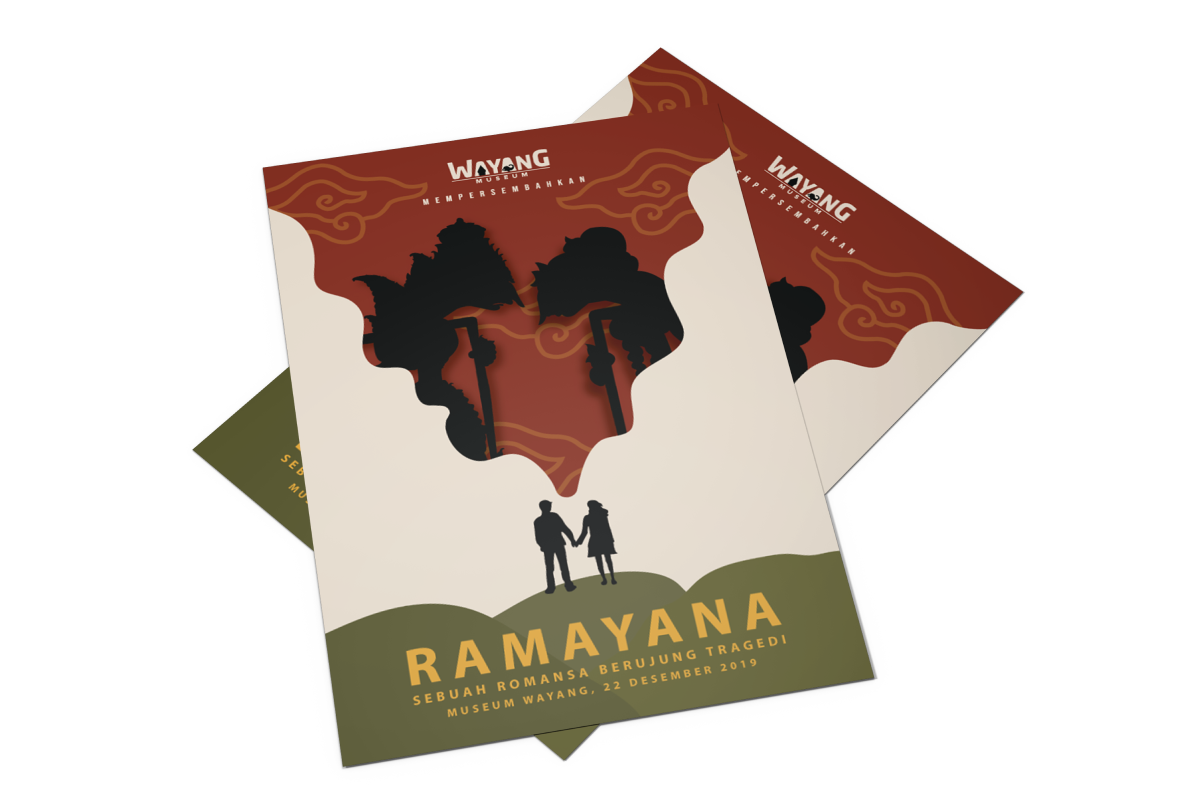
Poster
Branding
Social Media
United Tractors
Monello
Interval